By HBKPublished Last updated
Quick summary
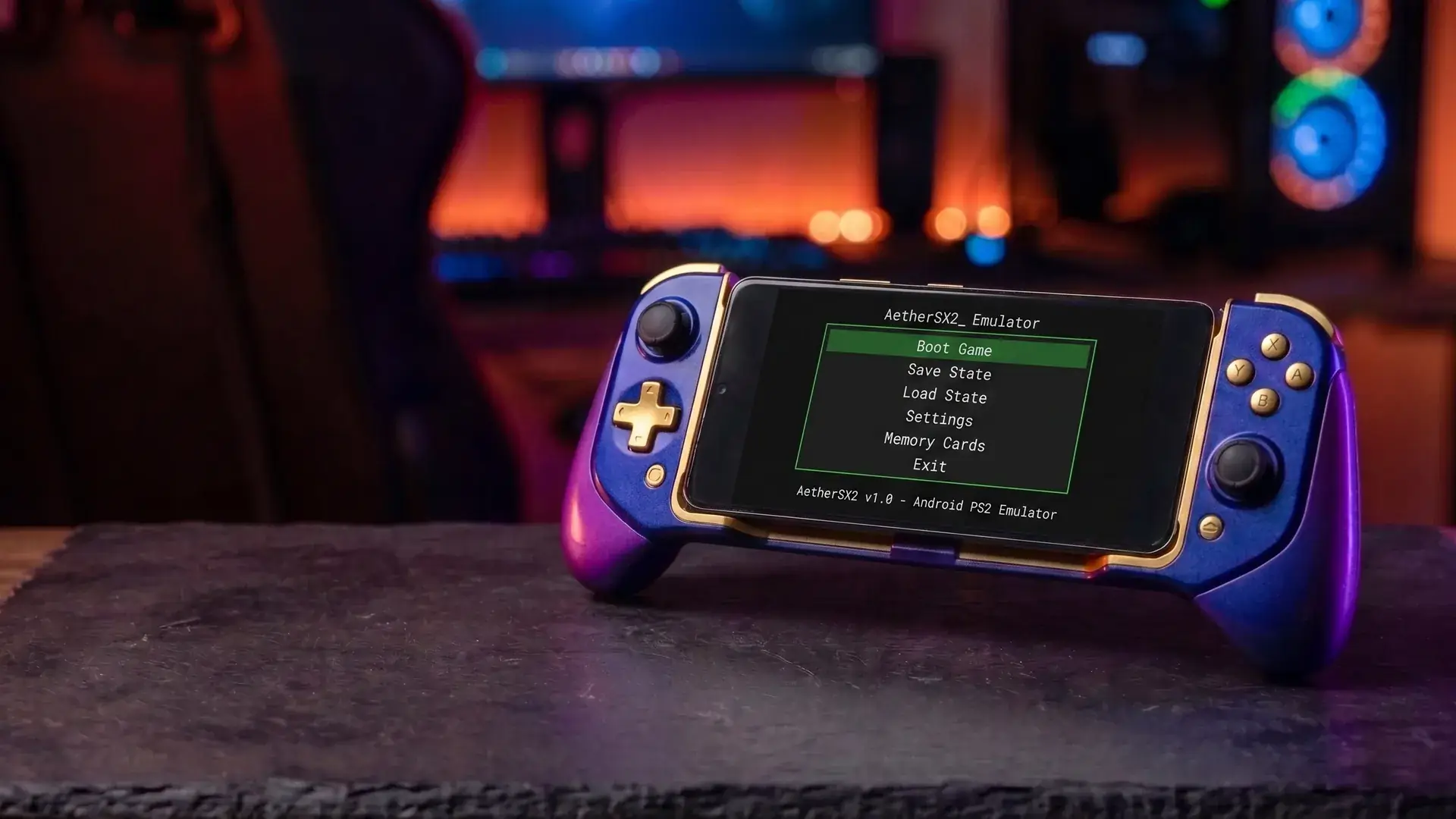
AetherSX2 BIOS is the PlayStation 2 firmware (~4 MB) that AetherSX2, NetherSX2, and PCSX2 all require before any game will boot. It is Sony's region-specific boot code, not part of the emulator APK.
- What it does: starts the Emotion Engine and Graphics Synthesizer, then hands a disc off to the game.
- Which region: match your discs — USA (NTSC-U / SCPH-70012), Europe (PAL / SCPH-70004), Japan (NTSC-J / SCPH-70000). A mixed folder usually runs on a USA dump.
- Legal copy: dump it from a PS2 you own (~20 minutes). The same .bin works on Android and desktop PCSX2.
- If import fails: the file must be exactly 4,194,304 bytes. Wrong region causes a black screen or PAL games that run fast with high-pitched audio.
BIOS Downloads by Region
Pick the region matching your games where possible: verify the SHA-256 checksum before use. We only host BIOS files for users who dump their own copy from hardware they own.
PS2 BIOS (USA) vSCPH-70012 (NTSC-U)
AetherSX2 / NetherSX2 / PCSX2 · 4 MB · No bundled installers, no adware
- SHA-256:
- c7628a01da23d7d38851aec8403e535581d0f2a781fee5b86b1c648b13a9970d
Always verify the checksum after downloading. We never repackage binaries — this is the unmodified community build.
PS2 BIOS (Europe) vSCPH-70004 (PAL)
AetherSX2 / NetherSX2 / PCSX2 · 4 MB · No bundled installers, no adware
- SHA-256:
- 8921e73006ac2c01922fcc7b76da6b9caed6b20fbd4e69f165635e18542de6ab
Always verify the checksum after downloading. We never repackage binaries — this is the unmodified community build.
PS2 BIOS (Japan) vSCPH-70000 (NTSC-J)
AetherSX2 / NetherSX2 / PCSX2 · 4 MB · No bundled installers, no adware
- SHA-256:
- c4dad3b5c6ad58bce70a47fc332602880f041c0338ac6be89061c928f6919ab1
Always verify the checksum after downloading. We never repackage binaries — this is the unmodified community build.
Table of Contents
What Is the PS2 BIOS?
The PlayStation 2 BIOS is the console's built-in firmware : roughly 4 MB of low-level code stored on a chip inside every PS2 that runs the instant you power the console on. It initializes the Emotion Engine and Graphics Synthesizer, presents the disc browser and system menus you see before a game loads, manages memory card access, and hands control over to the game once a disc spins up.
It is Sony's proprietary code, region-specific, and never distributed separately from a physical console: which is exactly why every legitimate emulation guide, including this one, tells you to dump it from hardware you own rather than download a copy.
Why AetherSX2 and PCSX2 Need It
Emulators like AetherSX2 and PCSX2 recreate the PS2's custom hardware: the Emotion Engine CPU, the Graphics Synthesizer, the sound processor: in software. What they don't (and legally can't) recreate is Sony's firmware itself. Without it, the emulator has silicon to pretend to be but no boot code to run first, so it has nothing to hand a game disc off to.
This is different from most other retro consoles. A Game Boy or Genesis emulator can boot cartridge software directly because those systems had comparatively little firmware to speak of. The PS2's BIOS handles enough real work: memory card formatting, disc authentication, system settings: that skipping it isn't an option.
NTSC-U vs PAL vs NTSC-J: What Actually Differs
The file you import is a dump of Sony firmware from one physical console. That console was sold in a region, so the firmware speaks 60 Hz NTSC or 50 Hz PAL and carries a model string like SCPH-70012. Games call BIOS services that assume those timings. Sony shipped three regional families; they are not interchangeable without speed, pitch, or region-lock side effects.
| Market | Typical model | Video | Guest refresh |
|---|---|---|---|
| USA / Canada | SCPH-70012 | NTSC-U | ~59.94 Hz / 480i |
| Japan | SCPH-70000 | NTSC-J | ~59.94 Hz / 480i |
| Europe / Australia | SCPH-70004 | PAL | 50 Hz / 576i |
Older fat models (SCPH-1xxxx / 3xxxx / 5xxxx) follow the same three families. The number is a hardware SKU, not a "better BIOS." AetherSX2 cares about region, not whether the shell was slim. Japanese NTSC-J is not a USA BIOS with different OS-browser language only: some JP exclusives expect JP firmware.
50 Hz PAL versus 60 Hz NTSC
PAL games were timed in 50 Hz frames. Run them under NTSC firmware and many titles play about 17–20% fast, pitch music up, and break rhythm minigames. That is the same PAL-on-NTSC behavior as real hardware, not an AetherSX2 speed hack. If Final Fantasy X hymns sound chipmunked, check region before you touch EE cycle rate. An NTSC disc on PAL BIOS may letterbox or run slow. Match dump to disc when you can.
Borders, pitch, and speed that look like bugs
PAL 576i is taller than NTSC 480i. Lots of PAL ports pad black bars rather than redesign UI. No BIOS toggle removes that; a few games have no-border patches in NetherSX2's set or via widescreen files. Black bars on NTSC games usually mean aspect stretch or a 4:3 image on a 16:9 phone: display settings, not PAL firmware. If speed is low and the overlay shows 70% FPS, you are CPU bound (slow-motion gameplay), not in the wrong region.
Picking one BIOS for a mixed library
Practical default for a mostly North American CHD folder: USA SCPH-70012. It boots the broadest set without region-lock messages. If your folder is mostly European discs, import PAL and accept 50 FPS as 100% speed. AetherSX2 does not hot-swap BIOS per game as smoothly as some desktop setups: switching dumps means Import again. For one PAL holdout in an NTSC library, keep a second .bin and swap when you play it, or live with PAL-speedup on that title.
Files that are not BIOS
Slim vs fat: interchangeable for emulation if the region matches. Do not import PS1 BIOS files, random "BIOS + games" zips, or a 2 KB bios.bin. ROM1 / EROM extras some dumpers also grab are optional; AetherSX2 boots without them for most games. The main .bin should be exactly 4,194,304 bytes.
The dump that boots every USA CHD on this POCO F3 is named SCPH-70012.BIN and is 4,194,304 bytes. A PAL FFX disc on that USA BIOS in Full Boot stopped at the PS2 menu. Fast Boot skipped the logo and still ran pitch-up audio until the matching European firmware was imported. Firmware behavior is documented on the PCSX2 BIOS wiki. Dump from a console you own.
How to Dump Your Own BIOS Legally
The community-standard method uses Free McBoot (FMCB), a homebrew exploit installed onto an 8MB (or larger) PS2 memory card. It requires no console modification or soldering and is fully reversible: you're not voiding anything.
You'll need:
- Your PS2 console (fat or slim, any model)
- A memory card with Free McBoot installed
- A USB flash drive (64MB-32GB) formatted to FAT32
- A BIOS dumper homebrew tool loaded via uLaunchELF
- About 20 minutes
- Insert the FreeMCBoot memory card and power on the PS2.
- From the Free McBoot menu, launch uLaunchELF.
- Plug in your FAT32-formatted USB drive; uLaunchELF should detect it as a mass storage device.
- Run the BIOS dumper tool through uLaunchELF and point the output at your USB drive.
- The dumper extracts your console's exact BIOS (matching whatever region your specific console shipped with) directly to the USB drive as a .bin file, roughly 4 MB.
The exact tools you'll want are Free McBoot 1.966 or later on the memory card, uLaunchELF (as the file manager) and biosdrain.elf (as the dumper) on the USB drive: all three are freely distributed community homebrew and easy to find with a plain search.
Installing the BIOS in AetherSX2, NetherSX2, and PCSX2
- Transfer your dumped SCPH-XXXXX.bin to your phone (USB cable or a cloud drive works) or your PC.
- On Android: open AetherSX2 or NetherSX2, go to Settings → BIOS → Import BIOS, and browse to the .bin file.
- On desktop: drop the file into PCSX2's
biosfolder and select it under Settings → BIOS. - The emulator activates the BIOS and it appears in the BIOS list. You're done: one dump works everywhere.
Fixing Common BIOS Errors
"BIOS not found" or "Invalid BIOS": almost always a truncated or corrupted file. A genuine BIOS is exactly 4,194,304 bytes: if yours is smaller, the transfer or dump was incomplete. Re-copy over a direct USB connection rather than a lossy method, or re-dump from your console.
Game boots to a black screen or freezes on the BIOS logo: usually a region mismatch between the disc and the BIOS. Switch to the BIOS matching the game's own region.
Audio pitch sounds wrong or gameplay feels too fast: classic PAL-on-NTSC-BIOS speedup: see the regions section above. Switch to a PAL BIOS for PAL discs.
Emulator won't accept the file at all: confirm the file extension is .bin and that you selected the correct file if your dump also produced companion files (.nvm, .rom1, .erom): import only the main BIOS .bin.
Frequently Asked Questions
Is downloading a PS2 BIOS legal?
In most jurisdictions, no: the BIOS is Sony's copyrighted firmware, and downloading a copy someone else extracted infringes that copyright regardless of whether you own a PS2. The lawful route is dumping it yourself from a console you own, which takes about 20 minutes with free homebrew tools (FreeMCBoot plus a BIOS dumper) and produces a file you're legally entitled to use.
Which BIOS region should I use?
Match the BIOS to your games where possible: SCPH-70012 (USA/NTSC-U) for North American titles, SCPH-70004 (Europe/PAL) for European releases, and SCPH-70000 (Japan/NTSC-J) for Japanese imports. If your library is mixed, the community consensus is that a USA BIOS boots the widest range of games without region-lock issues, at the cost of PAL titles running in 60Hz mode instead of their native 50Hz.
Why does my PAL game run too fast or have weird music pitch on a USA BIOS?
PAL games were built around a 50Hz refresh cycle; run them under a USA (NTSC) BIOS forcing 60Hz and unoptimized titles play about 20% faster with higher-pitched audio. This is the same PAL-speedup effect PS2 owners saw on real hardware. Switching to a PAL BIOS restores the correct timing, or you can use your emulator's frame-limiter/force-60Hz patches if one exists for that game.
What causes black bars (letterboxing) on PAL games?
PAL's native resolution is 576i versus NTSC's 480i. Many PAL game ports never adjusted their aspect ratio for the taller frame, so the developers padded the extra lines with black bars rather than stretching the image. This is baked into the game's video output, not something the BIOS or emulator settings can remove: some individual game widescreen/no-border patches exist, which NetherSX2's patch set includes for a number of titles.
Does the same BIOS work in AetherSX2, NetherSX2, and PCSX2?
Yes: a BIOS dump is just data, not tied to any specific emulator. Copy the same .bin file to your Android device's AetherSX2/NetherSX2 folder and to PCSX2's bios folder on desktop, and both read it identically.
Where do I put the BIOS file in AetherSX2 or NetherSX2?
Open the emulator, go to Settings → BIOS → Import BIOS, then browse to your .bin file. The emulator copies it into its own storage and confirms activation immediately: you only do this once per device.
Why does my emulator say "BIOS not found" or "Invalid BIOS"?
The two most common causes are a truncated file (anything other than exactly 4,194,304 bytes means the transfer or dump was incomplete) and picking up a corrupted or fake BIOS from an untrustworthy site. Re-dump from your console or re-copy the file over USB rather than a lossy transfer method, and verify the file size before importing.
Can I use a BIOS from a slim PS2 instead of a fat PS2?
Yes. Slim (SCPH-7XXXX/9XXXX) and fat (SCPH-1XXXX/3XXXX/5XXXX) consoles run functionally equivalent BIOS revisions for the same region: an emulator can't tell the difference. What matters is the region (USA/PAL/Japan), not the console generation.
Can I keep three BIOS files installed at once?
AetherSX2's Import BIOS button activates one dump at a time. You can store USA, PAL, and Japan .bin files on the phone and re-import when you switch libraries. Per-game properties cannot replace firmware.
Does NetherSX2 add a region-free BIOS?
No. NetherSX2 uses the same Sony firmware requirement. It may include game patches that help specific PAL titles, but it does not unlock region checks in the BIOS itself.
Why does a Japan BIOS fail a US game?
Region checks live in the disc plus firmware pair. Use USA firmware for USA discs and Japan firmware for NTSC-J exclusives. A USA dump is the practical default for a mixed North American folder, not a universal key.