
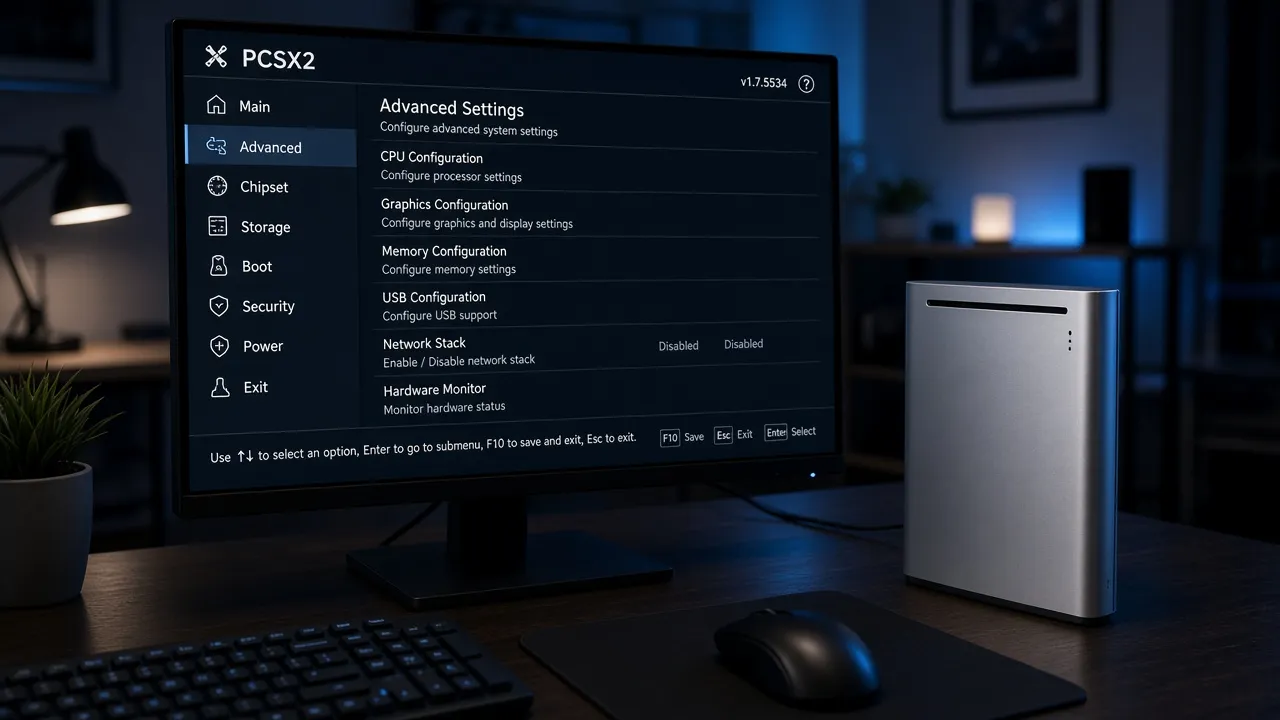
which ps2 bios to use
Which PS2 BIOS to Use for PCSX2 and Android Emulators
By HBKPublished Last updated
Tested on: PCSX2 Qt on Windows 11; POCO F3, AetherSX2 v1.5-4248
Quick summary
Which PS2 BIOS to use depends on region, not the emulator brand.
Match USA, PAL, or Japan to your games. For most English libraries, use USA SCPH-70012. That file is about 4 MB. Exact size: 4,194,304 bytes.
The same .bin works in PCSX2, AetherSX2, and NetherSX2. BIOS is firmware. It is not a game ISO.
- BIOS vs ROM: firmware is about 4 MB; a game ISO or CHD is hundreds of MB or more
- Best default: USA NTSC-U SCPH-70012 (also called bios ps2 usa or ps2 american bios)
- PCSX2: put the file in the
biosfolder, then select it in Settings → BIOS - Android: import once in the app; phone steps: AetherSX2 BIOS setup
- Downloads: regional files and checksums on the PS2 BIOS page
First: PS2 BIOS vs ROM (or ISO)
You download a huge “PS2 pack.” Games still will not boot.
Why? The pack had ISOs. It never included working firmware.
Searches for ps2 bios rom and bios rom ps2 mash two ideas together. Keep them separate so you know what to download.
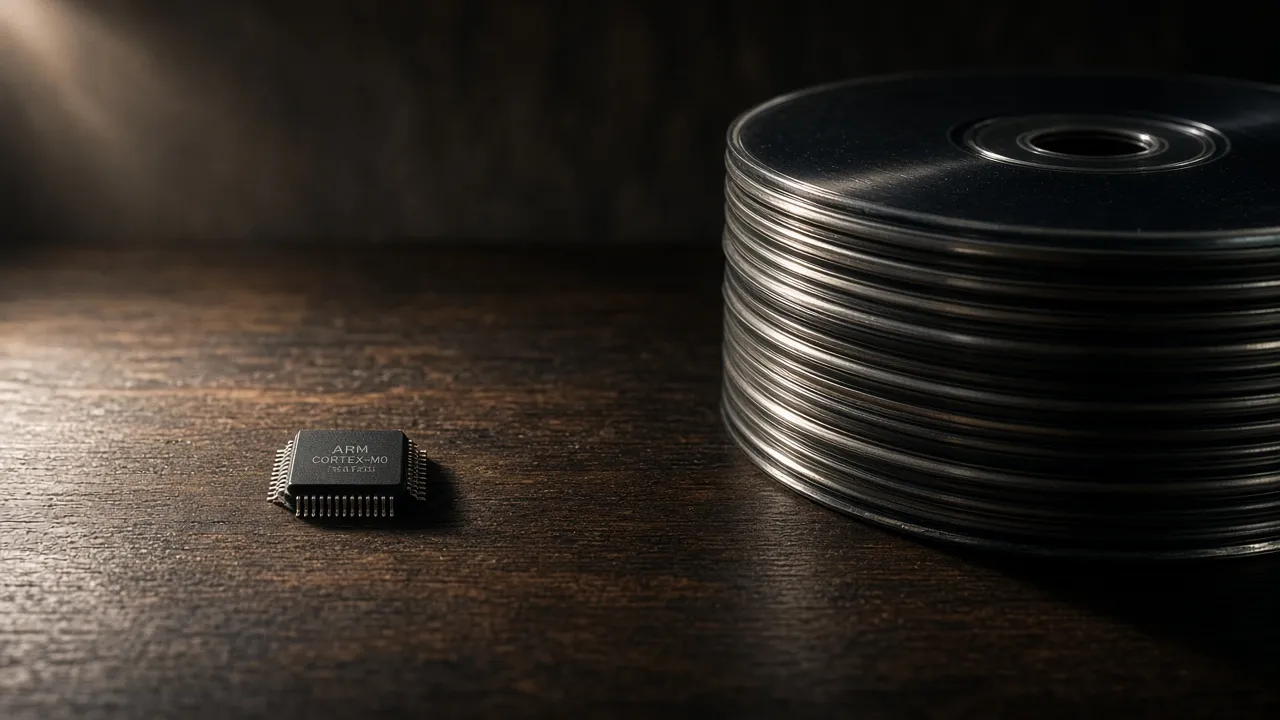
BIOS is console firmware. It is one small .bin file per region. Size is about 4 MB. Exact size is 4,194,304 bytes.
ROM (in casual talk) is a game disc image. That means ISO, CHD, or a similar rip. Those files are hundreds of megabytes to several gigabytes. Searches for bios iso ps2 often mean this game file by mistake.
Emulators need both. Firmware starts the virtual PS2. The game file is what you play.
How to tell them apart
Open file size first. Size is the fastest check.
- About 4,194,304 bytes → almost always BIOS.
- 700 MB or more → almost always a game.
Names can lie. A 2 GB file called bios.iso is still a game rip. Trust the byte count, not the filename.
Coolrombios and mixed packs
Coolrombios-style pages often list firmware next to unrelated files. Treat those pages as untrusted catalogs.
Prefer a dump from hardware you own. Or use a checksum-checked file from the PS2 BIOS hub.
Never assume a game ISO replaces BIOS. Never assume a BIOS pack includes your games.
One regional dump covers many games. You do not need a new BIOS for each title.
Next: which region (the “best” BIOS)
You do not need a different firmware file for every game.
You need the right region. Ask one question: where were most of your discs sold?
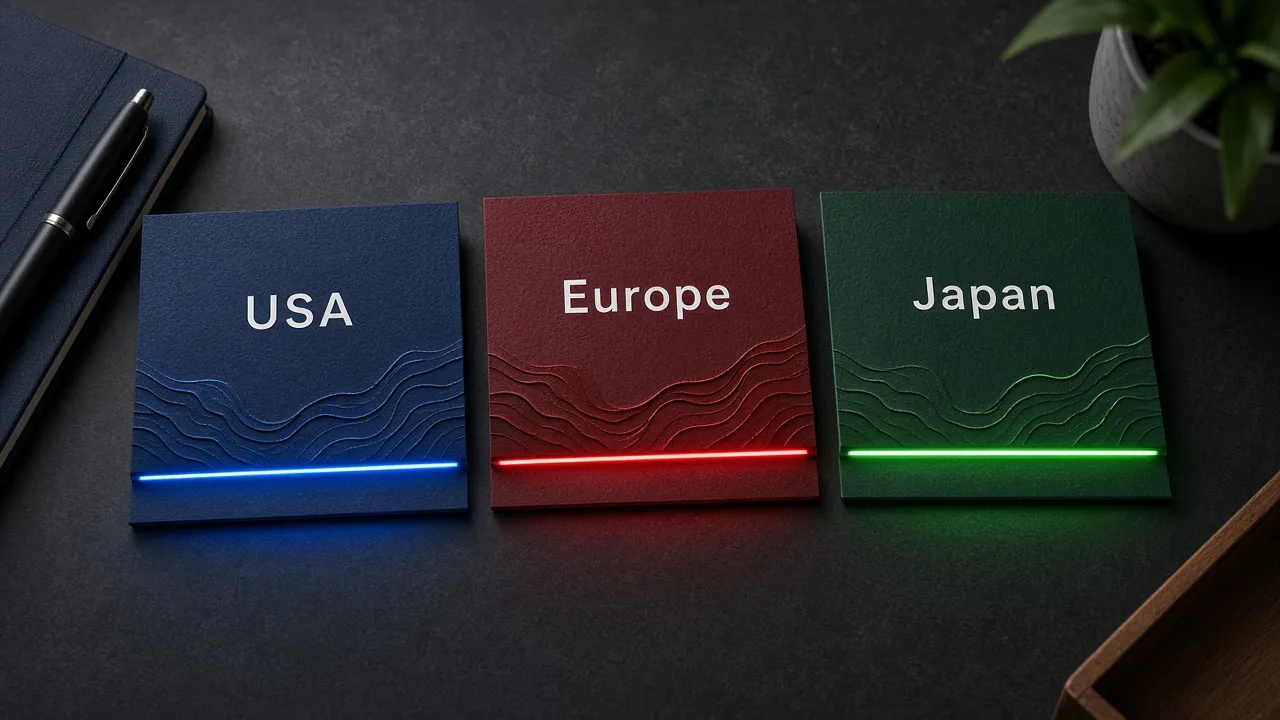
- Mostly North America or English NTSC rips → USA (SCPH-70012).
- Mostly Europe or Australia → PAL (SCPH-70004).
- Mostly Japanese imports → Japan (SCPH-70000).
That answer is the best ps2 bios choice for your library. It is also what people mean by best bios for ps2 and best bios ps2.
Why USA is the default “best”
For a mixed English folder, best bios for pcsx2 and best bios pcsx2 usually means USA SCPH-70012.
It boots the widest set of NTSC-U games without region-lock messages. That is why it is the safe default for most beginners.
PAL discs on a USA dump may run fast. That is a timing mismatch, not a bad install. Switch to a PAL dump for those titles if pitch or speed feels wrong.
Best ps2 bios for android follows the same rule. The phone uses the same regional .bin. There is no special Android-only firmware.
USA BIOS in detail (SCPH-70012) {#usa-bios}
Bios ps2 usa is the North American NTSC-U dump.
If your games came from the US or Canada, this is the family you want. Most English “NTSC” rips also belong here.
The ps2 usa bios name you will see
| Label you see | What it is |
|---|---|
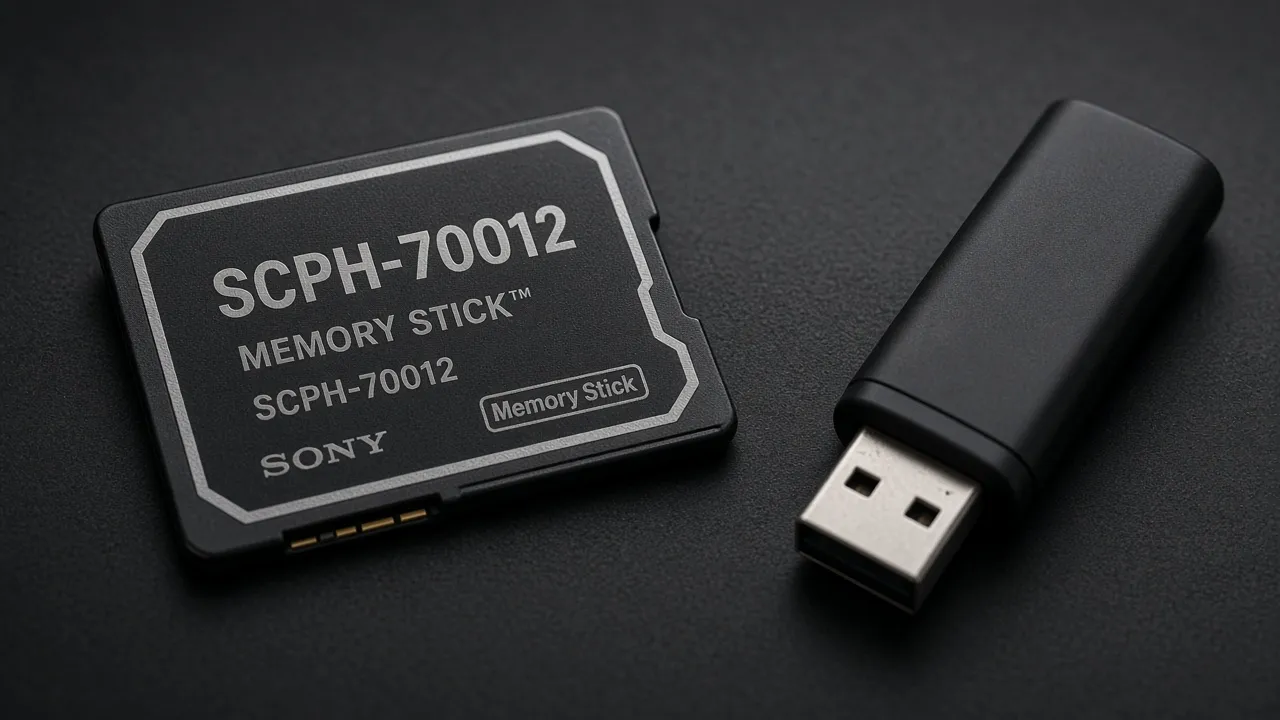
| scph 70012 bin / bios scph 70012 / bios ps2 scph 70012 | Slim-era USA dump. Our default USA mirror. |
| scph 39001 bin / bios scph 39001 / bios ps2 scph 39001 | Older fat USA dump. Same region family. |
Ps2 american bios, ps2 bios us, and ps2 us bios all describe this NTSC-U group. Pick one dump from the group. You do not need every model number.
Specs in plain English
- Video timing: NTSC-U (about 59.94 Hz)
- Size on disk: 4,194,304 bytes
- Typical model: SCPH-70012
- Older alternate: SCPH-39001
Searches like ps2 bios usa 2.30 and bios ps2 usa 2008 refer to revision labels on some dumps. For everyday emulation, region still matters more than revision year.
Download and prove the file is intact
Ps2 bios download usa and ps2 bios file usa should land as a single .bin. If you get a ZIP, extract it first. Emulators do not read a BIOS that is still inside an archive.
- Download the USA card on the BIOS hub.
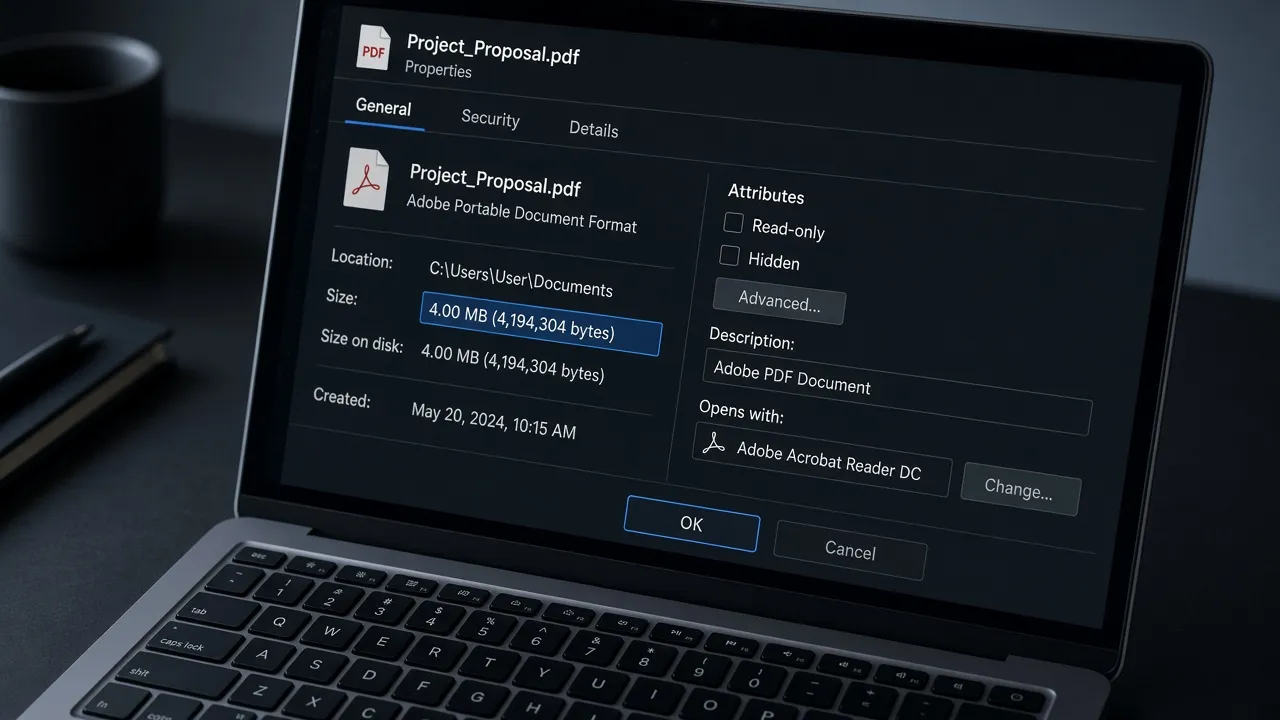
- Open file properties.
- Confirm size is 4,194,304 bytes.
- Match the SHA-256 on the download card.
If the size or hash does not match, delete the file and download again. A truncated dump often shows as “BIOS not found” or a black screen with no audio.
When USA is the wrong pick
- Mostly European PAL discs → use Europe firmware.
- Japan-only releases → use Japan firmware.
- Game boots but music pitch sounds wrong → region mismatch is likely.
Keep a second dump only if your library is split across regions. One dump does not unlock every market.
Ps2 bios usa android uses the same USA file. Copy it to the phone, then import it in the app. Steps: AetherSX2 BIOS setup.
What PCSX2 BIOS actually is
Pcsx2 bios (also written bios pcsx2) is Sony console firmware. It is not the PCSX2 installer.
Searches for bios ps2 pcsx2 and ps2 bios for pcsx2 point to that .bin file.
Typos are common:
- psx2 bios
- pcx2 bios
- pcsx bios download
They still mean PCSX2 firmware setup. There is no separate “PCX2” emulator.
PCSX2 bios download for PC {#pcsx2-bios-setup}
People search bios pcsx2 download, pcsx2 bios download for pc, pcsx2 bios file download for pc, and pcsx2 bios setup download.
On Windows they also search pcsx2 bios download for windows 10 and pcsx2 bios download for windows 10 64 bit. The steps are the same on modern Windows.
What you need:
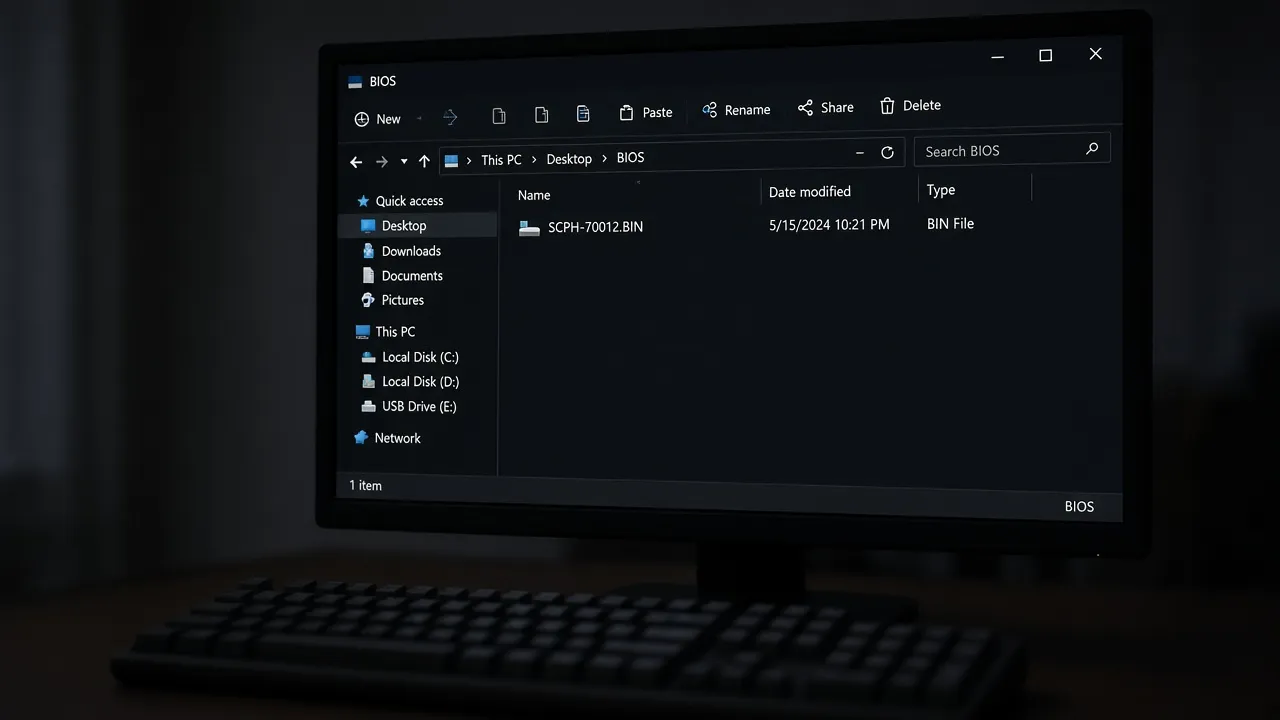
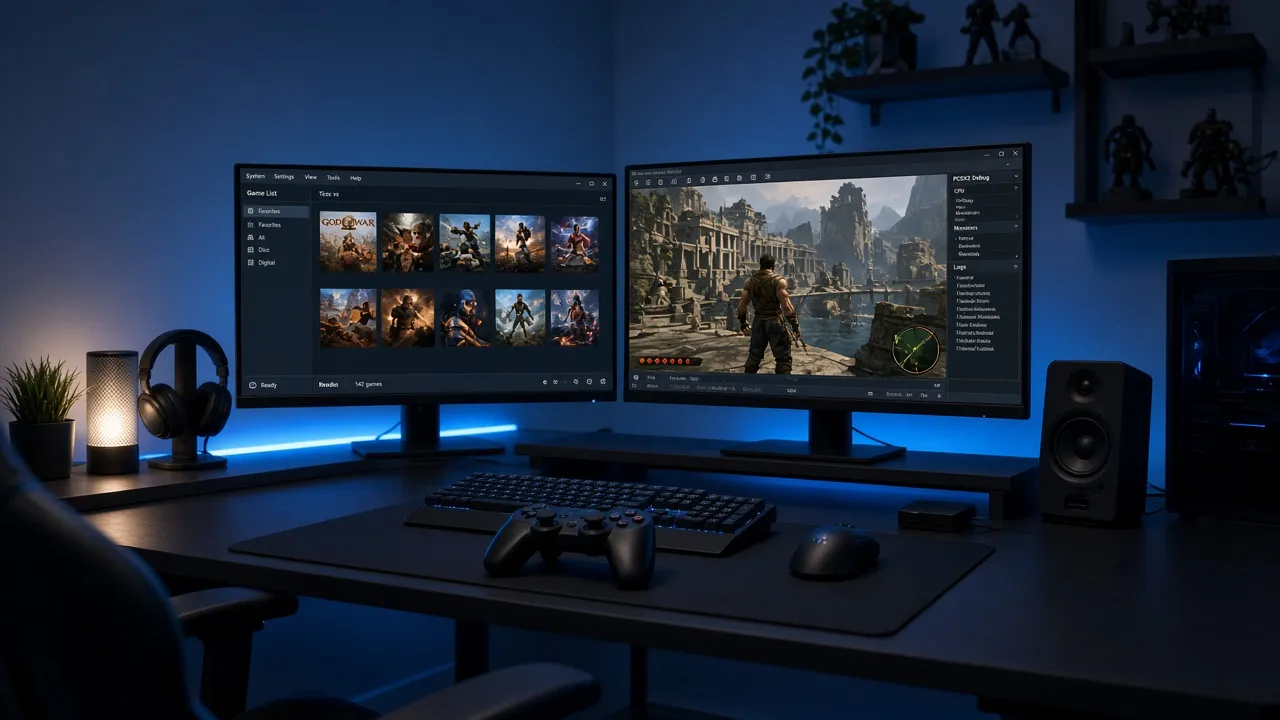
- Create or open the PCSX2
biosdirectory (often under Documents). - Copy your dump into that folder.
- Open Settings → BIOS and select the file.
Bios pcsx2 pc means the same desktop flow. Extract ZIP packs first.
On PCSX2 you also point the games list at a separate ISO or CHD folder. Firmware and games stay in different places. Mixing them in one folder makes troubleshooting harder later.
Plugins are not BIOS
Pcsx2 plugins and bios download packs mix GPU or audio plugins with firmware.
Plugins are optional extras. BIOS is the 4 MB Sony dump only. If a pack is huge, you are looking at games or plugins, not firmware alone.
Android APK searches
Pcsx2 emulator android apk bios and pcsx2 apk bios android often mix PCSX2 branding with phone apps.
PCSX2 itself is a desktop emulator. On Android, import the same .bin in AetherSX2 or NetherSX2.
Phone-specific taps: AetherSX2 BIOS setup. Get the file from the PS2 BIOS hub.
Checklist before you play
- [ ] You know BIOS (about 4 MB) from game ISO (huge)
- [ ] Region matches most of your library (USA SCPH-70012 for most English folders)
- [ ] Size is exactly 4,194,304 bytes
- [ ] File is not still inside a ZIP
- [ ] PCSX2 lists the model after you select it (or Android import succeeded)
Short FAQ
Is a newer BIOS revision always better? No. Region matters more than v1.60 vs v2.00 for everyday play.
Can one dump serve PC and phone? Yes. Copy the same file to the PCSX2 bios folder and import it on Android.
Does each game need its own BIOS? No. One regional dump covers many games.
Does my ISO already include BIOS? Almost never. Disc images are games.
Where do I get verified files? Use the PS2 BIOS downloads and check the SHA-256 on the card.