
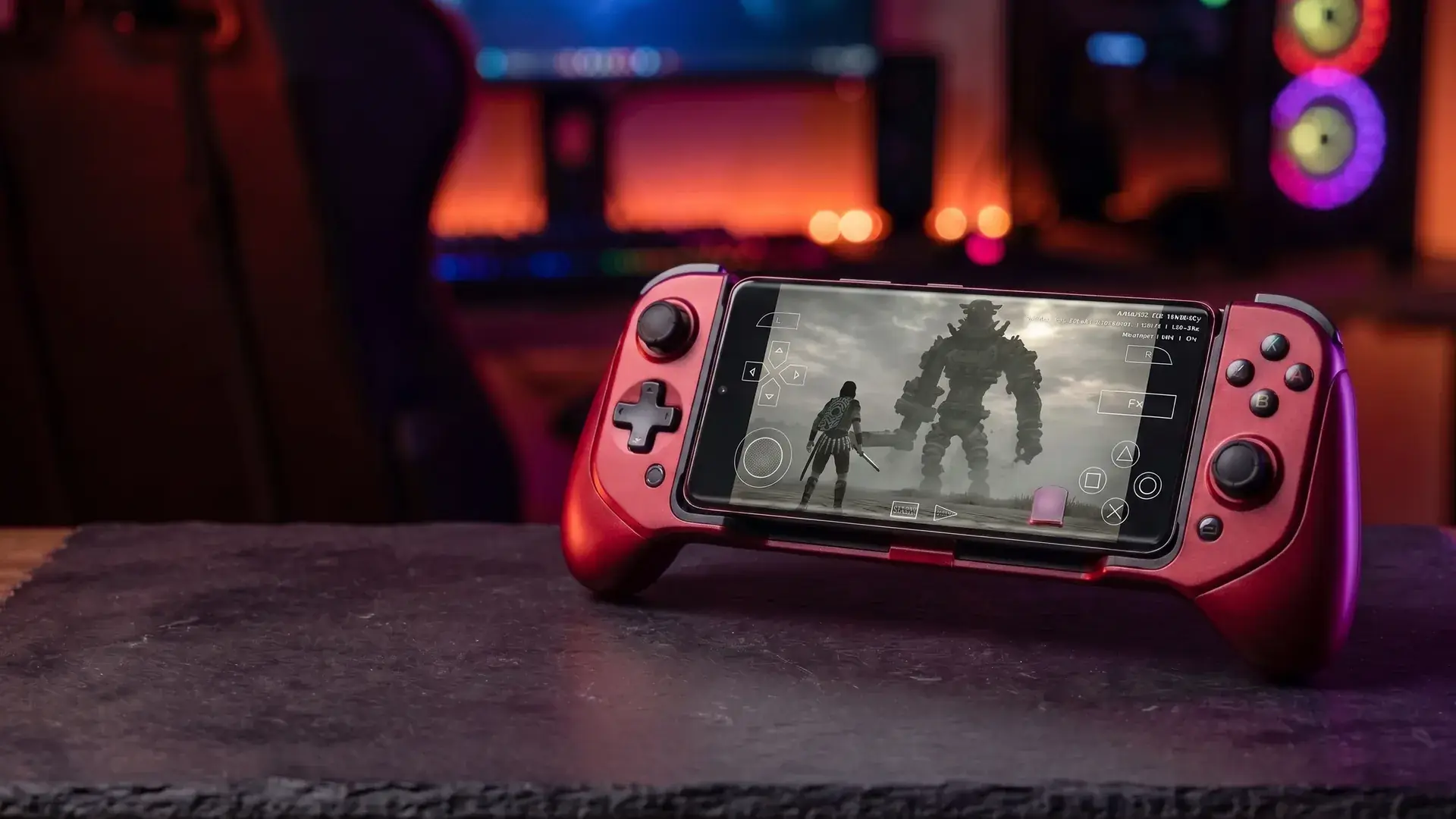
NetherSX2 APK · Ad-Free · Actively Maintained
NetherSX2 APK Download
By HBKPublished Last updated
NetherSX2 is a community-maintained continuation of the discontinued AetherSX2 PS2 emulator for Android. Same emulation core, ads removed, ongoing game-compatibility fixes added: it is the build long-time users run in 2026, and the only actively maintained distribution channel left in this ecosystem. For a line-by-line comparison with the original app, see how the community patch differs.
Download NetherSX2 + BIOS
One tap, no ads, no third-party patch tool required: this build already has the patch applied and the APK re-signed. You'll also need a PS2 BIOS to boot any game.
NetherSX2 v1.5-4248 (patched)
Android 8.0+ (ARM64) · 21 MB · No bundled installers, no adware
- SHA-256:
- cffe4bc962bdb87ebc74ec5dd6cf058c8e5c364cee93909c2943d12799e69ccf
Always verify the checksum after downloading. We never repackage binaries — this is the unmodified community build.
NetherSX2 BIOS (required)
USA, Europe & Japan regions · ~4 MB · Legal dumping guide included
Table of Contents
What Is NetherSX2?
NetherSX2 is not a separate emulator written from scratch: it is a patched build of AetherSX2's final public release, maintained by developer Trixarian after the original developer stepped away from the project in 2023. Because AetherSX2 was never open source, NetherSX2 exists as a binary patch applied to the official APK rather than a source-code fork, which is also why the patch tool verifies the source file's checksum before it will apply: it has no way to patch anything it can't confirm is the genuine article.
The result plays identically to AetherSX2 at the emulation level (same Emotion Engine core, same Vulkan/OpenGL renderers) but ships without the ads that crept into the last official builds, with an interface update, and with fixes the original project will never receive.
PS2 BIOS Downloads
USA, Europe and Japan region downloads, plus a legal dumping guide: NetherSX2 needs one to boot any game.
Official GitHub
Trixarian/NetherSX2-patch on GitHub: the authoritative source for the patch tool, releases, and changelog.
Why NetherSX2 Exists
AetherSX2 launched in December 2021 and quickly became the default answer to PS2 emulation on Android. Development continued at a fast pace through 2022 and into 2023, but late official builds began shipping with ads, and by mid-to-late 2023 the original developer had stepped away from active development entirely.
That left a widely-used, still-excellent emulator with no one fixing bugs, no one removing the ads, and a growing pile of community-discovered per-game issues nobody upstream would ever address. NetherSX2 filled that gap: rather than abandoning a mature codebase, the community picked up maintenance of the final build through binary patching: the only option available without access to AetherSX2's closed source.
What the Patch Actually Fixes
- Removes the ads introduced into late official AetherSX2 builds.
- Re-signs the APK, which removes the Google Play Protect "unrecognized app" warning that the unpatched final build triggers.
- Fixes broken RetroAchievements notifications.
- Updates the GameDB: the database of per-game compatibility settings and speed hacks the emulator applies automatically.
- Refreshes widescreen and no-interlacing patches for specific titles.
- Adds on-screen buttons for rewind, save states, and input macros that weren't exposed in the original interface.
- Exposes more global settings than stock AetherSX2 made available to users.
Standard vs Classic: Which One?
NetherSX2 ships in two variants built from different AetherSX2 base versions. They are not interchangeable installs: pick one based on your GPU.
| Variant | Base | Best For | Trade-off |
|---|---|---|---|
| Standard | 4248 | Snapdragon / Adreno | Newest fixes |
| Classic | 3668 | Mali GPUs | More stable |
You cannot install both at once : they share the same package identity, so installing one replaces the other. Save states are also not compatible between the two, so export your data before switching.
Get Classic from the official NetherSX2-classic GitHub. The build we host directly on this page is Standard (4248): the recommended starting point for most phones.
Migrating from AetherSX2 or an Older NetherSX2
If you're already running a recent NetherSX2 build (1.9a or newer), you can usually just install the new APK directly over it: settings and data are preserved automatically.
Coming from stock AetherSX2 or an older NetherSX2 release, use this safer sequence instead:
- Open the app and use the built-in Transfer Data / Export feature to back up your BIOS, games list, save states, and settings.
- Uninstall the previous app completely.
- Install the new NetherSX2 APK.
- Use Transfer Data / Import to restore your backed-up files.
- Reconfigure global settings, since a clean install resets these.
Known Bugs to Expect
No emulator is bug-free, and being upfront about the rough edges is more useful than pretending they don't exist:
- NASCAR titles and Colin McRae Rally games have reported graphical glitches that aren't fully resolved.
- Older Mali GPU devices can behave inconsistently under the Vulkan renderer: try OpenGL, or switch to the Classic variant, if you hit rendering artifacts. Our Vulkan vs OpenGL on mobile GPUs covers Mali-specific renderer picks.
Recommended Settings
Start from the default Optimal/Safe preset rather than tweaking blind. For most devices: set the GPU renderer to Vulkan, and disable Hardware Download Mode Readbacks for a meaningful performance gain on most titles. Adjust per-game settings from there using our compatibility database.
You'll Also Need a BIOS
NetherSX2 uses the same PS2 BIOS requirement as AetherSX2. Get the region matching your games: USA, Europe or Japan: on our AetherSX2 BIOS. Once you have both, import the BIOS through Settings → BIOS → Import BIOS inside NetherSX2 and add your game folder from the game library screen.
Frequently Asked Questions
Is NetherSX2 safe to install?
The version we host is a pre-patched build of the final AetherSX2 v1.5-4248 release with ads removed and the APK re-signed to avoid Play Protect warnings. Verify the SHA-256 checksum shown below before installing, and only grant storage permission: the same rule applies to any APK from any source.
Do I still need a PS2 BIOS with NetherSX2?
Yes: NetherSX2 uses the same emulation core as AetherSX2, so it needs the same BIOS dumped from your own console. See our BIOS page for USA, Europe and Japan downloads plus the legal dumping guide.
Will my AetherSX2 games and save states carry over?
Yes, if you install over an existing AetherSX2 installation without uninstalling first. If you're switching devices or doing a clean install, use the in-app Transfer Data / Export feature before uninstalling the old app, then Import after installing NetherSX2: this preserves your BIOS, game directory, save states, and memory cards.
Should I use NetherSX2 Standard or NetherSX2 Classic?
Standard (based on build 4248) is the recommended default and suits Snapdragon phones with Adreno GPUs: it carries every graphics and compatibility fix the project shipped. Classic (based on build 3668) trades some of those newer fixes for noticeably better stability on Mali GPUs, common in MediaTek and older Exynos chips. Start with Standard; only switch to Classic if you hit specific performance problems.
Can I install both NetherSX2 Standard and Classic at once?
No. The two variants share the same package identity and cannot coexist on one device: installing one replaces the other. They also don't share save states, so back up your data through the in-app Transfer Data feature before switching between them.
What does NetherSX2 actually fix that AetherSX2 didn't?
Beyond removing ads, the patch removes the Google Play Protect "unrecognized app" warning by re-signing the APK, fixes broken RetroAchievements notifications, updates the GameDB (per-game compatibility settings) and widescreen patches, and adds on-screen buttons for rewind, save states, and input macros that weren't in the original AetherSX2 interface.
Are there any known bugs in NetherSX2?
Yes: a small number of titles including NASCAR games and Colin McRae Rally entries have reported graphical glitches, and older Mali GPU devices can behave inconsistently under the Vulkan renderer (try the OpenGL renderer or the Classic variant if you hit this). These are documented, actively tracked issues rather than installation mistakes.
Who maintains NetherSX2?
NetherSX2 is maintained by the developer Trixarian, building on earlier community work credited to EZOnTheEyes and others, with cheat database contributions from Saramagrean. It is entirely separate from the original AetherSX2 developer, who is no longer active on the project.