aethersx2 vs dolphin
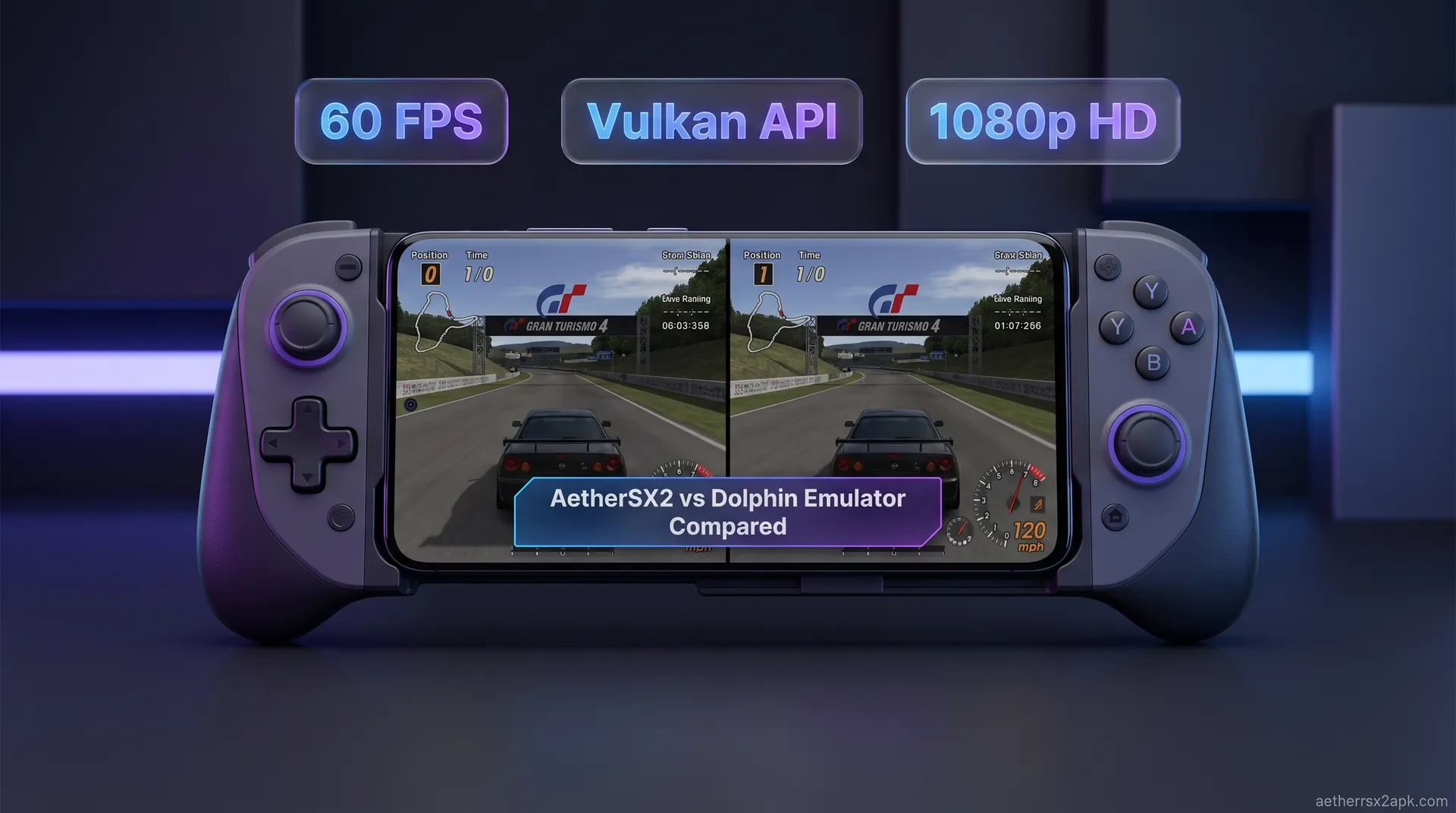
AetherSX2 vs Dolphin Emulator Compared
By HBKPublished Last updated
Quick summary
AetherSX2 vs Dolphin is PS2 versus GameCube/Wii, not two PS2 emulators. Dual-platform games are different discs, different BIOS/firmware, and different GPU costs. Pick the version whose console you can dump.
- AetherSX2: PS2 BIOS (~4 MB), CHD/ISO, Adreno Vulkan
- Dolphin: GameCube/Wii, no PS2 BIOS, often lighter on the same phone
- Multiplats: play the dump you own; do not expect save compatibility
- Mid-range: Dolphin 2x is easier than *GoW* at 2x in AetherSX2
For years, mobile emulation enthusiasts debated whether a true PlayStation 2 emulator would ever match the performance and stability of the Dolphin emulator on Android. Dolphin had a massive head start, bringing robust GameCube and Wii emulation to our pockets long before a viable PS2 alternative existed. However, with the arrival of builds from the Android install hub, that elusive dream of portable PS2 gaming finally became a reality. Now, players face a completely different dilemma: when a classic game exists on both the PS2 and the GameCube/Wii, which version should you play?
In this comprehensive AetherSX2 vs Dolphin comparison, we are going to break down the architectures, hardware requirements, graphical optimization tricks, and real-world performance of both applications. Whether you are rocking a high-end flagship or a budget device, understanding the technical nuances of these two titans will help you decide which emulator deserves your phone's processing power and storage space.
On this page ▾
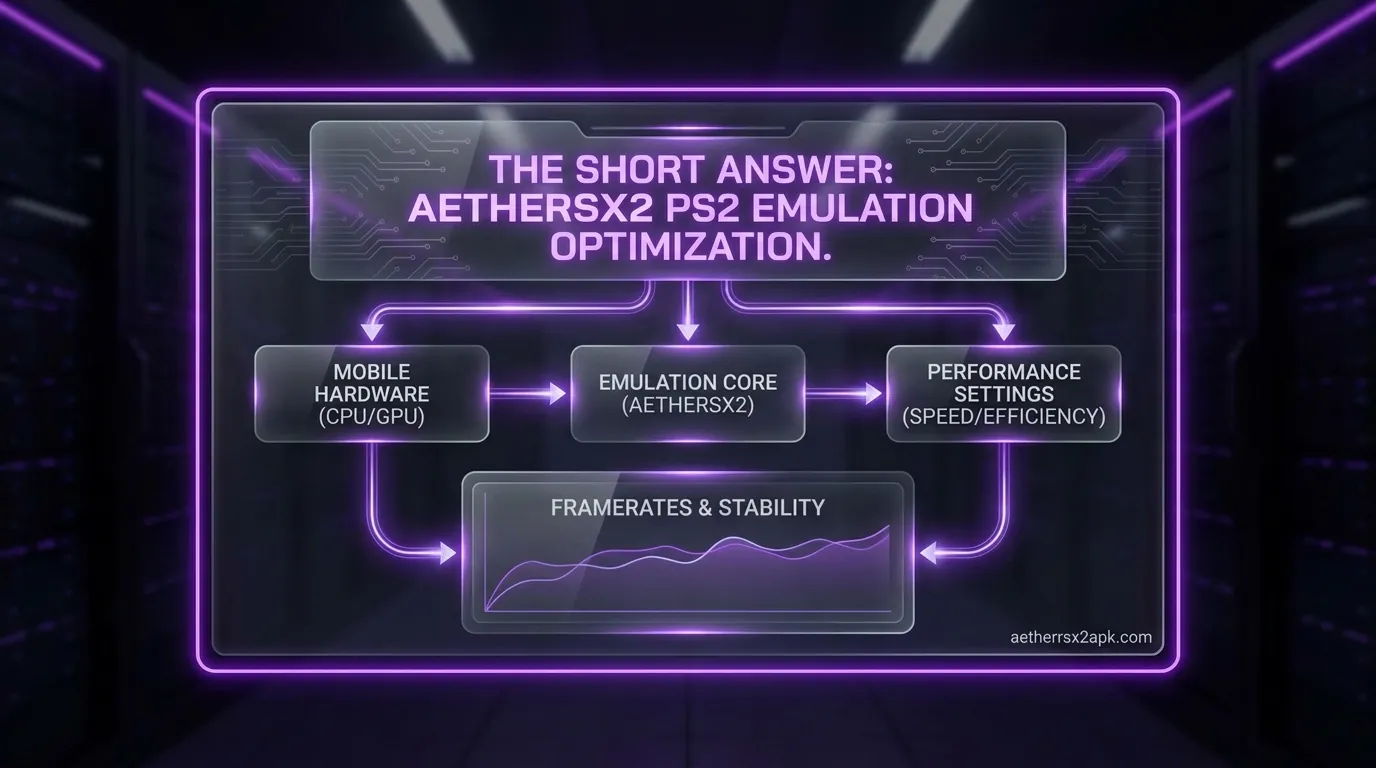
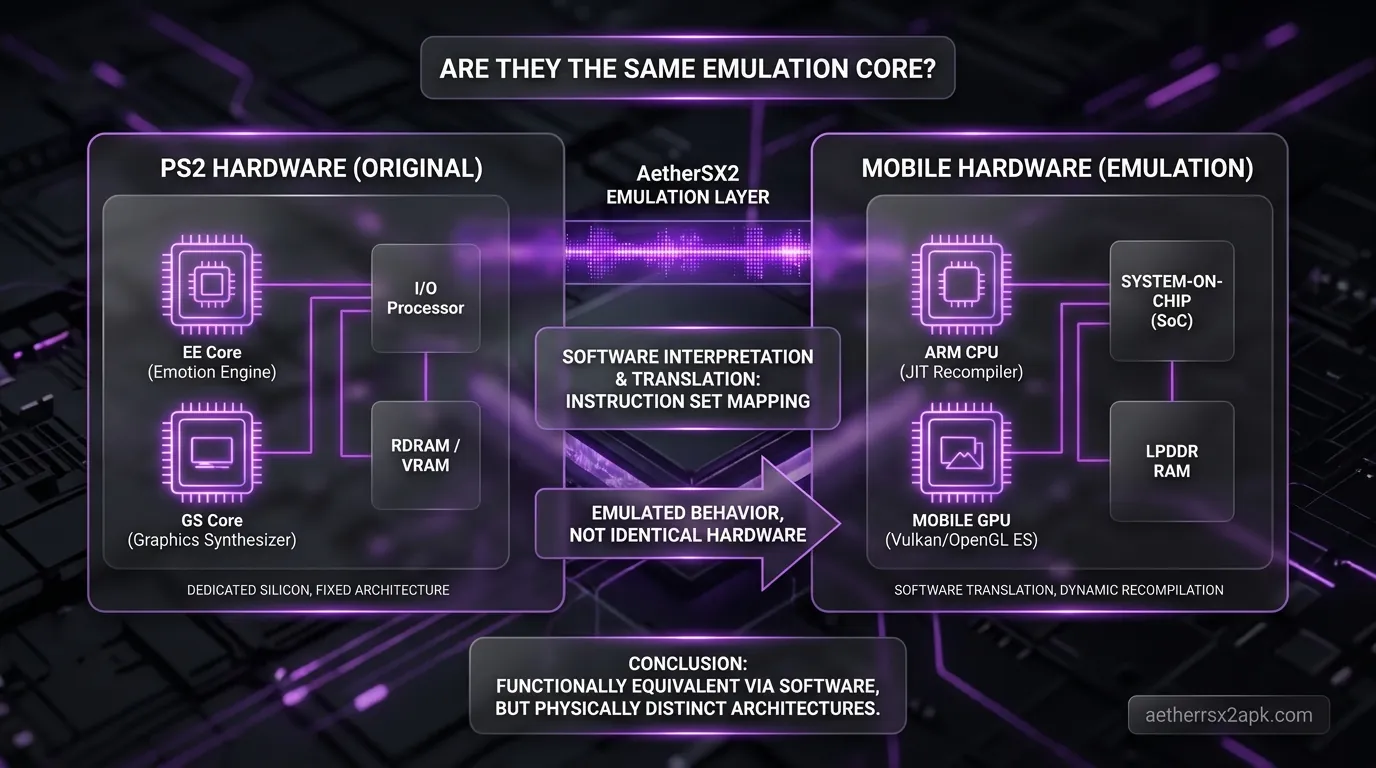
To truly understand how AetherSX2 and Dolphin compare, we have to look back at the consoles they are trying to replicate. The sixth generation of console gaming was defined by radically different approaches to hardware architecture. Replicating those distinct architectures on modern ARM-based Android smartphones requires entirely different approaches to emulation.
The Complexity of the Emotion Engine (PS2)
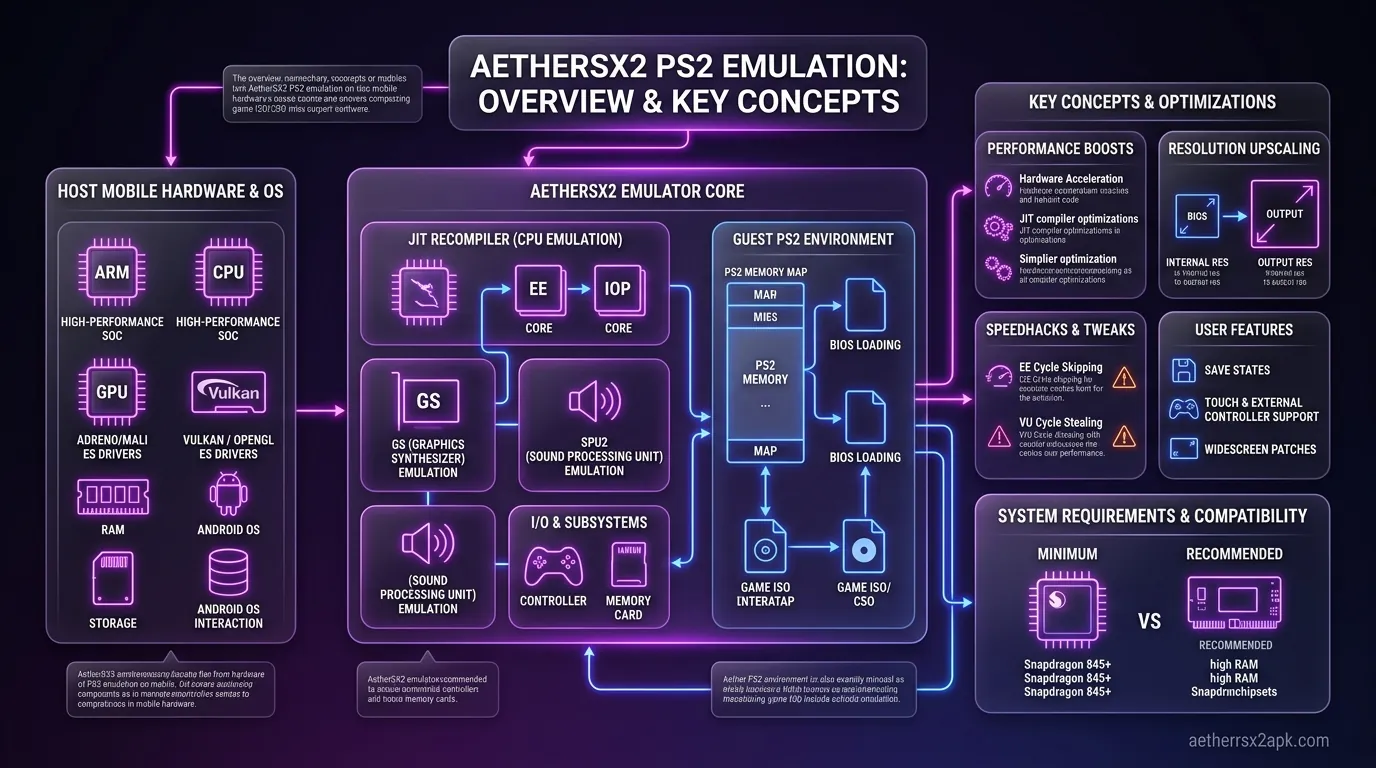
The PlayStation 2 is notoriously difficult to emulate. At its core is the "Emotion Engine" (EE), a highly customized 128-bit processor designed by Sony and Toshiba. The EE doesn't just do basic CPU work; it utilizes two Vector Units (VU0 and VU1) that act as co-processors to handle 3D math and physics in parallel. Additionally, the PS2 uses a Graphics Synthesizer (GS) with an insanely high memory bandwidth for its time, designed to pump out millions of polygons with minimal texture memory.
Because of this unique, highly parallel design, translating PS2 code to run on a modern Android smartphone is a massive computational headache. The emulator has to keep all these different chips in perfect sync. This is why AetherSX2 vs PCSX2 comparisons are so fascinating: AetherSX2 managed to take the decades of x86 architecture reverse-engineering from PCSX2 and successfully adapt it to ARM64, the architecture used by Android phones. It is a technical marvel, but it means AetherSX2 is inherently demanding on your CPU.
The Efficiency of the PowerPC Architecture (GameCube/Wii)
On the other side of the ring, Nintendo took a much more straightforward approach. Both the GameCube and the Wii utilize a PowerPC-based CPU architecture (the Gekko for GameCube, and the slightly faster Broadway for the Wii), paired with a custom ATI GPU (Flipper and Hollywood, respectively).
While PowerPC isn't what your Android phone uses natively, it is an architecture that has been well-documented and is significantly easier to translate to modern processors using Just-In-Time (JIT) recompilation. Because the GameCube's design relies on a traditional CPU-to-GPU pipeline without the bizarre parallel vector units of the PS2, Dolphin generally has an easier time feeding instructions to your phone's processor. Furthermore, Dolphin has been in active development for Android for over a decade, meaning its JIT compiler has been hyper-optimized over countless iterations.
Hardware Requirements & GPU Optimization
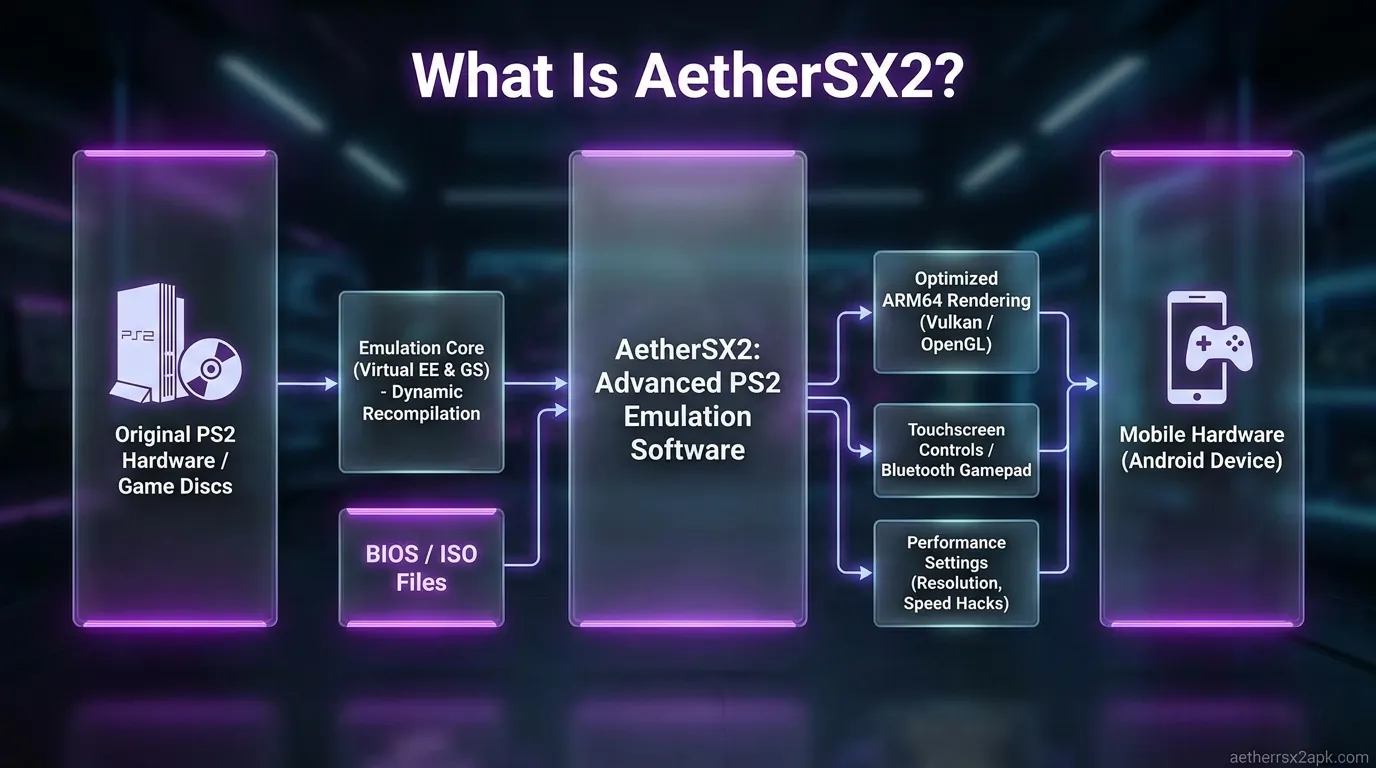
When looking at the best phones for AetherSX2 and Dolphin, raw power is only half the story. The graphics processing unit (GPU) inside your phone, and more importantly, the drivers that dictate how that GPU talks to the emulator, will make or break your experience.
Adreno GPUs and Vulkan Dominance
If you have a Snapdragon processor in your device, you have an Adreno GPU. For emulation, this is the gold standard. Qualcomm’s Adreno drivers are generally well-written, frequently updated, and highly compliant with modern graphics APIs.
Both AetherSX2 and Dolphin thrive on Snapdragon chips, particularly when using the Vulkan backend. Vulkan is a low-overhead API that allows the emulator to communicate directly with the GPU, reducing CPU bottlenecks. In AetherSX2, Vulkan can mean the difference between a stuttering mess and a locked 60 FPS experience in heavy titles like Burnout 3. Dolphin also heavily leverages Vulkan, especially with its "Ubershaders" feature, which pre-compiles shaders to completely eliminate the micro-stutters that typically plague 3D emulation. If you have a Snapdragon 8 Gen 1, Gen 2, or Gen 3, both of these emulators will allow you to upscale your games to 3x or even 4x native resolution (1080p to 1440p) without breaking a sweat.
Mali GPUs and OpenGL Challenges
If you have a device powered by a MediaTek, Exynos, or Google Tensor chip, your device uses a Mali GPU. Historically, Mali GPUs have suffered from poor, bloated drivers that struggle with complex emulation tasks.
For Dolphin, you might find that OpenGL actually runs better than Vulkan on older Mali devices, though recent updates to Dolphin's Vulkan backend have improved this significantly. AetherSX2 is a bit more punishing on Mali hardware. The complex alpha blending and hardware readbacks required by the PS2's Graphics Synthesizer can cause severe slowdowns on Mali chips unless you drop the resolution to 1x native and aggressively tweak the AetherSX2 best settings.
Ultimately, while Dolphin has had years to build workarounds for Mali driver quirks, AetherSX2's development was suspended before extensive Mali-specific optimizations could be perfected, leaving Snapdragon users with a distinct advantage for PS2 emulation.
Side-by-Side Comparison Table
Here is a quick technical comparison of how AetherSX2 and Dolphin stack up against each other on the Android platform.
| Feature | AetherSX2 | Dolphin Emulator |
|---|---|---|
| Target Consoles | PlayStation 2 | GameCube & Nintendo Wii |
| Active Development | Suspended (v1.5-4248 is final) | Active (Weekly Beta updates) |
| BIOS Requirement | Yes (Must be dumped from user's PS2) | No (Uses High-Level Emulation for BIOS) |
| Supported Renderers | Vulkan, OpenGL, Software | Vulkan, OpenGL, Software |
| Resolution Upscaling | Up to 8x (Hardware dependent) | Up to 4K+ (Hardware dependent) |
| Widescreen Hacks | Native support via built-in patches | Built-in via AR Codes / Widescreen hacks |
| Motion Controls | N/A (Standard controller mapping) | Full support (Touch, Gyro, physical Wiimote) |
| Save States | Supported (with preview images) | Supported |
| Game Format Support | ISO, CHD, CSO | ISO, RVZ, GCZ, WBFS |
Note: While official AetherSX2 development has ceased, the community fork NetherSX2 continues to remove ads and provide minor front-end improvements.
Performance in Multi-platform Games
The ultimate test for these emulators is seeing how they handle games that were released on both the PlayStation 2 and the GameCube. Since both emulators are highly capable, your choice often comes down to which console version looks better and which emulator handles that specific title more efficiently. Let's look at three classic examples.
Need for Speed: Most Wanted
Need for Speed: Most Wanted is one of the most demanding games of the sixth console generation.
- On AetherSX2 (PS2 Version): The PS2 version features an iconic, gritty yellow filter and intense motion blur. However, these post-processing effects are incredibly heavy on the AetherSX2 rendering engine. To get this game running at full speed on anything less than a flagship Snapdragon, you will need to utilize the EE Cycle Rate underclocking (setting it to 75% or 50%) and hardware skip tweaks.
- On Dolphin (GameCube Version): The GameCube version of Most Wanted lacks some of the aggressive visual filters of the PS2 version, making it look slightly cleaner, though arguably less atmospheric. On Android, Dolphin handles this version surprisingly well. The simpler visual pipeline means fewer slowdowns during intense police chases.
- Verdict: If you want the definitive visual style, AetherSX2 is the way to go, but you need the hardware for it. For smoother gameplay on average hardware, the GameCube version on Dolphin is superior.
Resident Evil 4
Resident Evil 4 originally launched as a GameCube exclusive before being ported to the PS2, and the differences are notable.
- On Dolphin (GameCube Version): Because the game was built from the ground up for the GameCube hardware, it features higher polygon models, better lighting, and more detailed textures. Dolphin runs this game flawlessly. It is highly optimized and can be upscaled to 1080p easily on mid-range devices.
- On AetherSX2 (PS2 Version): The PS2 port had to downgrade the lighting and polygon count to run on the PS2 hardware, but it added the "Separate Ways" campaign featuring Ada Wong. AetherSX2 runs this game beautifully, but you are inherently emulating a visually inferior version of the main campaign.
- Verdict: Play the GameCube version on Dolphin for the best graphics, but if you want the extra content, AetherSX2 is a fantastic option.
Prince of Persia: The Sands of Time
Action-platformers like Prince of Persia rely heavily on timing and fluid framerates.
- On AetherSX2 (PS2 Version): The PS2 version utilizes a heavy bloom lighting effect that gives the game its dreamlike, ethereal quality. AetherSX2 emulates this perfectly, but the bloom effect can cause frame drops in large outdoor areas unless you are using the Vulkan renderer on a strong Adreno GPU.
- On Dolphin (GameCube Version): The GameCube port tones down the bloom significantly. As a result, the game looks slightly sharper but loses a bit of its magical atmosphere. Emulation-wise, Dolphin chews through this game with ease, maintaining a locked 60 FPS even on older hardware.
- Verdict: A tie depending on your device. High-end users should opt for the PS2 version on AetherSX2 for the authentic artistic vision, while budget users will have a better time with Dolphin.
Ease of Use & UI Features Comparison
Both AetherSX2 and Dolphin feature modern, material-design-inspired user interfaces on Android, making them a joy to navigate compared to the clunky emulator ports of the early 2010s. However, their setup processes differ drastically.
Setup and BIOS Requirements
The biggest hurdle for new users with AetherSX2 is the BIOS requirement. The PlayStation 2 operating system (the BIOS) is copyrighted code, meaning AetherSX2 cannot legally include it in the app. You must dump your own BIOS from your legally owned PlayStation 2 console. There is no getting around this; the emulator simply will not boot a game without a BIOS file (usually a .bin file) placed in the correct directory. While this is legally necessary, it does add a layer of complexity for casual users.
Dolphin, by contrast, uses High-Level Emulation (HLE) for its BIOS. The developers have essentially reverse-engineered what the GameCube and Wii BIOS do, and the emulator mimics that behavior natively. This means you can simply install Dolphin, point it to your folder of legally dumped GameCube/Wii ISOs (or RVZ files), and start playing immediately. No BIOS hunting required.
Interface and Customization
Once you get past the initial setup, both emulators shine.
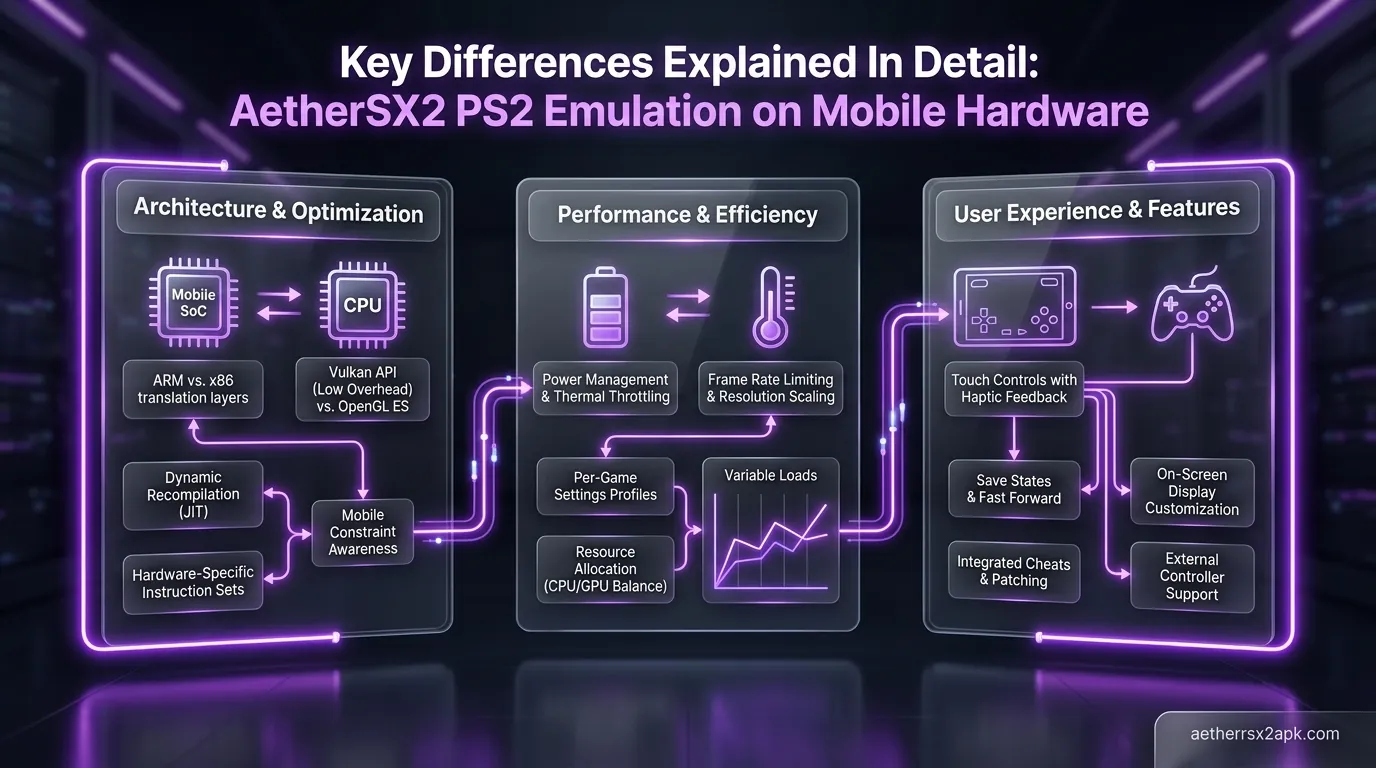
- AetherSX2 utilizes a fantastic swipe-out sidebar during gameplay. This allows you to rapidly create save states, toggle turbo speed, or jump into the per-game settings. The ability to create a custom profile for every single game is phenomenal, as PS2 games vary wildly in what settings they require.
- Dolphin also features robust per-game settings, accessed by long-pressing a game cover in the main menu. Dolphin's standout UI feature is its controller configuration. Mapping touch controls for GameCube games is simple, but Dolphin goes above and beyond by allowing you to map physical device sensors (like your phone's gyroscope) to emulate Wii Remote motion controls. This makes games like Super Mario Galaxy entirely playable on a smartphone, a feat AetherSX2 doesn't have to worry about since the PS2 didn't utilize motion controls.
Which Emulator Runs Better on Mid-Range Phones?
If you are using a mid-range phone (such as a device powered by a Snapdragon 695, Snapdragon 778G, or a MediaTek Dimensity 900 series), your emulation experience will require a bit of compromise.
Generally speaking, Dolphin will run better on mid-range hardware when dealing with GameCube games. Because the GameCube architecture is less convoluted than the PS2's Emotion Engine, Dolphin's JIT compiler doesn't have to work as hard. You can often run a massive chunk of the GameCube library at 1x or 2x native resolution at full speed on a mid-range Snapdragon chip. (Wii games, however, are a different story, as the required motion emulation and slightly stronger hardware demands will push a mid-range phone to its limits).
AetherSX2 on mid-range hardware requires you to get your hands dirty. If you try to run Shadow of the Colossus or God of War 2 at default settings on a Snapdragon 695, you are going to experience audio stuttering and slow-motion gameplay. However, AetherSX2 has a secret weapon: EE Underclocking. By going into the settings and lowering the "EE Cycle Rate" to 75% or 50%, you are essentially lying to the game, telling it the PS2 processor is slower than it actually is. The game will drop its internal framerate (say, from 60fps to 30fps), but the emulator will maintain 100% speed, eliminating audio stutter. This feature makes AetherSX2 highly viable on mid-range phones, provided you are willing to tweak the settings on a game-by-game basis.
Dolphin is a GameCube/Wii emulator (dolphin-emu.org). AetherSX2 is PS2. PCSX2 lineage: PCSX2. Android SoC talk: r/EmulationOnAndroid.
Frequently Asked Questions
Can I use the same Bluetooth controller for both AetherSX2 and Dolphin? Absolutely. Both emulators feature excellent native support for modern Bluetooth controllers, including the Xbox Wireless Controller, PlayStation DualShock 4/DualSense, and telescopic controllers like the Backbone One or Razer Kishi. You will just need to map the buttons in the settings of each app.
Which emulator drains more battery on Android? AetherSX2 generally drains battery faster. Emulating the parallel processing of the PS2's vector units keeps your phone's CPU cores running at higher clock speeds for longer durations. Dolphin is slightly more efficient, though emulating heavy Wii games can also cause significant battery drain and thermal throttling.
Do I need a BIOS file to run Dolphin? No. Unlike AetherSX2, which strictly requires a dumped PS2 BIOS to function, Dolphin uses High-Level Emulation (HLE) to bypass the need for a GameCube or Wii BIOS. You just need your game files.
Is AetherSX2 a dead project, and should I switch to Dolphin? The original developer of AetherSX2 suspended development indefinitely, meaning the core app is no longer receiving official updates. However, the final build (v1.5-4248) is highly stable. Furthermore, the community-driven NetherSX2 project continues to patch the app to remove ads and maintain compatibility with newer Android versions. There is no need to abandon PS2 emulation; both Dolphin and AetherSX2 deserve a spot on your phone.
Which emulator is better for playing Resident Evil 4? If you prioritize graphics and smooth performance, the GameCube version running on Dolphin is superior. If you want the bonus "Separate Ways" campaign that was added later, you will need to play the PS2 version on AetherSX2.
Can I run AetherSX2 or Dolphin on a 32-bit Android phone? No. Both AetherSX2 and modern builds of Dolphin require a 64-bit processor and a 64-bit version of Android (ARM64/AArch64). The complex recompilation required for both PS2 and GameCube emulation is simply not feasible on older 32-bit architecture.
*
Disclaimer: This guide is for educational purposes. We do not support or endorse piracy. You must own the original physical discs and dump your own games and BIOS files to use with AetherSX2 and Dolphin Emulator.