aethersx2 vs android emulators
AetherSX2 vs Other Android PS2 Emulators (2026)
By HBKPublished Last updated
Tested on: POCO F3 (Snapdragon 870), Android 13, AetherSX2 v1.5-4248; Play! and RetroArch sideloads on the same phone
Quick summary
AetherSX2 is the Android PS2 emulator this site documents. Play! is a different PS2 core. RetroArch is a frontend. PPSSPP is PSP, not PS2. Install one PS2 core plus PPSSPP if you want both libraries.
- Daily PS2: AetherSX2 / NetherSX2 + dumped BIOS
- Play!: independent core — different saves, different bugs
- RetroArch: a launcher; a PS2 core inside it is not "faster AetherSX2"
- PPSSPP: PSP. Do not put PS2 CHDs in it
AetherSX2 is the Android PS2 emulator this site documents. Play! is a different PS2 core. RetroArch is a launcher that may load a PS2 or PSP core. PPSSPP is a PSP emulator, not a PS2 competitor. People search all four comparisons because the APKs sit next to each other on a phone. They are not four ways to play the same disc.
This page replaces the old Play!, PPSSPP, and RetroArch write-ups. Keep AetherSX2 vs NetherSX2 for the patched 4248 APK, AetherSX2 vs PCSX2 for desktop, and AetherSX2 vs Dolphin for GameCube/Wii. Start from the Android install walkthrough before you sideload a second core.
Primary sources used while checking this matrix: the PCSX2 GitHub repo, the independent Play! emulator, PPSSPP, RetroArch, and the Libretro core docs.
On this page ▾
| AetherSX2 / NetherSX2 | Play! | RetroArch (PS2 core) | PPSSPP | |
|---|---|---|---|---|
| Console | PlayStation 2 | PlayStation 2 | Depends on the loaded core | PlayStation Portable |
| Engine | Frozen PCSX2-line Android port (v1.5-4248) | Independent C++ core | PCSX2, Play!, or experimental cores, depending on the build | PPSSPP |
| BIOS | Required PS2 dump you own | Required PS2 dump | Required for PS2 cores; path is system/ | No Sony BIOS for normal commercial ISOs |
| Typical dump | ISO / CHD | ISO | ISO / CHD if the core allows it | ISO / CSO |
| Android UI | Game grid, per-game properties, DualShock mapper | Simpler; changes with upstream | Nested RetroArch menus | Native PPSSPP UI |
| Save states | Own format; not portable to Play! or desktop PCSX2 | Own format | Own format per core | Own format |
| Memory cards | .ps2 files, PCSX2-compatible | Version-dependent; keep a separate backup | Sometimes .ps2 if the core matches | N/A (PSP saves) |
| Widescreen / cheats | .pnach in the cheats folder | Play!'s own patch path | Core-specific; not AetherSX2 pnach | PPSSPP cheats |
| When to use it | Daily PS2 on Android | One title uniquely broken in 4248 | One launcher for many 2D systems | PSP games |
A Kingdom Hearts ISO will not boot in PPSSPP. A Crisis Core CSO will not boot in AetherSX2. That is the whole "vs PPSSPP" argument.
AetherSX2 / NetherSX2: the daily Android PS2 path
Tahlreth shipped AetherSX2 as an ARM Android port of the PCSX2 lineage and froze it on v1.5-4248. NetherSX2 is a community patch of that APK (ads removed, compatibility database refreshed). It is not a new emulator. The NetherSX2 patch project documents what the patch actually changes.
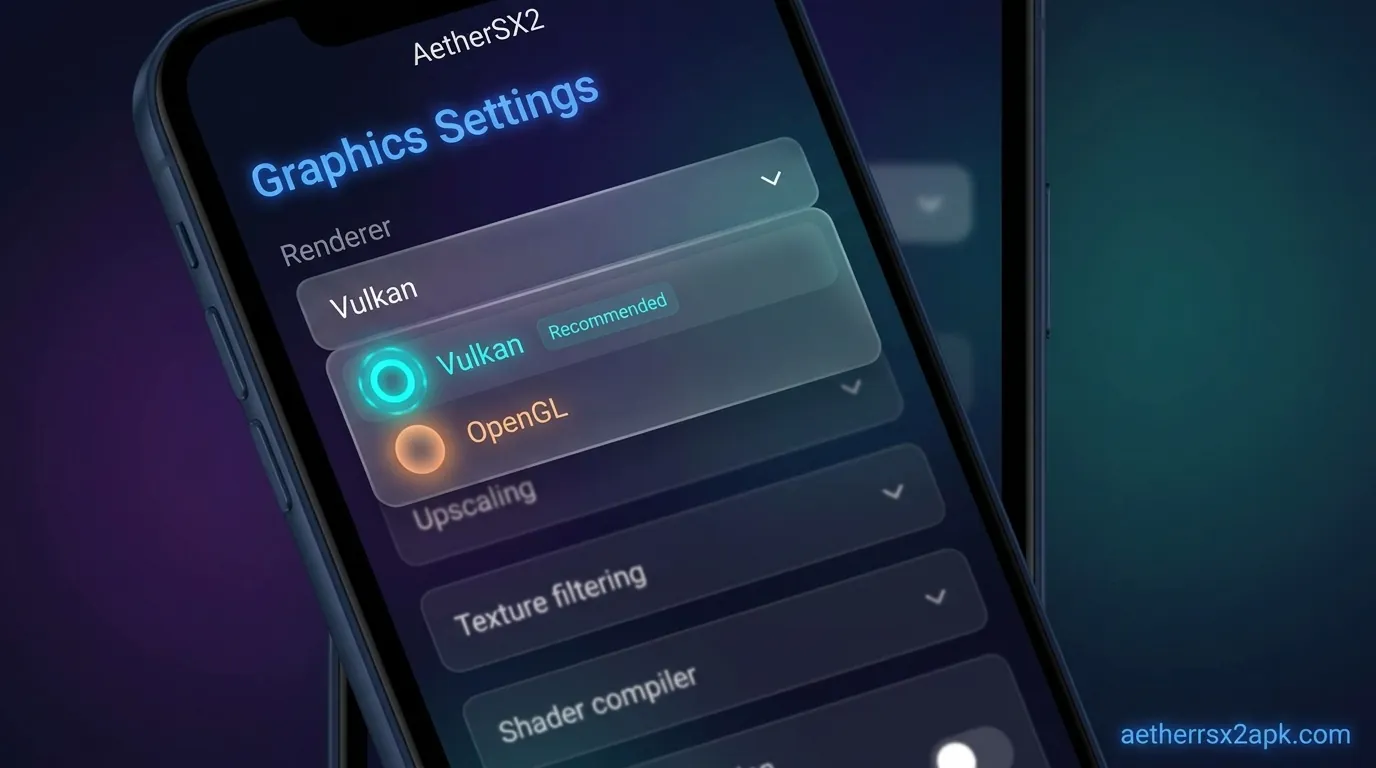
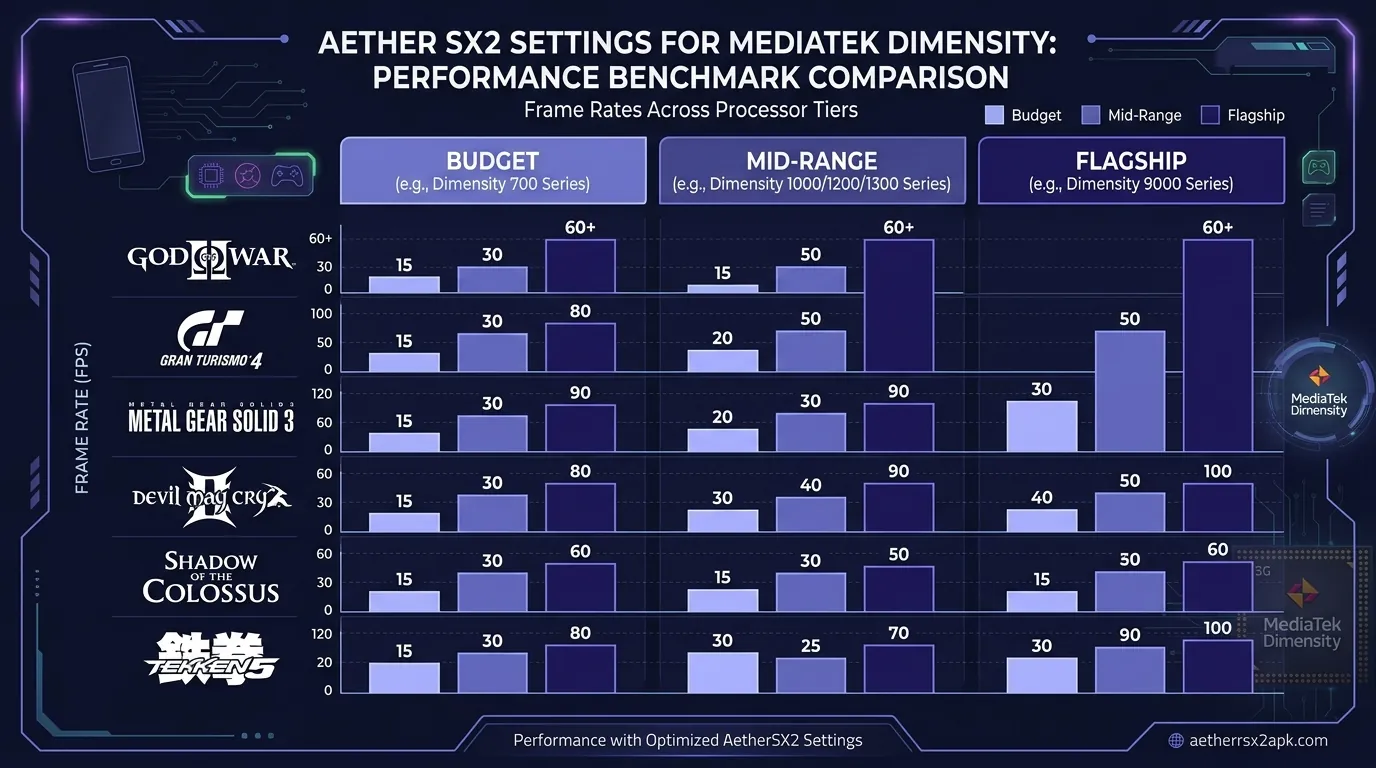
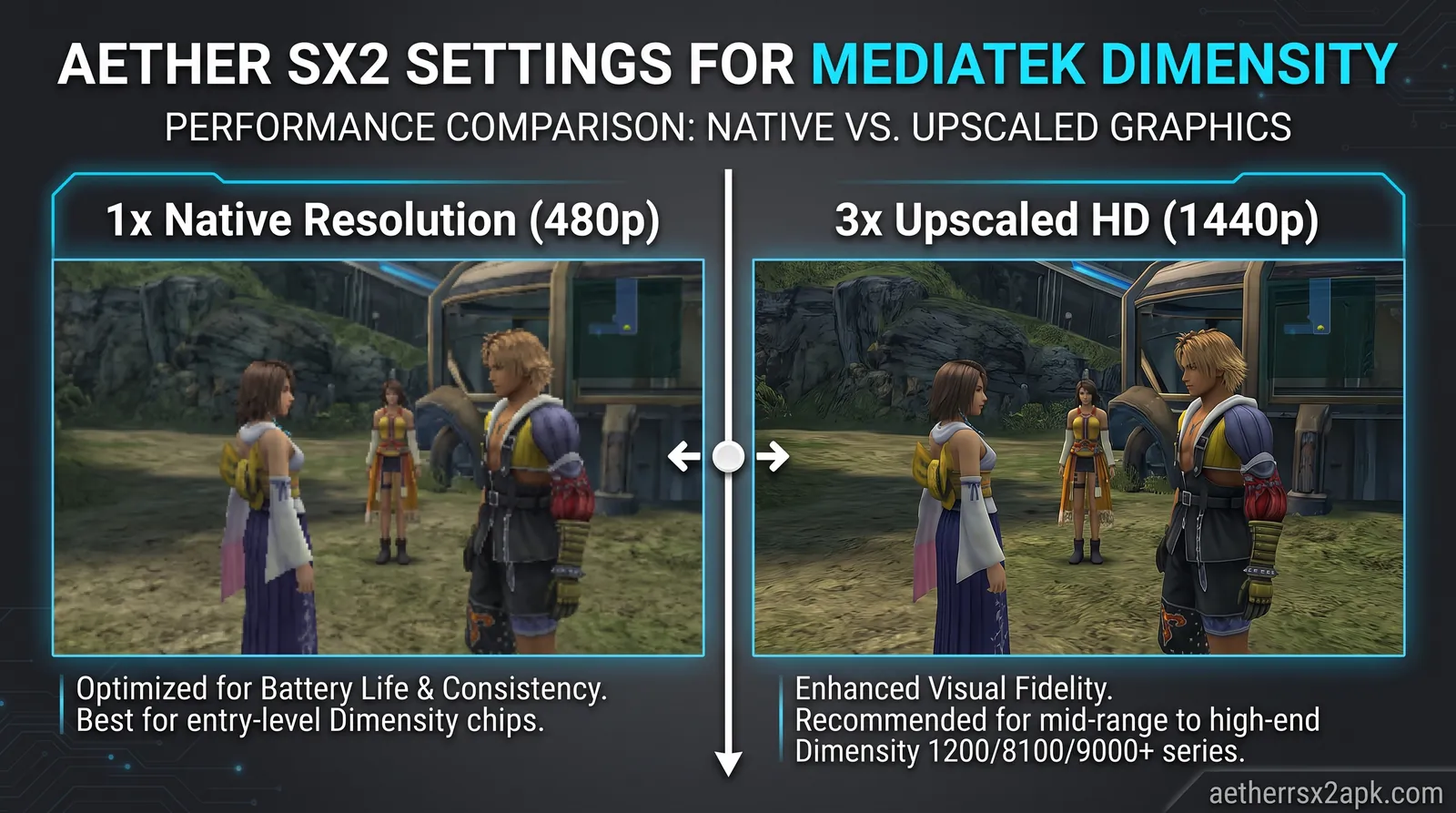
On a POCO F3 (Snapdragon 870) running Android 13, Vulkan plus 2x native is the profile that holds 100% speed on Final Fantasy X field maps and most of San Andreas except dense city streaming. That is the path every settings page on this site assumes: best settings, controller setup, Vulkan vs OpenGL.
If the overlay sits at 70% speed, you are CPU-bound. That is a troubleshooting problem, not a reason to install Play!. See slow-motion gameplay.
Play!: a second PS2 core, not a reskin
Play! reimplements the Emotion Engine and Graphics Synthesizer independently. A GS bug in AetherSX2 is often absent in Play!, and the reverse is also true. That is the only strong reason to keep both APKs.
Community spreadsheets and this site's compatibility database are overwhelmingly AetherSX2-tested. NetherSX2 injects .pnach game patches AetherSX2 already understood. Play! has its own issue tracker. Do not drop an AetherSX2 widescreen file into Play! and expect it to honor the CRC.
On the same POCO F3, Play! did not beat 4248 + Vulkan on God of War or GTA San Andreas. It is a per-title exception, not a daily driver. MMJ and ARMSX2 are a third conversation; they still do not replace a verified NetherSX2 install for general use.
Android UI, pads, and Play! saves
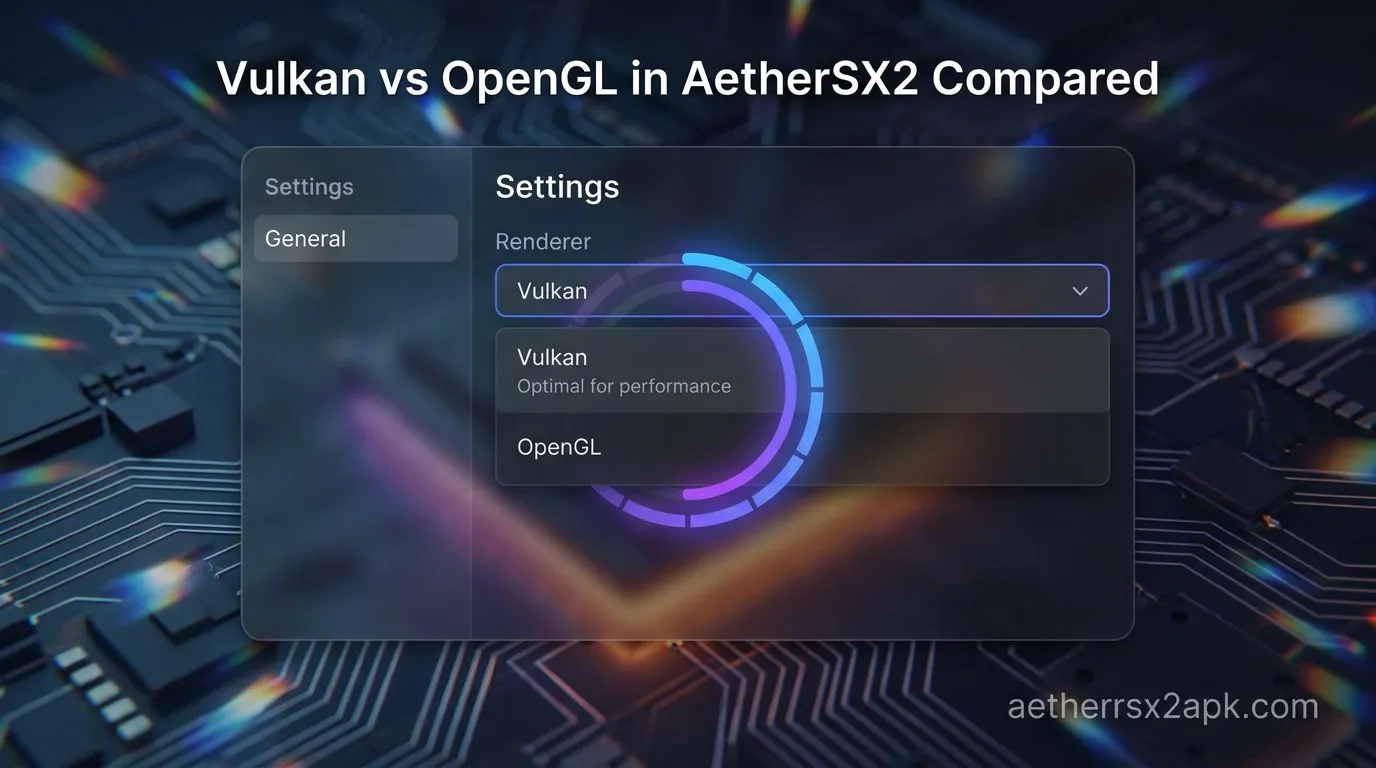
AetherSX2's game grid and DualShock mapper are what controller setup documents. Play!'s Android UI is simpler and moves with upstream releases. Memory cards may not be drop-in .ps2 files depending on Play! version. Keep separate backups. Never assume a save state will load across cores.
Low-end phones: neither core invents clocks. 1x native still applies.
RetroArch: a frontend, not a faster PS2
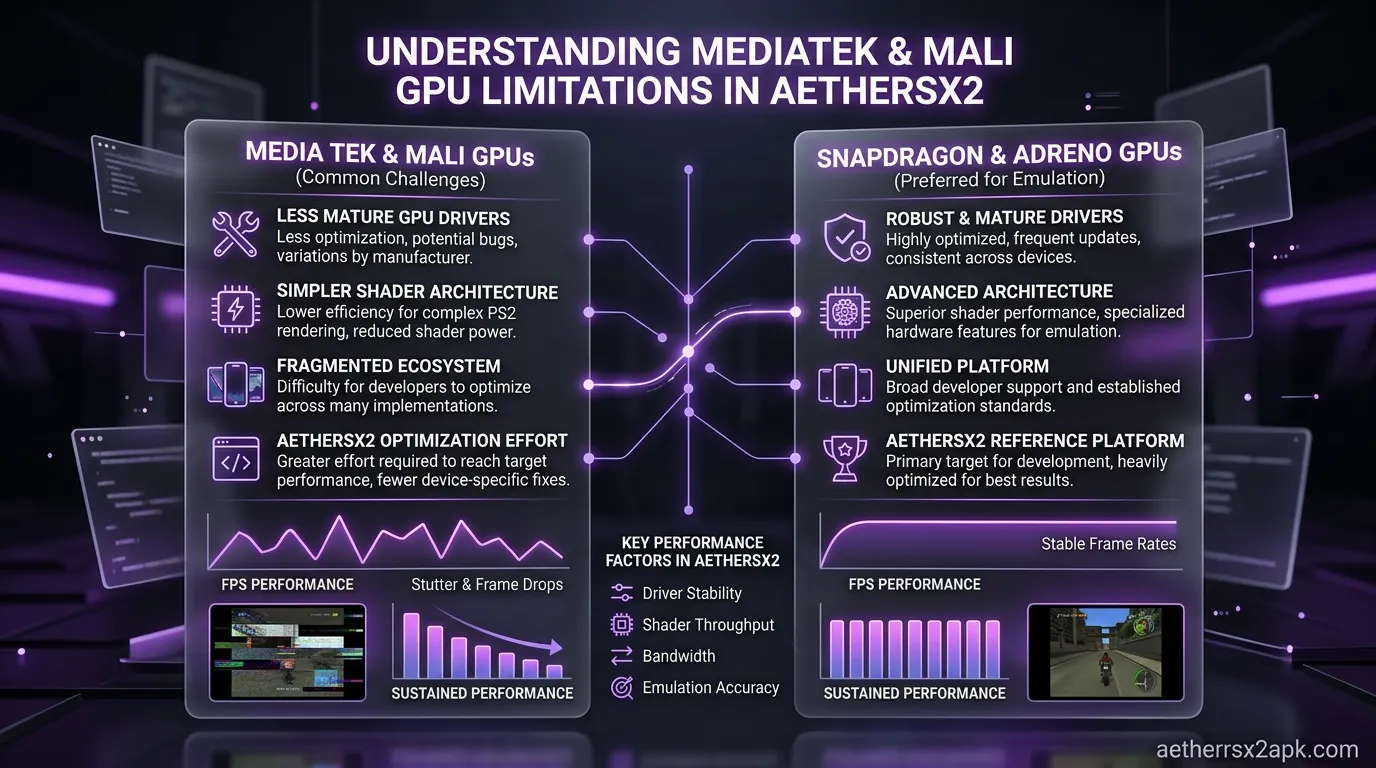
RetroArch loads cores. It is not a PS2 emulator by itself. On Android the Play Store / sideload build may expose a PCSX2 core, a Play! core, or nothing PS2-related, depending on what that build shipped. Those cores lag the standalone AetherSX2 Android GPU path. Official project pages: RetroArch and Libretro documentation.
BIOS paths and folders
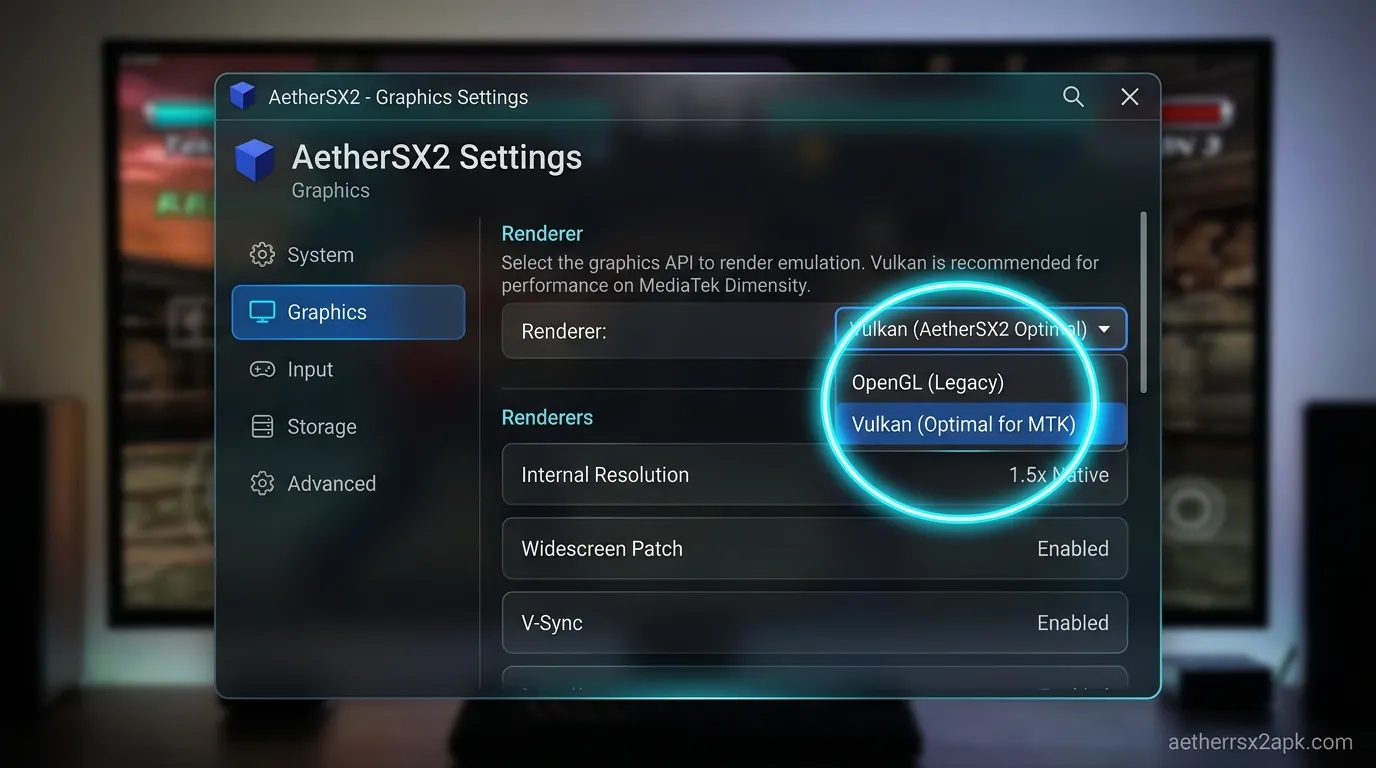
Both require a legal PS2 BIOS. AetherSX2 has an Import BIOS button. RetroArch wants the .bin in its system folder with the filename the core documents (often ps2.bin or the SCPH name). Copying the same dump twice is normal. Dump your own firmware; do not download BIOS packs.
Scan the same CHD directory if you like. AetherSX2's game list and per-game properties sheet are faster to operate with a thumb than RetroArch's nested menus.
Performance, saves, shaders
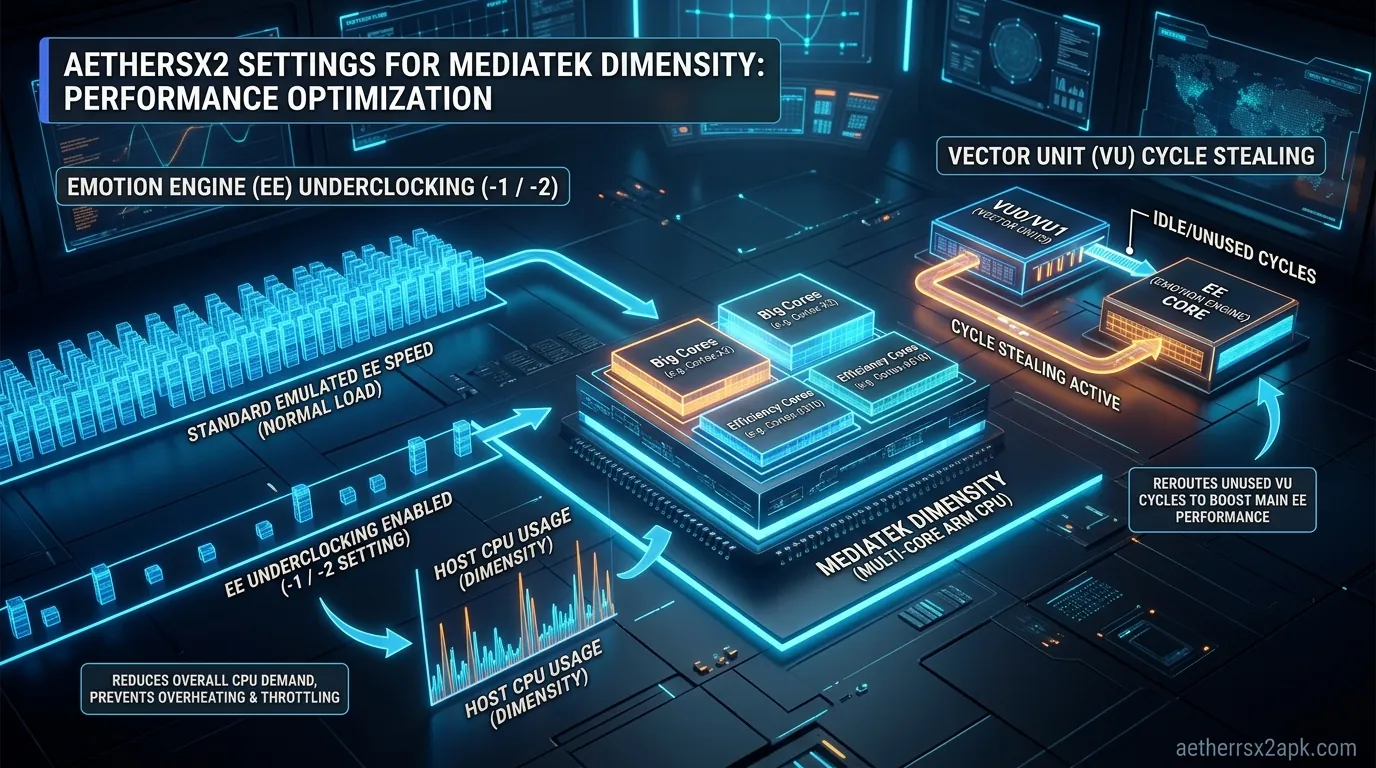
On Adreno phones, standalone Vulkan in AetherSX2 is the tested path. RetroArch cores often expose fewer Android renderer toggles and older GS options. MTVU, EE cycle rate, and per-game skip-draw exist in AetherSX2's properties sheet; hunting the same flags in Quick Menu is slower and sometimes missing.
If a title already struggles in standalone, it will not magically hit 100% inside RetroArch on the same SoC.
Memory cards: you can copy .ps2 files between AetherSX2 and a PCSX2 core if the core uses the same format. Test one throwaway save first. Save states are incompatible across frontends. Shaders: RetroArch wins if you want CRT filters on everything. AetherSX2 stays closer to raw GS output plus widescreen patches.
NetherSX2 cannot run "inside" RetroArch. NetherSX2 is an APK patch. RetroArch cannot load it as a core.
When RetroArch is the better shell
Choose RetroArch as the home screen when you play five systems and want one overlay skin, or you already maintain rewind / netplay for 2D cores (rewind is a bad idea on PS2 anyway). Choose AetherSX2 when PS2 is the point of the phone. For Android TV, standalone AetherSX2 plus a pad still wins for PS2; see Android TV. RetroArch's leanback story is nicer for NES.
PPSSPP: PSP, not PS2
PPSSPP plays PlayStation Portable games. AetherSX2 plays PlayStation 2 discs. They share Vulkan and an Android storefront. That is the end of the overlap.
| AetherSX2 | PPSSPP | |
|---|---|---|
| System | PlayStation 2 | PlayStation Portable |
| Typical dump | ISO / CHD | ISO / CSO |
| Firmware | PS2 BIOS required | No Sony BIOS dump for normal play |
| Analog | DualShock 2 | PSP nub + face buttons |
| Heavy titles | God of War, Shadow of the Colossus, Gran Turismo 4 | God of War: Chains of Olympus is still far cheaper than PS2 God of War |
PSP emulation on PPSSPP is mature and light. Mid-range phones render it at 3x–5x. PS2's Emotion Engine plus GS is a different budget: see best phones for AetherSX2. A device that "maxes PPSSPP" can still slow-motion Shadow of the Colossus.
If your goal is portable PlayStation games on a cheap handset, PPSSPP will make you happier. If your goal is Persona 4 or San Andreas as they shipped on PS2, you need AetherSX2 and the SoC to match.
Install both. They do not share data folders. Give PS2 the Vulkan/Adreno path and leave PPSSPP on its own backend. Thermal throttling during a PS2 session can make the next PPSSPP session stutter until the SoC cools; that is heat, not a conflict. NetherSX2 is unrelated to PPSSPP Gold.
Controllers
PPSSPP maps a modern pad onto a PSP layout (one analog). AetherSX2 maps a DualShock 2. Using the same Xbox pad for both is fine; keep two profiles. Touch overlays are also separate. Do not expect an AetherSX2 layout file to import into PPSSPP. Hide on-screen buttons once a pad is connected: touch controls.
Which APK to install
- Install AetherSX2 4248 and NetherSX2 from the download hub.
- Import a BIOS you dumped from a console you own. Scan CHDs. Map a pad.
- Sideload Play! only if a specific PS2 title is unplayable and Play!'s tracker says that title boots.
- Install PPSSPP if you also own PSP dumps. Do not look for a "PS2 mode" inside it.
- Use RetroArch as a living-room launcher for 2D systems. Launch AetherSX2 as its own app for PS2.
Keep extra PS2 cores off your "unknown sources" default if you do not need them. Two PS2 cores doubles the malware surface when you download random APKs. For Chromebook ARC limits, see AetherSX2 on Chromebook.
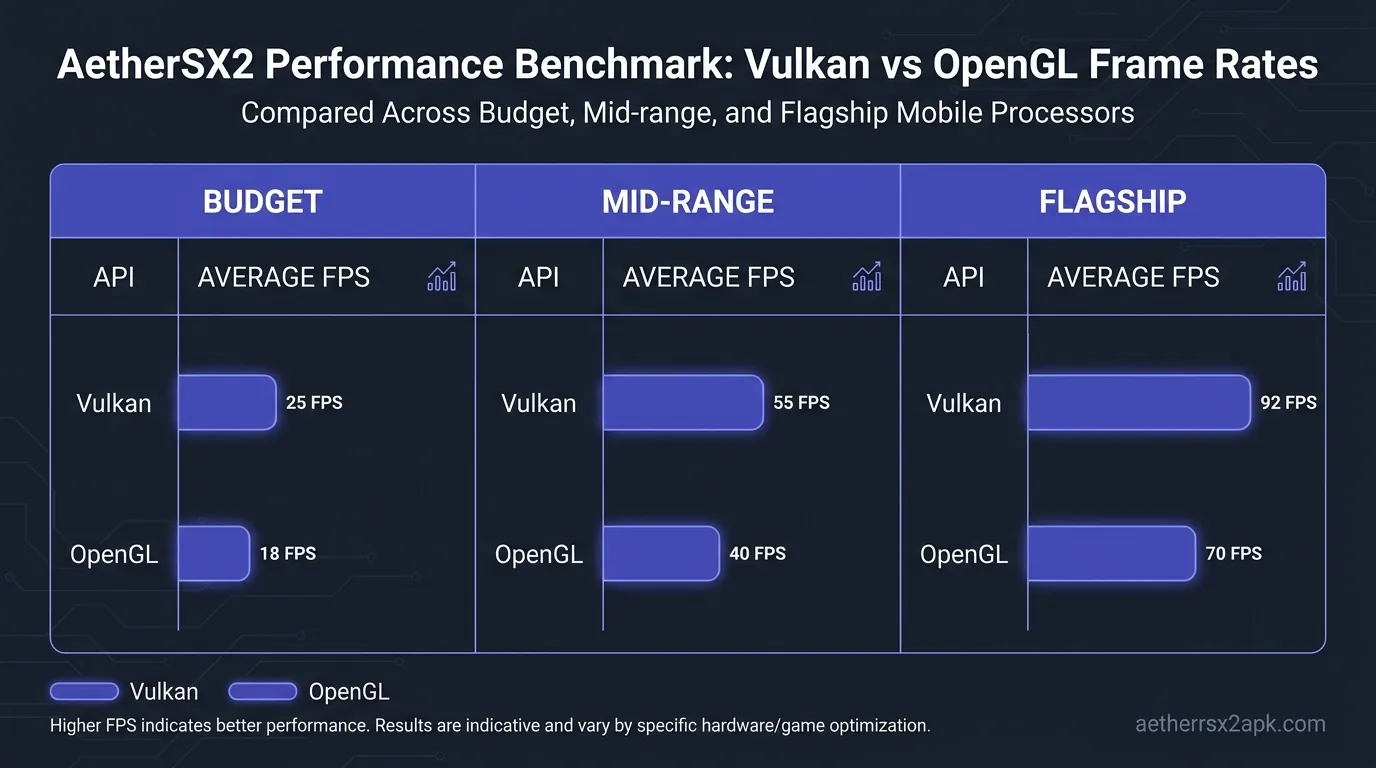
Phone-tier reality, measured on the hardware above plus a Galaxy S24 Ultra (Snapdragon 8 Gen 3) for the flagship column: Play! did not unlock 3x on the F3 where AetherSX2 could not. RetroArch's PS2 core was slower to configure and no faster in God of War. PPSSPP at 5x on the F3 is unrelated to whether Shadow of the Colossus holds 30 FPS in AetherSX2.
Saves, BIOS, and what you can copy
- BIOS: one dump, many copies. AetherSX2 Import button, Play! BIOS path, RetroArch
system/. Legal dump steps: AetherSX2 BIOS. - Discs: CHD/ISO can be shared across AetherSX2, Play!, and a PCSX2 core. PSP CSO files stay in PPSSPP.
- Memory cards:
.ps2between AetherSX2 and desktop PCSX2 usually works. Play! is a maybe. Test a junk save first. Memory card guide. - Save states: never portable across these apps.
- Cheats: AetherSX2 uses
.pnach(cheat codes). RetroArch cores may want a different format. PPSSPP has its own.
Community reports for Android emulation live on r/EmulationOnAndroid. Treat a screenshot from a different SoC as a hint, not a settings preset.
Frequently asked questions
Is Play! legal to use with my dumps?
Same rules as AetherSX2: your BIOS, your discs. Neither project is a storefront for those files.
Can RetroArch replace both AetherSX2 and PPSSPP?
It can load a PPSSPP core and sometimes a PS2 core. Standalone PPSSPP and standalone AetherSX2 remain easier to set up and faster to tune on a phone.
Should I uninstall AetherSX2 if Play! runs one game better?
No. Keep NetherSX2 as default; use Play! as a per-title exception.
Does NetherSX2 run inside RetroArch?
No. NetherSX2 is an APK patch, not a Libretro core.
Why do YouTube thumbnails show AetherSX2 and PPSSPP logos together?
Same creator audience, not the same emulator. Always read which system is running in the video.