aethersx2 chromebook
AetherSX2 on Chromebook: Android Container Setup
By HBKPublished Last updated
Quick summary
AetherSX2 on a Chromebook runs only if ChromeOS exposes a 64-bit Android (ARC) container. ARM Chromebooks are the realistic path. Intel 32-bit Android containers reject the APK. It is still the Android build, not a Linux .exe.
- Need: Settings → Apps → Android preferences (ARC present)
- Sideload: unknown sources / Linux is not a substitute for ARM64 Android
- BIOS + CHD: same dump-your-own rules as a phone
- Skip: school-locked devices that cannot install unknown APKs
AetherSX2 is an Android ARM64 app. It runs on a Chromebook only when ChromeOS exposes the Android (ARC) container and that container is 64-bit ARM or a working translation layer. Intel Chromebooks with old 32-bit Android containers will reject the APK. Check Settings → Apps → Google Play Store → Manage Android preferences; if that page is missing, the device never shipped ARC.
Start from the same Android install walkthrough used on phones, then apply the ChromeOS-specific permission and storage notes below. You still need a legal PS2 BIOS dump and your own disc images.
On this page ▾
| ChromeOS hardware | Android container | Realistic AetherSX2 result |
|---|---|---|
| Recent ARM (MediaTek Kompanio, Snapdragon 7c/8cx) | ARM64 ARC | Best case: 2x internal on lighter games |
| Intel with 64-bit ARC | x86_64 + translation | Mixed; Vulkan may be missing or slow |
| Old Intel, 32-bit ARC only | Cannot install ARM64 APK | Use PCSX2 on Linux in Crostini instead |
| School-managed image | Sideload blocked | You need the admin to allow unknown sources |
If the device is managed, unknown-sources and USB file access are often disabled. That is a policy issue, not an emulator bug.
Sideload the APK when Play Store hides it
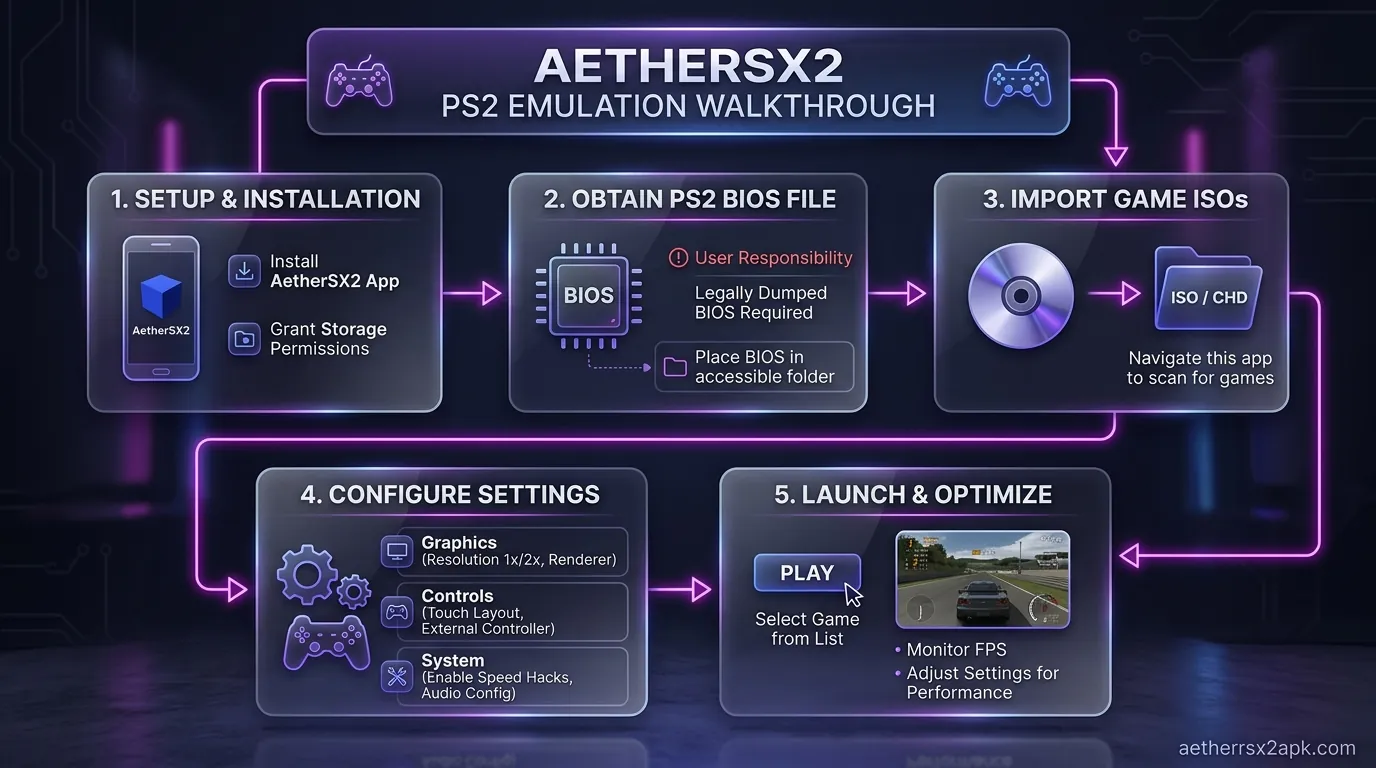
AetherSX2 is not a Play Store TV/Chromebook listing. Sideload the verified v1.5-4248 build from this site, then apply NetherSX2 if you want the ad-free patch.
- In ChromeOS Settings → Apps → Google Play Store → Manage Android preferences → Notifications & permissions, allow installs from Files / unknown sources for the browser you use.
- Download the APK into the Downloads folder (the Android container can see that path).
- Open Files, tap the APK, install. Play Protect may warn because the app is sideloaded; that warning is expected for this APK.
- Open AetherSX2 once so it creates its data directory before you copy BIOS files.
Do not install random "AetherSX2 Chromebook" desktop binaries. Those are unrelated x86 programs or malware. Desktop PS2 emulation on ChromeOS belongs in Crostini with PCSX2, covered in the Linux guide.
BIOS, game folders, and ChromeOS files
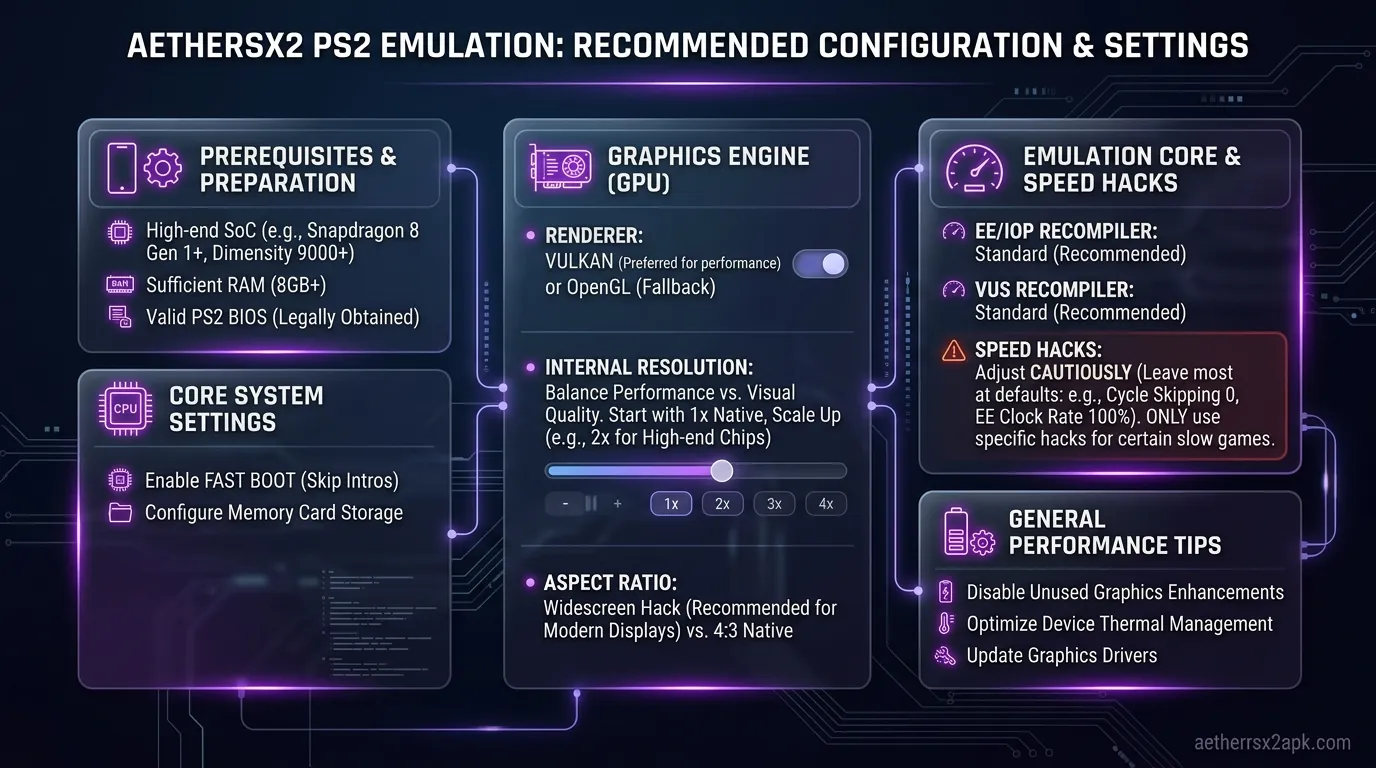
ChromeOS has two filesystems: the CrOS Files app and the Android subtree (/sdcard inside ARC). AetherSX2 only sees the Android subtree.
- Copy
SCPH-XXXXX.bininto Downloads, then in AetherSX2 use Import BIOS and pick that Downloads item. The emulator copies it into its own folder. - Game ISOs/CHDs should live on local storage, not Google Drive streaming. ARC will stall on Drive placeholders.
- External SD / USB must be shared with Android apps (Files → My files → right-click the volume → share with Linux/Android, wording varies by ChromeOS version).
CHD is still the right format on a 64 GB education Chromebook. Convert on a PC with the ISO to CHD guide before copying.
Controllers, keyboard, and display scaling
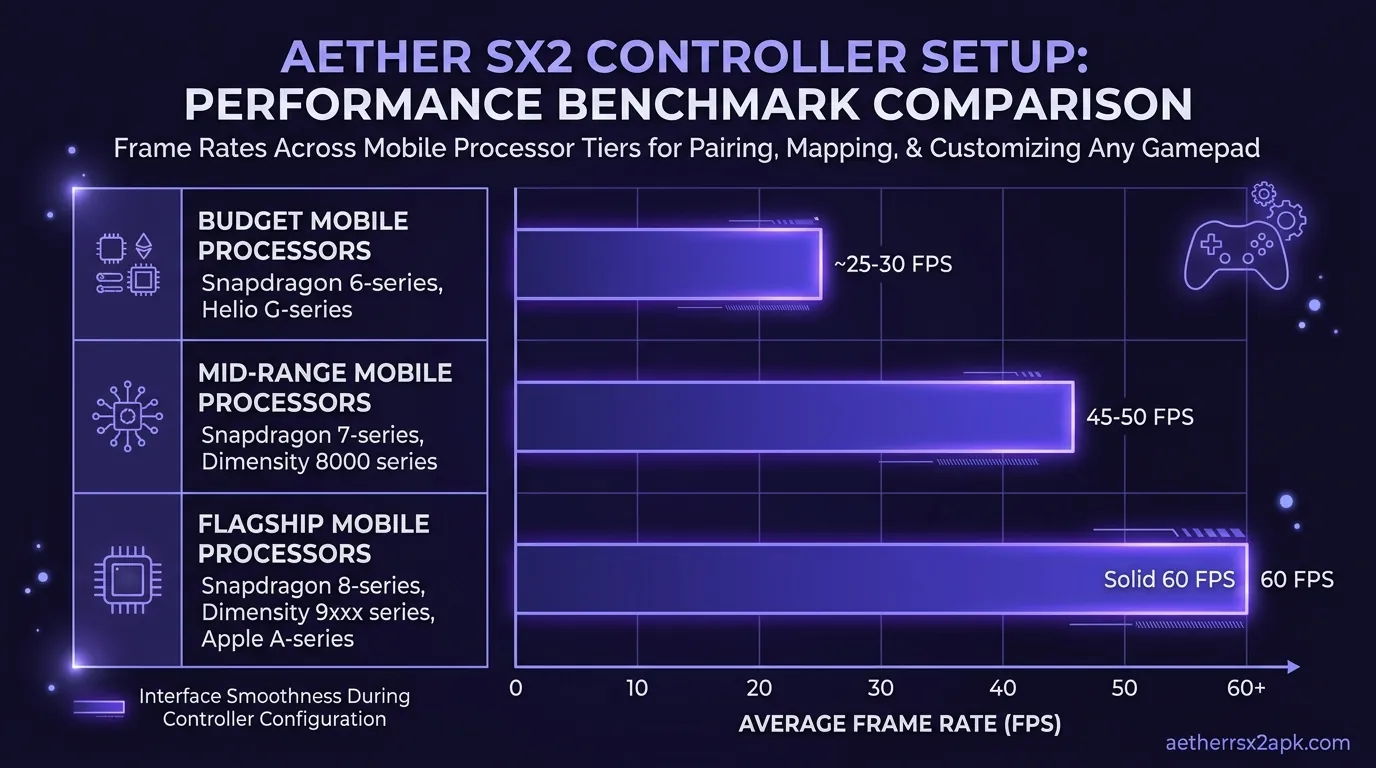
Bluetooth pads pair in ChromeOS Settings, then appear inside ARC. Map them in controller setup. The Chromebook keyboard is not a DualShock: arrow keys may move menus, analog games still need a pad.
Full-screen: AetherSX2's Android activity can be windowed by ChromeOS. Snap it to fullscreen or internal resolution looks tiny on a 13-inch 3:2 panel. Leave aspect at 4:3 or 16:9 with widescreen patches rather than stretching to 3:2.
Touch on a convertible Chromebook works with the touch editor, but a pad is less painful on a laptop hinge.
Performance on ARM vs Intel ChromeOS
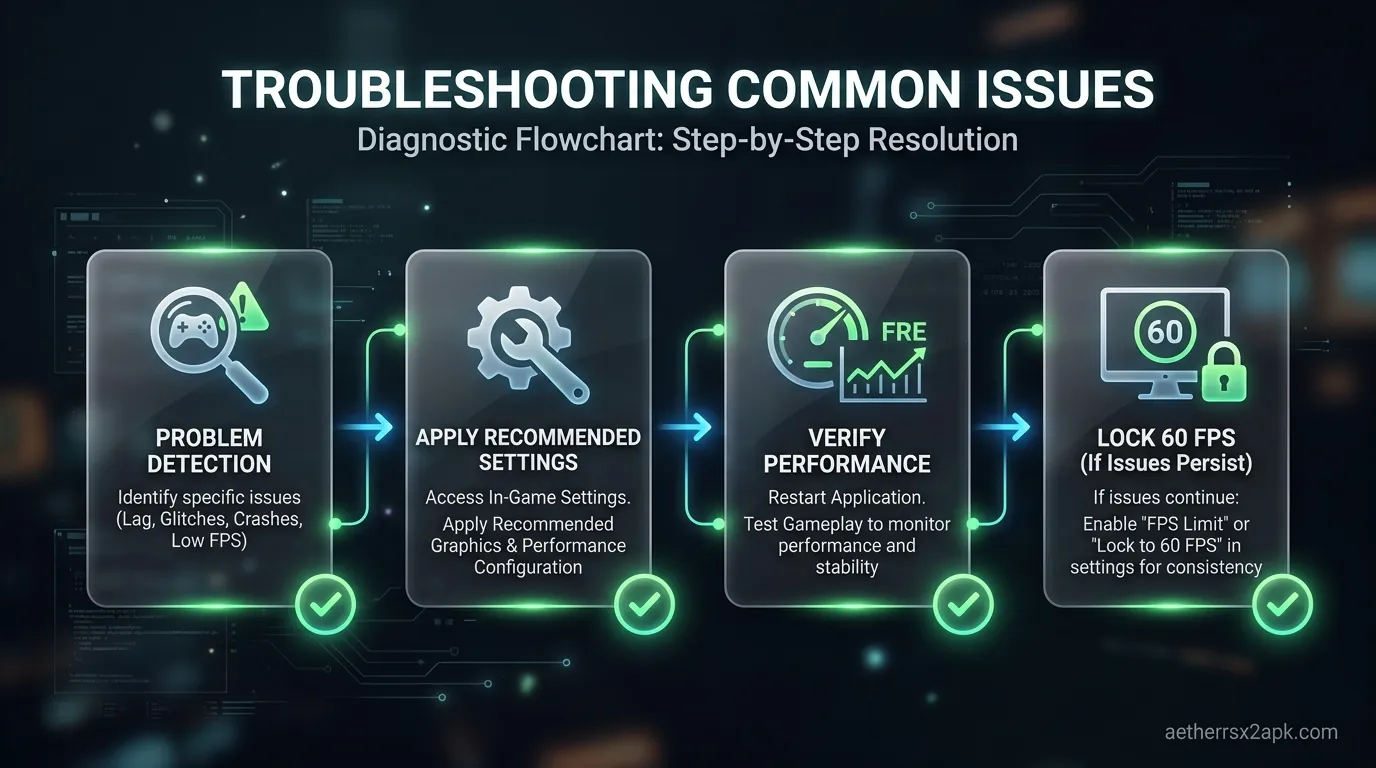
ARM Chromebooks behave like mid-range phones: Vulkan when the GPU driver exists, 1x–2x internal, MTVU on. Intel boxes often expose only OpenGL ES through translation and heat-throttle in a thin chassis. If games run in slow motion, drop resolution first; ChromeOS rarely lets you install Turnip drivers.
School units with 4 GB RAM will also lose the Android container to Chrome tabs. Close the browser before launching a title like Shadow of the Colossus.
For a dedicated living-room box, a phone plus Android TV or a real PC with PCSX2 will outperform almost any Chromebook.
What actually installed on an ARM Chromebook
On an ARM ChromeOS device with Play Store / ARC enabled, AetherSX2 v1.5-4248 installed after Play Protect → Install anyway. The BIOS import needed the Android "Files" app to see Downloads; Linux (Crostini) folders were invisible to the APK. Intel Crostini is a PCSX2 path, not this APK — see AetherSX2 for Linux.
Managed school units often hide unknown sources. There is no workaround that stays within policy. Community ChromeOS/Android emulation threads: r/EmulationOnAndroid.
If the container is 32-bit, the APK will not parse. Check Android preferences → architecture before you blame the download.
ARC is Google's Android container on ChromeOS. The APK is still AetherSX2; desktop Linux in Crostini wants PCSX2. Also: PCSX2 GitHub and r/EmulationOnAndroid.
Frequently Asked Questions
Can I run AetherSX2 in Crostini Linux instead of Android?
The official AetherSX2 APK is Android-only. In Crostini you want PCSX2, not this APK. See AetherSX2 for Linux for the desktop path.
Why does Play Protect block every install?
Sideloaded unsigned-from-Play APKs always warn. Use the checksum on our download page. Repeated blocks on managed Chromebooks mean the admin policy forbids unknown sources.
Does a USI stylus help?
No. AetherSX2 wants DualShock buttons. A stylus is worse than a finger overlay.
Will ChromeOS updates break the app?
ARC updates sometimes reset unknown-source toggles or SD card sharing. Re-enable sharing; you should not need to re-import the BIOS if AetherSX2's Android data folder survived.