Tested on: POCO F3 (Snapdragon 870), Android 13, AetherSX2 v1.5-4248; FFX shrine saves and Star Ocean 3 disc swaps
Quick summary
AetherSX2 saves are two systems: .ps2 memory cards (truth) and save states (retries). Multi-disc RPGs must share one card and keep Disc 1–3 filenames the emulator can swap.
Use cards:shrines, story flags, anything that must survive an APK patch
Use states:boss retries only; Qt PCSX2 states will not load here
Multi-disc:same card, Disc 1/2/3 names, Change Disc — do not merge CHDs
Backup:copy Mcd001.ps2 off the phone before NetherSX2 patches
This page is the saves hub: virtual PS2 memory cards, save-state slots, and Disc 1–3 swaps. Use a card save for anything you cannot afford to lose after an APK change. Use a state for a boss retry. Keep one shared .ps2 file across a multi-disc RPG so Disc 3 still sees the Disc 1 ending.
Finish the APK install walkthrough so data folders exist, and import a BIOS first — the memory card manager never opens without firmware. Desktop PCSX2 documents the same card-versus-state split on the PCSX2 wiki. Android paths differ; the rule does not.
On this page▾## States versus memory cards
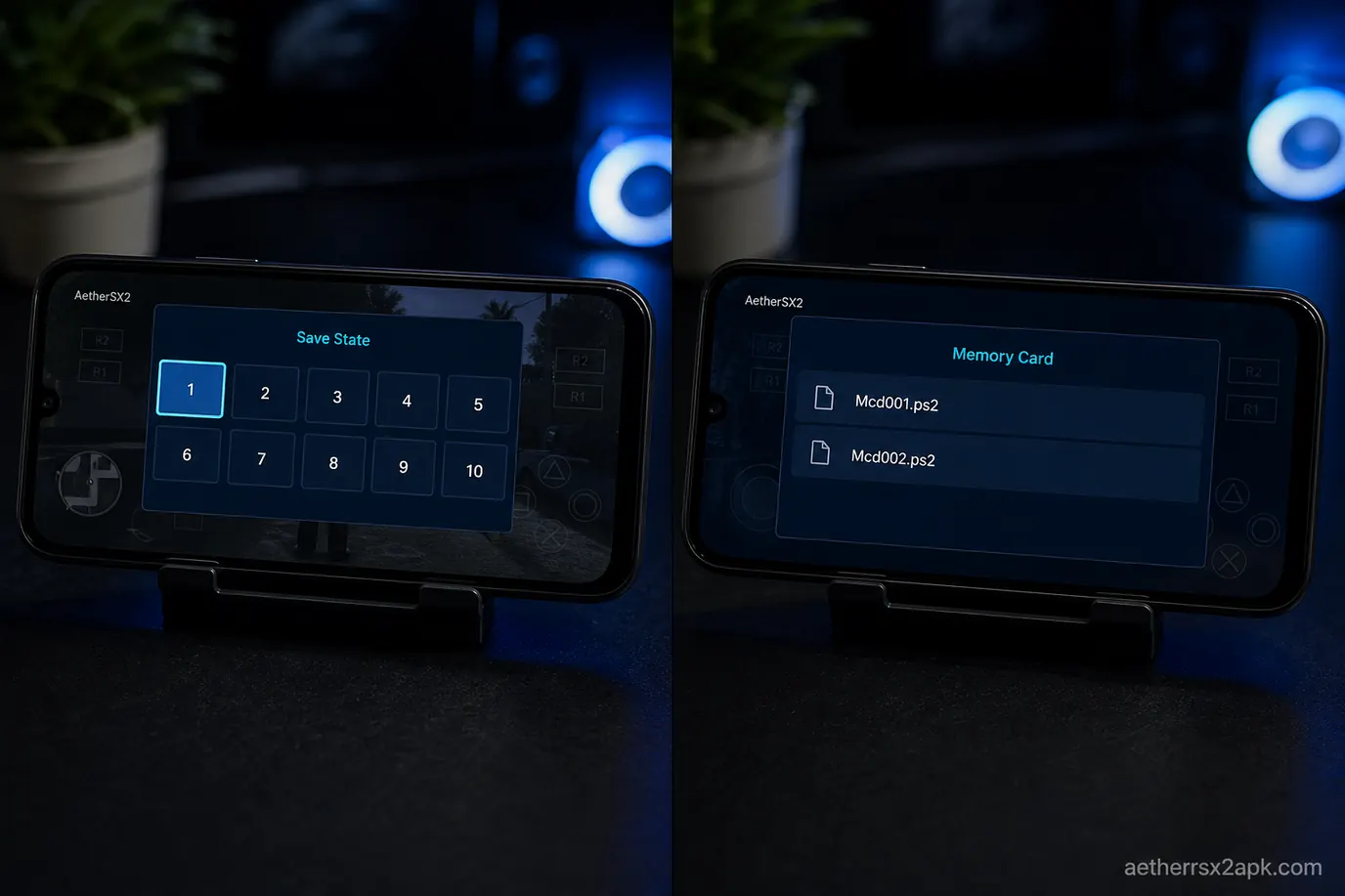
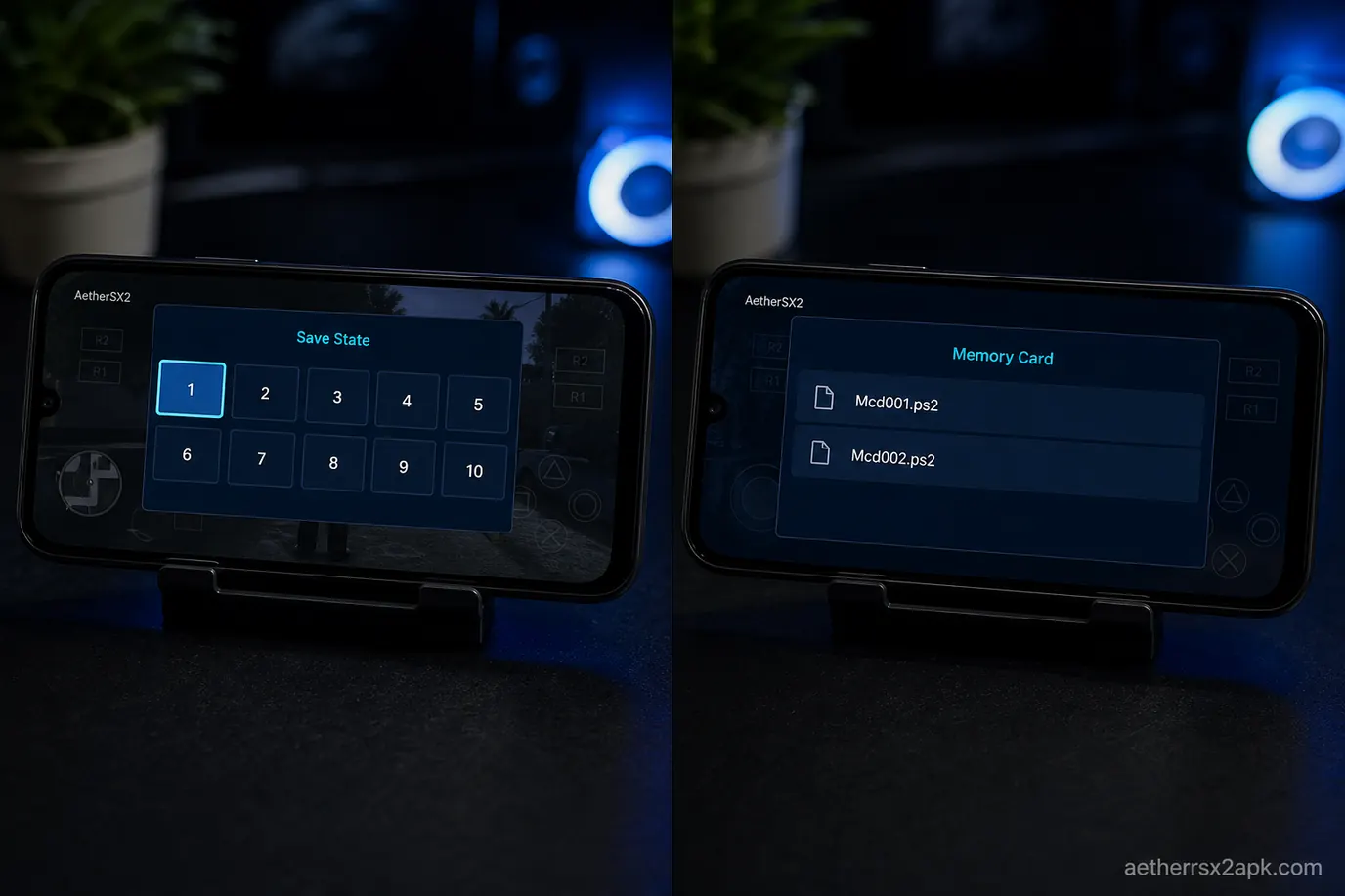
Save state overlay next to PS2 memory card files
Save state
Memory card
What it stores
Whole machine snapshot
Game-written save file
Survives emulator updates
Often no
Usually yes
Works in cutscenes
Yes
No
Shares with PCSX2
No
Yes (.ps2 card)
Multi-disc
Tied to one disc CRC
Shared across Disc 1–3 if Slot 1 is one file
Risk
Desync, crash on load
Card full / format prompt
A state taken on AetherSX2 3668 may not load on 4248. A state from PCSX2 Qt will not load on Android. Card saves from PCSX2 will.
Memory cards
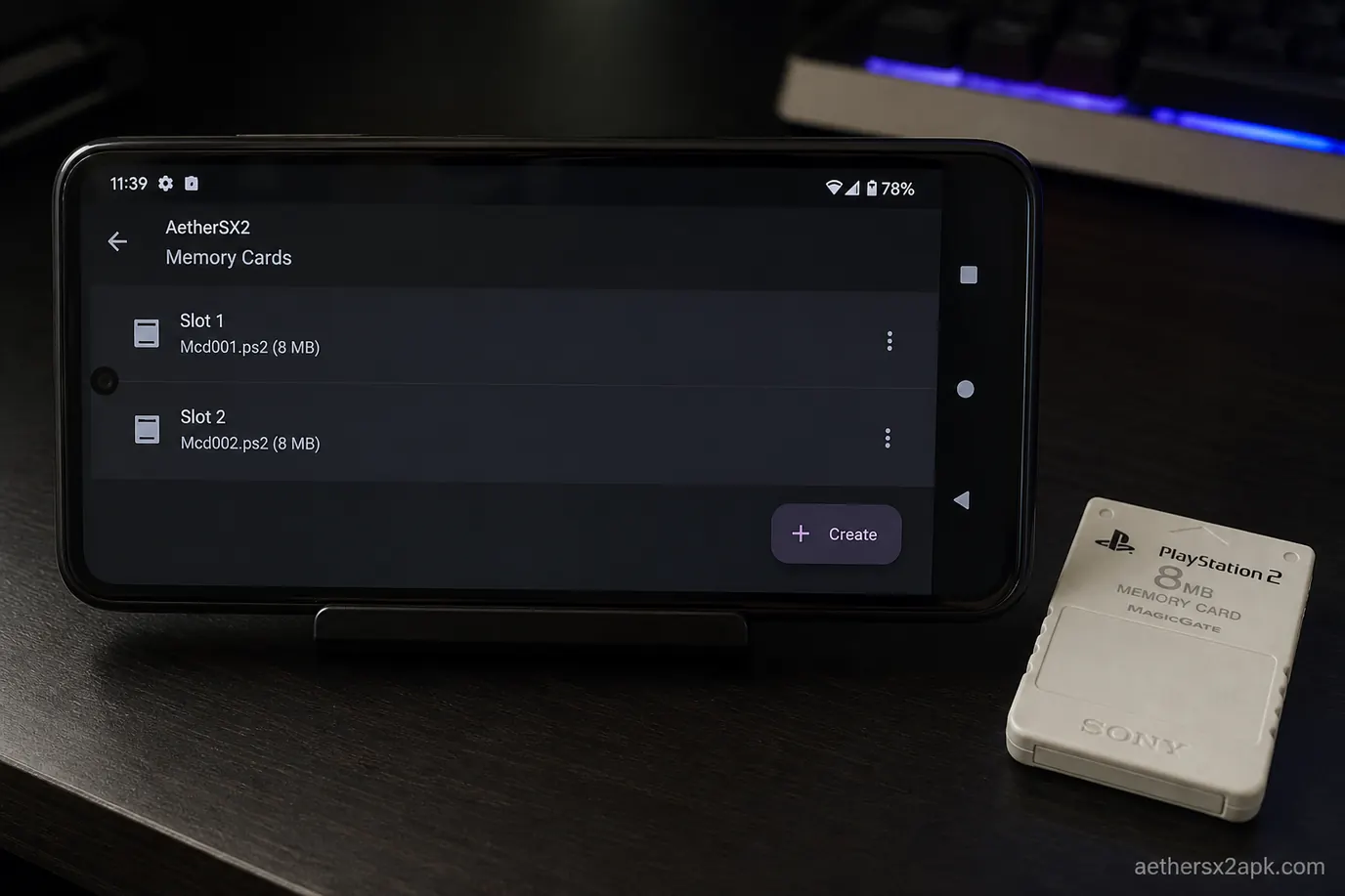
AetherSX2 Memory Cards Slot 1 and Slot 2
AetherSX2 emulates two PS2 slots as files, usually Mcd001.ps2 and Mcd002.ps2. Those are the shrine / bed / pause-menu saves. Default setup points both slots at two shared 8 MB images — the same as one physical card in a real console.
Per-game cards (Memory Card settings → folder per game / unique cards) isolate Final Fantasy X from GTA so a full card in one title cannot block another. Use a shared Slot 1 for a multi-disc set. Use per-game cards if you play dozens of RPGs.
8 MB is the classic PS2 size. Larger PCSX2 images work if the format is still .ps2. Do not rename PS1 .mcr files into Slot 1.
Create, format, and import
Open App Settings → Memory Cards.
Slot 1 → Create if the path is empty. Confirm 8 MB unless you know you need a larger image.
Boot any game to the OS browser or in-game save menu. The first access formats the card.
To import, copy a .ps2 file into the emulator's memcards folder and point Slot 1 at that file.
Never edit the .ps2 with a text editor.
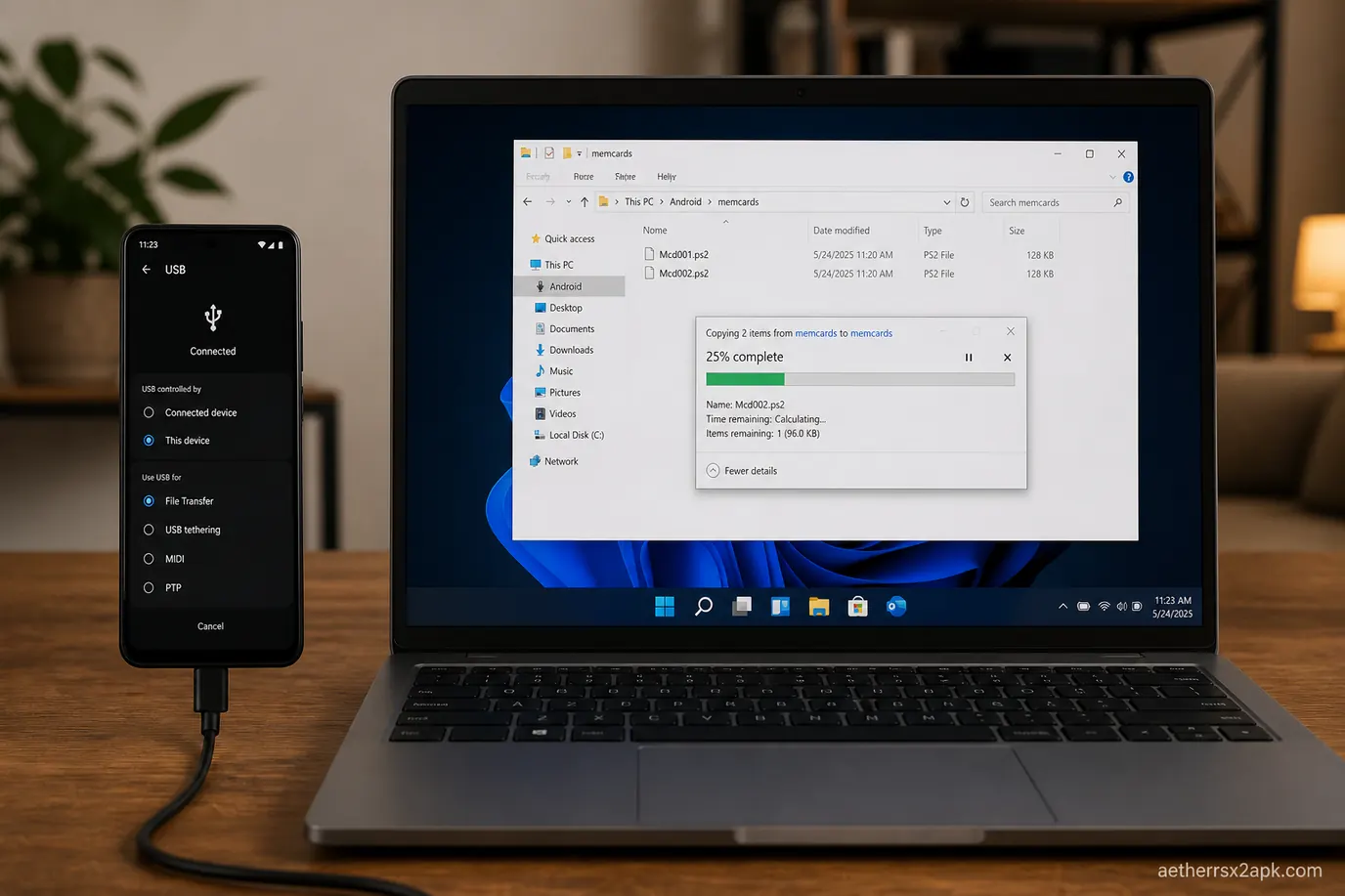
From PCSX2: USB the desktop memcards file to the phone. Region must match the BIOS or some titles refuse the save. From a physical card: dump with a reader or homebrew (uLaunchELF). The image must be a PS2 card dump.
On the POCO F3, AetherSX2 v1.5-4248 created Mcd001.ps2 and Mcd002.ps2 in memcards. A desktop PCSX2 card loaded after a format-warning skip. Source for the container: PCSX2 GitHub. Dump hashes: Redump.
When a game cannot see the card
Symptom
Cause
Fix
"Not formatted" every boot
Slot path empty or file zero bytes
Recreate 8 MB card; do not interrupt first format
Save slot greyed out
Multi-disc title looking at the wrong disc's folder
Delete old saves in-game or switch to per-game cards
After Android 11+ move
Scoped storage hid the old path
Re-point Slot 1; restore from backup
If the app crashes on save, check storage permission or a full disk: crash fix.
Save-state slots
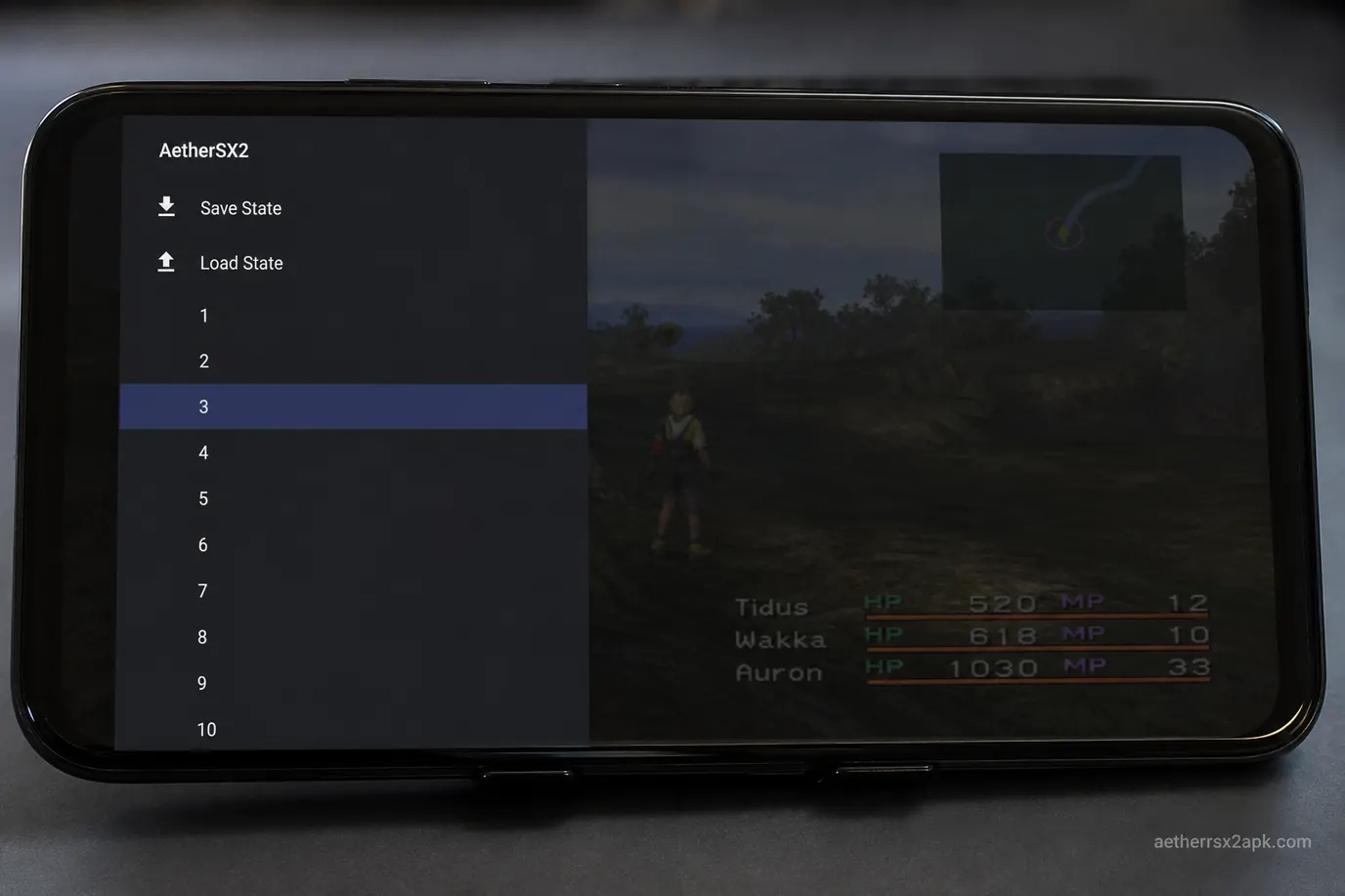
AetherSX2 save-state slots in the pause overlay
Pause the game (overlay or mapped hotkey).
Save State → pick slot 1–10. Slot 0 is often "quick save."
Load State restores that slot. Do not load during a disc swap mid-write.
Map Save State / Load State on a pad in controller setup so you never hunt the overlay in a boss.
Why a state refuses to load
Version mismatch after an APK update or a NetherSX2 patch revision. Keep an in-game save.
Wrong game CRC if you replaced the ISO with a different region dump.
Renderer change can break GPU-heavy snapshots. Try OpenGL once, then make a new state.
Corrupt file from killing the app while the slot was writing. Delete that slot.
On this phone a Final Fantasy X slot was ~42 MB under sstates, one file per CRC per slot. Copying that file to PCSX2 failed. Copying Mcd001.ps2 succeeded.
Safe habits for long RPGs
For Final Fantasy X, Kingdom Hearts, Persona 3/4: shrine/save point is truth. One state as a retry buffer only. Write a card save before a NetherSX2 patch or OS update. Do not spam states every 10 seconds on a dying SD card.
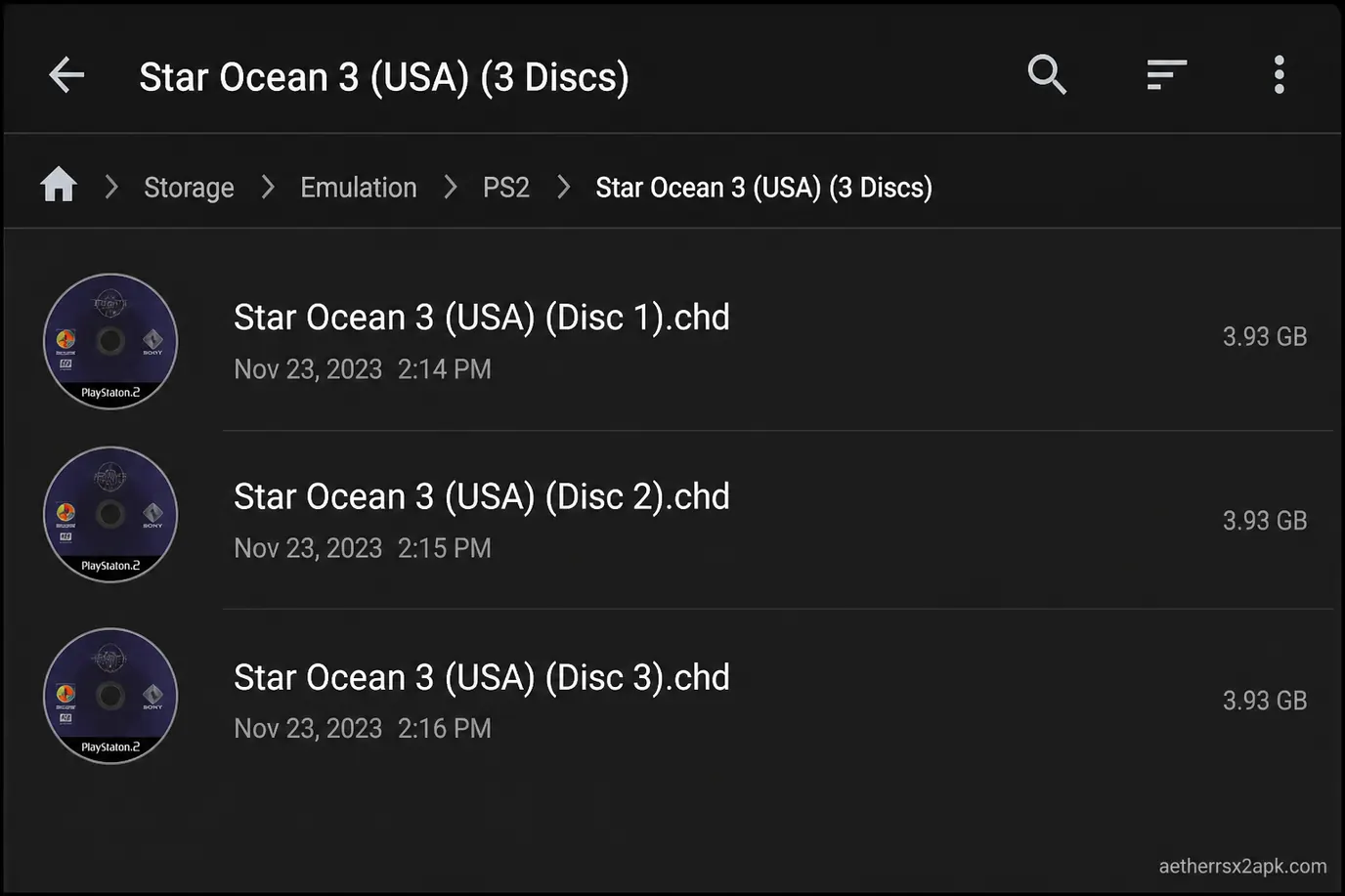
PS2 RPGs such as Xenosaga and Star Ocean 3 span two or three discs. AetherSX2 does not merge them into one file. Each dump stays in the same folder, named so the scanner can group them, and you swap from the pause menu when the game asks for Disc 2.
`` Star Ocean 3 - Till the End of Time (USA) (Disc 1).chd Star Ocean 3 - Till the End of Time (USA) (Disc 2).chd Star Ocean 3 - Till the End of Time (USA) (Disc 3).chd
`
Keep the region identical. Mixing PAL Disc 1 with NTSC Disc 2 boots, then fails the swap checksum. BIN/CUE dumps must keep the
.cue next to the .bin. Point AetherSX2 at the cue. CHD tool docs: chdman. Hash dumps against Redump.
Renaming Disc 2 to
SO3D2.chd on this phone made it a second row with different artwork. Change Disc still listed it if both files were in the scanned folder.
Swap discs from the pause menu
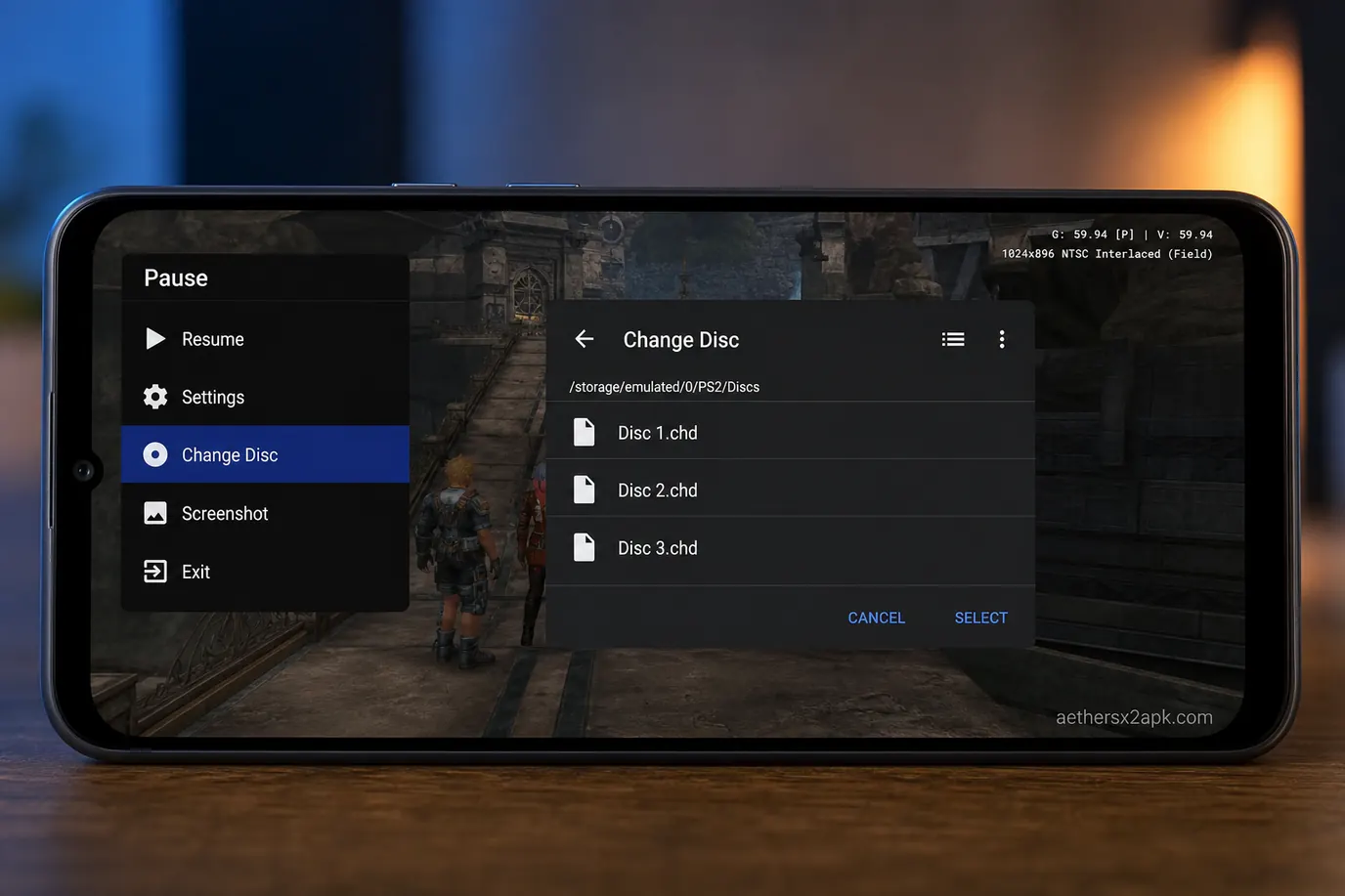
Change Disc in the AetherSX2 pause overlay
When the game shows "Please insert Disc 2":
Open the AetherSX2 overlay (back gesture or mapped hotkey).
Choose Change Disc / Swap Disc.
Pick Disc 2 from the same folder. Do not background the app mid-open on a slow SD card.
Close the overlay.
Do not load a Disc 1 save state after you already swapped — that restores Disc 1 RAM. Use an in-game save on the new disc.
Each disc can have a different CRC, so states are per disc. Card saves should be shared: keep Slot 1 on one
Mcd001.ps2. Per-game cards can create one file per CRC and make Disc 3 look empty.