best ps2 games android
Top 50 PS2 Games That Run Smoothly on Android
By HBKPublished Last updated
Quick summary
The best PS2 games for Android in AetherSX2 are titles that hold 100% at 2x on a Snapdragon 870-class phone: JRPGs and 2D-heavy games first, Santa Monica / Team Ico last.
- Easy: *Final Fantasy X*, most fighters, many licensed sports games
- Medium: *Kingdom Hearts*, *San Andreas* in cities at 2x
- Hard: *God of War*, *Shadow of the Colossus* — 1x and often EE −1
- Need: a dumped BIOS, CHD on internal storage, and a mapped pad
The PlayStation 2 is undeniably one of the greatest consoles of all time, boasting a library of games that defined an entire generation. Today, thanks to the sheer processing power of modern mobile devices and the incredible optimization of the AetherSX2 emulator (and its ad-free fork, NetherSX2), you can carry that entire library in your pocket. If you are diving into the world of PS2 emulation on your phone, you are probably wondering where to start.
In this massive guide, we break down the 50 best PS2 games to play on Android, categorized by genre and ranked by how well they emulate on AetherSX2. Whether you want to replay timeless RPGs, high-octane racing games, or legendary action-adventure titles, we have you covered.
Make sure your BIOS is properly dumped from your own console and set up via the install walkthrough before getting started!
On this page ▾
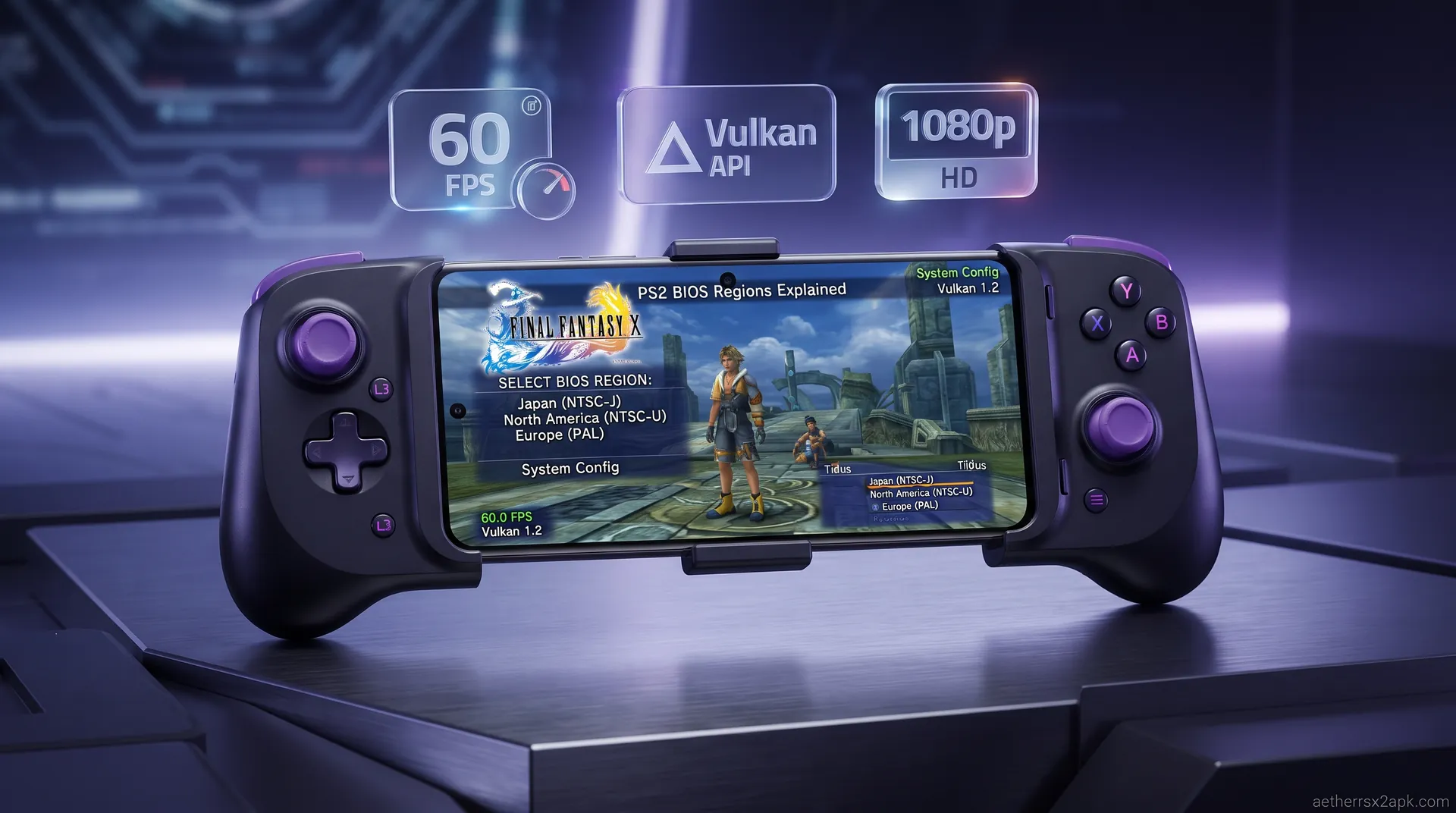
It has been several years since AetherSX2's final build (v1.5-4248) was released in August 2023. Even though active development was suspended by developer Tahlreth, the emulator remains an absolute powerhouse for Android devices. The underlying PCSX2 code it was built upon ensures that compatibility remains incredibly high across the vast majority of the PS2 library.
In 2026, mobile processors like the Snapdragon 8 Gen series have made emulating even the most demanding PS2 titles a breeze. Games that used to struggle to maintain 30 FPS can now be upscaled to 1080p or even 4K resolution on mobile screens. For the best hardware recommendations, check out our guide on the best phones for AetherSX2.
Evaluation Criteria
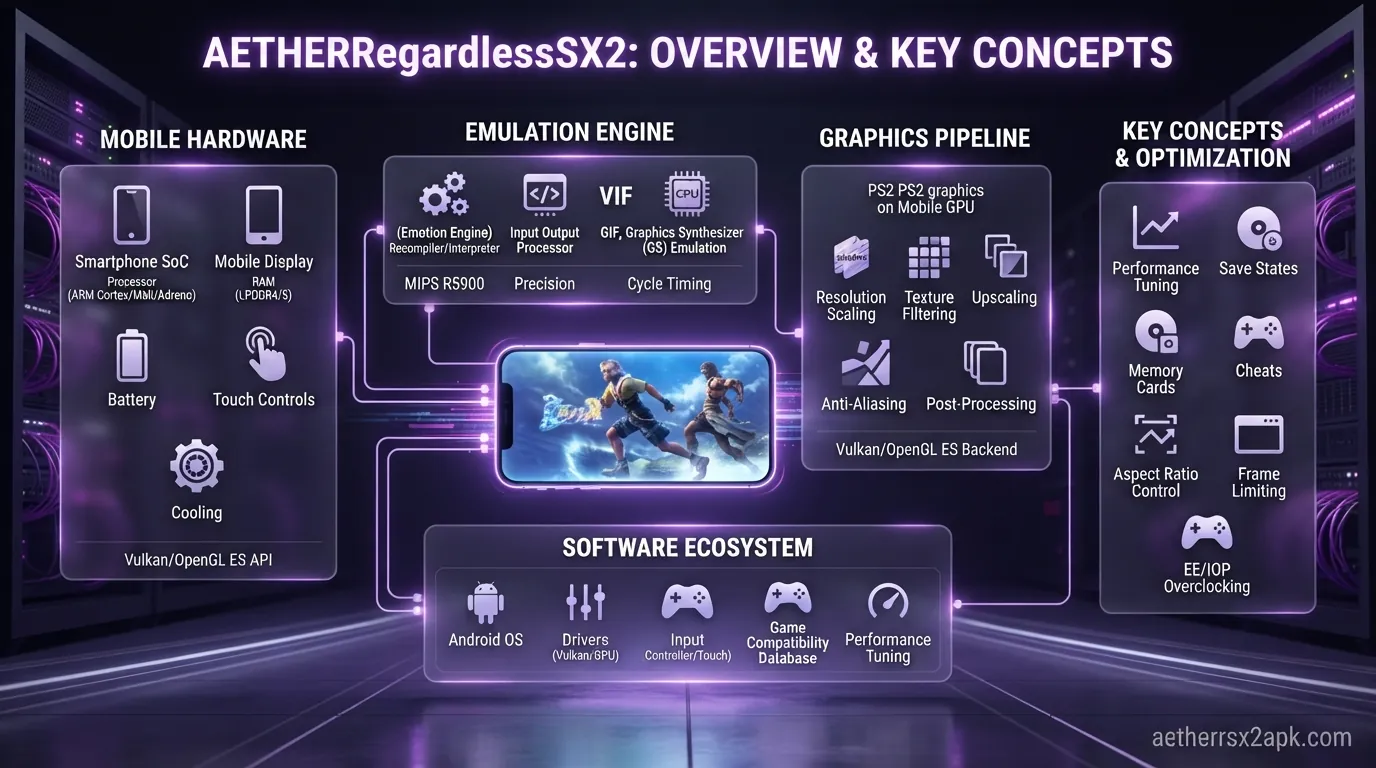
Before diving into the list, it's important to understand how we evaluated and ranked these games. We didn't just pick the most popular games; we looked at how well they translate to the Android experience.
- Performance: Does the game run at full speed without severe graphical glitches? We test using mid-range and high-end Android devices.
- Compatibility Rating: We rely on our extensive game compatibility database to ensure these games are playable from start to finish.
- Playability on Touch vs Controller: While games like RPGs are great with on-screen touch controls, fast-paced action games often require a Bluetooth controller. We note which games are best suited for which input method.
Top 10 Must-Play Action & Adventure PS2 Games
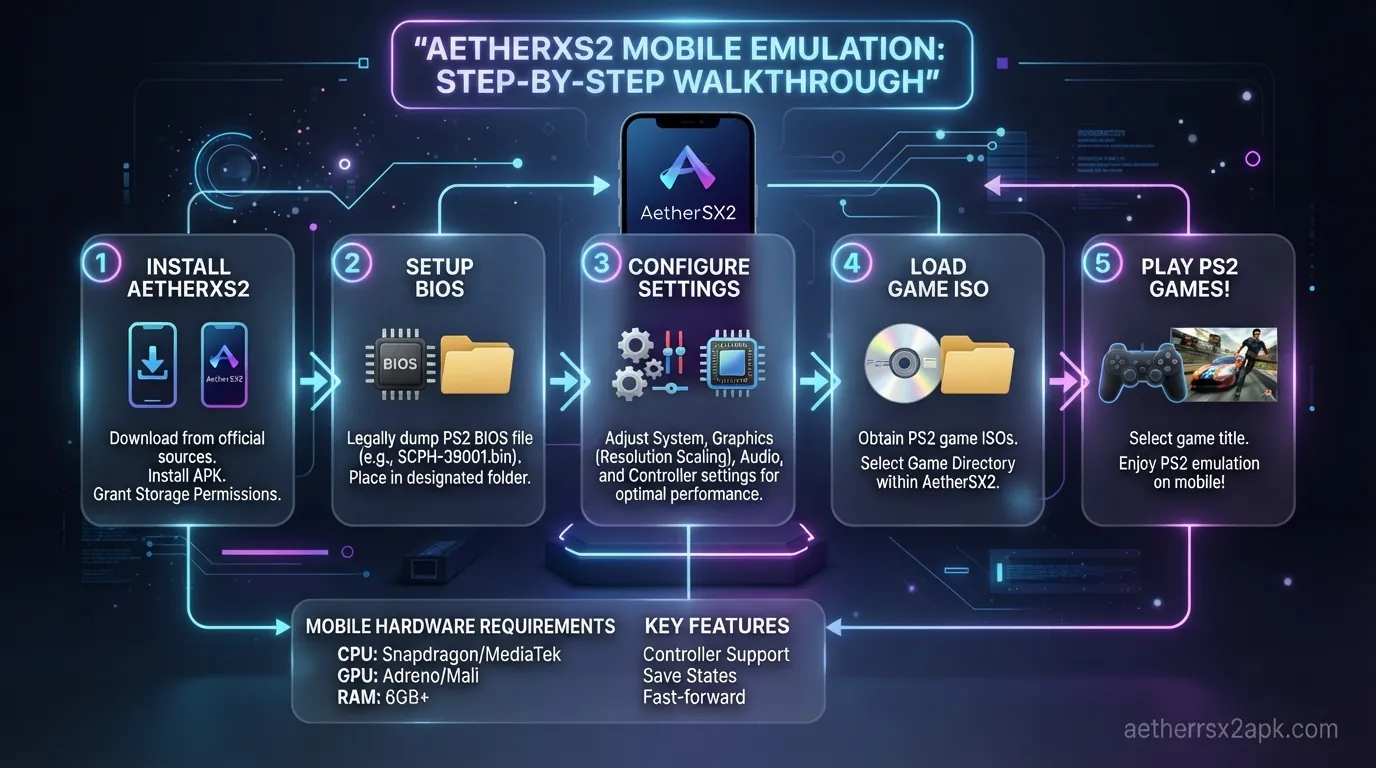
Action and adventure games are the bread and butter of the PS2 library. From epic mythological battles to open-world crime sprees, these games offer incredible experiences on mobile.
1. God of War 2
Required Specs: High-end Snapdragon (8 Gen 1 or better) Recommended Renderer: Vulkan God of War 2 pushes the PS2 hardware to its absolute limits, making it one of the most demanding games to emulate. However, with the right settings, Kratos' epic journey is a cinematic masterpiece on Android. (See our God of War settings guide for optimal performance).
2. God of War
Required Specs: High-end Snapdragon Recommended Renderer: Vulkan The game that started it all. Slicing through mythological creatures with the Blades of Chaos feels incredible. It requires a powerful device, but the upscaled visuals are breathtaking.
3. Grand Theft Auto: San Andreas
Required Specs: Mid-range to High-end Recommended Renderer: Vulkan While there is a native Android port, the PS2 version running on AetherSX2 retains the classic aesthetic, lighting, and physics. Check our GTA San Andreas settings to remove the fog and upscale the resolution.
4. Resident Evil 4
Required Specs: Mid-range Recommended Renderer: OpenGL / Vulkan The defining survival horror experience. RE4 emulates surprisingly well on AetherSX2, running at a smooth frame rate even on mid-range devices. A controller is highly recommended for aiming.
5. Metal Gear Solid 3: Snake Eater
Required Specs: High-end Recommended Renderer: Vulkan Hideo Kojima's masterpiece is notoriously difficult to emulate due to its complex post-processing effects. A powerful device is needed to maintain a steady framerate in the jungle environments.
6. Shadow of the Colossus
Required Specs: High-end Recommended Renderer: Vulkan A beautiful, haunting game that brings the PS2 to its knees. On Android, it requires aggressive underclocking settings on mid-range phones, but high-end devices can handle it. See our Shadow of the Colossus optimization guide for more.
7. Devil May Cry 3: Dante's Awakening Special Edition
Required Specs: Mid-range Recommended Renderer: Vulkan Fast, stylish, and challenging. DMC3 requires precise inputs, so a physical controller is mandatory. It emulates flawlessly, offering crisp 60 FPS action.
8. Okami
Required Specs: Mid-range Recommended Renderer: OpenGL Okami's cel-shaded art style looks timeless and upscales beautifully on AetherSX2. It runs smoothly on a wide variety of Android devices and is highly recommended.
9. ICO
Required Specs: Mid-range Recommended Renderer: Vulkan The predecessor to Shadow of the Colossus is much easier to emulate. Its atmospheric lighting and puzzle-solving mechanics make it a great fit for mobile play.
10. Kingdom Hearts 2
Required Specs: Mid-range Recommended Renderer: Vulkan A magical blend of Disney and Final Fantasy. KH2 emulates exceptionally well, maintaining 60 FPS in most battles. Check out our Kingdom Hearts emulator settings.
Top 10 Best RPGs on AetherSX2
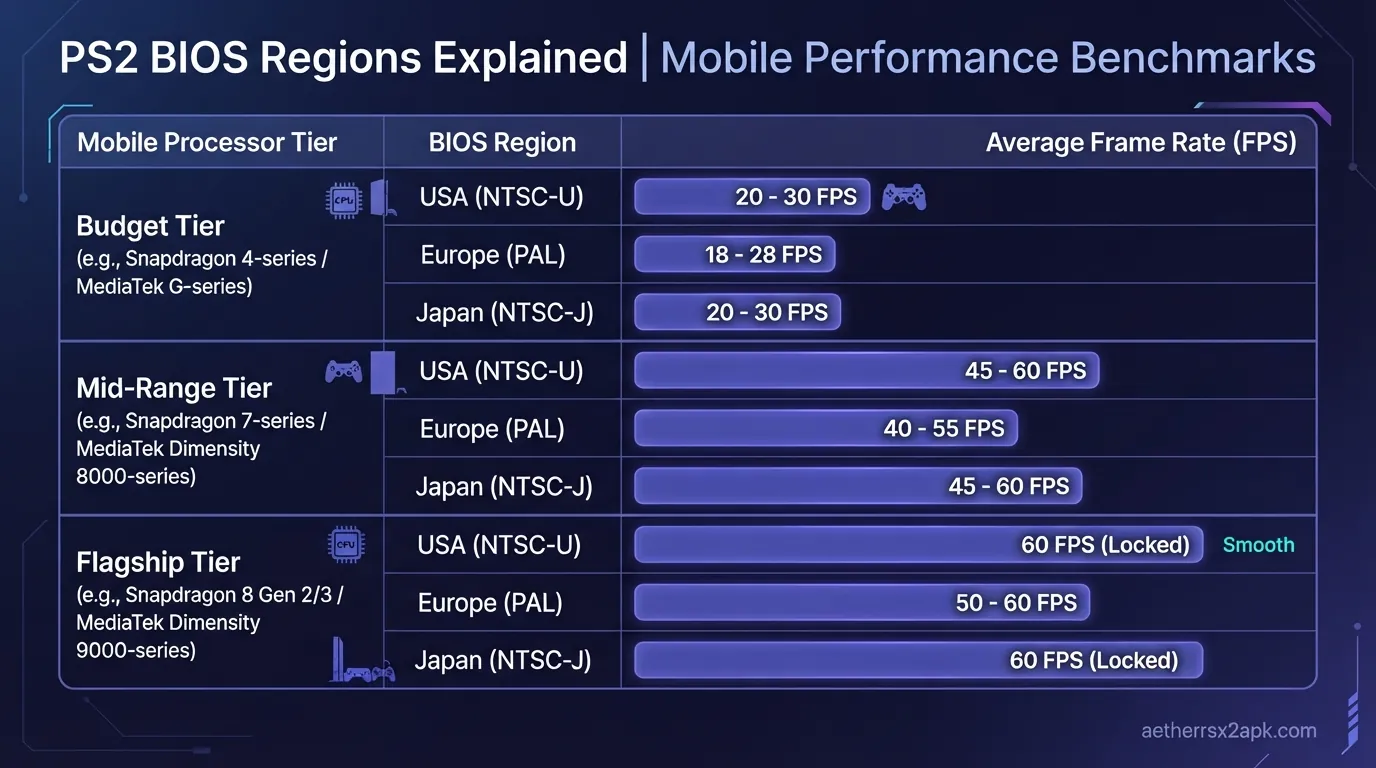
Role-playing games are perfect for Android emulation. Their slower pace and menu-driven combat make them ideal for touch controls, allowing you to grind levels on the go.
1. Final Fantasy X
Required Specs: Low to Mid-range Recommended Renderer: Vulkan The undisputed king of PS2 RPGs is also one of the easiest games to emulate. You can easily upscale this to 3x resolution on mid-range phones. For tweaks, check our Final Fantasy X guide.
2. Persona 4
Required Specs: Low to Mid-range Recommended Renderer: Vulkan Before P4 Golden on Vita/PC, the PS2 original was the way to play. It runs incredibly well on AetherSX2 and is perfect for short, touch-screen sessions during your commute.
3. Dragon Quest VIII: Journey of the Cursed King
Required Specs: Mid-range Recommended Renderer: OpenGL A sprawling, beautiful cel-shaded adventure. While there is an Android port, the PS2 version via emulation offers better graphics, voice acting, and no microtransactions.
4. Kingdom Hearts
Required Specs: Mid-range Recommended Renderer: Vulkan The original crossover classic. It runs very smoothly, though the camera controls are a bit dated. Best played with a controller.
5. Shin Megami Tensei: Nocturne
Required Specs: Low-range Recommended Renderer: Vulkan A dark, punishing RPG that runs perfectly on almost any Android device. Its turn-based nature makes it great for touch controls.
6. Dark Cloud 2
Required Specs: Mid-range Recommended Renderer: Vulkan An incredible action-RPG with town-building elements. The cel-shaded graphics look phenomenal when upscaled.
7. Disgaea: Hour of Darkness
Required Specs: Low-range Recommended Renderer: Software / OpenGL This strategy RPG is perfect for mobile. Because it uses 2D sprites on 3D backgrounds, it requires very little processing power.
8. Tales of the Abyss
Required Specs: Mid-range Recommended Renderer: OpenGL A massive action-RPG with a fantastic story. The real-time combat requires quick reflexes, so a controller is advised, but performance is solid.
9. Xenosaga Episode I
Required Specs: High-end Recommended Renderer: Vulkan A cinematic sci-fi epic. It can be quite demanding during cutscenes and battles, requiring a beefier Android device to maintain full speed.
10. Star Ocean: Till the End of Time
Required Specs: Mid-range Recommended Renderer: OpenGL A huge game with real-time combat. It generally runs well, though some late-game spell effects can cause minor slowdowns.
Top 10 Racing & Sports Games
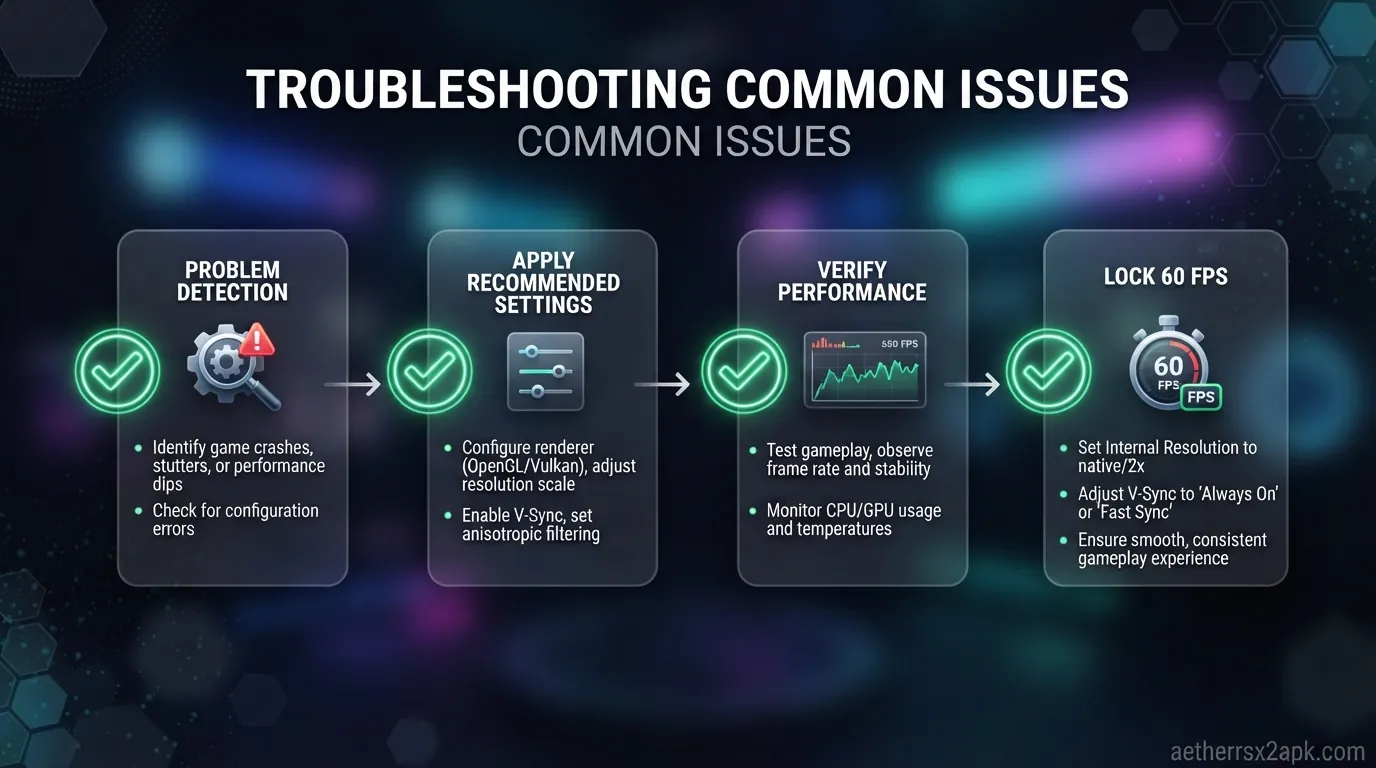
Racing and sports games are great for quick bursts of gameplay. Note that many racing games use complex rendering techniques that demand high-end hardware.
1. Gran Turismo 4
Required Specs: High-end Recommended Renderer: Vulkan One of the most graphically impressive PS2 games. GT4 is notorious for being tough to emulate, requiring high-end Snapdragon chips to achieve a stable 60 FPS.
2. Burnout 3: Takedown
Required Specs: High-end Recommended Renderer: Vulkan Fast, frantic, and incredibly fun. The sheer amount of particle effects during crashes means you need a powerful phone to prevent slowdowns.
3. Need for Speed: Most Wanted
Required Specs: High-end Recommended Renderer: Vulkan The ultimate police chase experience. The open world and blur effects require heavy processing power, but it looks amazing at 1080p.
4. SSX 3
Required Specs: Mid-range Recommended Renderer: OpenGL Snowboarding down massive open mountains. SSX 3 emulates surprisingly well on mid-range devices and offers a fantastic sense of speed.
5. Tony Hawk's Pro Skater 4
Required Specs: Mid-range Recommended Renderer: Vulkan The quintessential skating game. It runs flawlessly and the physics hold up perfectly on AetherSX2.
6. WWE SmackDown! Here Comes the Pain
Required Specs: Mid-range Recommended Renderer: Vulkan The best wrestling game of its era. It emulates perfectly and provides endless fun, especially if you set up local multiplayer.
7. Midnight Club 3: DUB Edition Remix
Required Specs: High-end Recommended Renderer: Vulkan Extremely demanding due to the open-city design and lighting effects. Requires tweaking cycle rates for smooth performance.
8. NBA Street Vol. 2
Required Specs: Mid-range Recommended Renderer: OpenGL Arcade basketball at its finest. Runs smoothly and is highly playable with a controller.
9. NFL Street
Required Specs: Mid-range Recommended Renderer: OpenGL Similar to NBA Street, this arcade football game is easy to emulate and offers great fast-paced action.
10. Def Jam: Fight for NY
Required Specs: Mid-range Recommended Renderer: Vulkan Technically a fighting game, but culturally a sports/wrestling classic. Runs beautifully and is incredibly satisfying to play.
Top 10 Fighting & Beat 'Em Up Games
For fighting games, maintaining a strict 60 FPS is critical. Any frame drops can ruin the experience.
1. Tekken 5
Required Specs: Mid to High-end Recommended Renderer: Vulkan Tekken 5 looks phenomenal on AetherSX2. It requires a decent chip to maintain 60 FPS, but when it does, it's a perfect mobile fighter.
2. Dragon Ball Z: Budokai Tenkaichi 3
Required Specs: Mid-range Recommended Renderer: Vulkan The ultimate DBZ simulator. It runs surprisingly well on most mid-range devices and is incredibly popular in the emulation community.
3. Soulcalibur II
Required Specs: Mid-range Recommended Renderer: Vulkan A weapon-based fighting classic. It runs very smoothly and upscales nicely.
4. Mortal Kombat: Armageddon
Required Specs: Mid-range Recommended Renderer: OpenGL Packed with characters and content, this MK title is easy to run and tons of fun.
5. God Hand
Required Specs: Mid-range Recommended Renderer: Vulkan A uniquely challenging and hilarious beat 'em up by Clover Studio. Runs great, but you will definitely need a controller to survive.
6. The Warriors
Required Specs: Mid-range Recommended Renderer: Vulkan Rockstar's brilliant adaptation of the cult film. Excellent beat 'em up combat that emulates very smoothly.
7. Virtua Fighter 4: Evolution
Required Specs: High-end Recommended Renderer: Vulkan A highly technical fighter that demands strict 60 FPS. Requires a powerful device for optimal play.
8. Naruto: Ultimate Ninja 3
Required Specs: Low to Mid-range Recommended Renderer: OpenGL Cel-shaded ninja action that is very lightweight and easy to emulate on budget phones.
9. Marvel vs. Capcom 2
Required Specs: Low-range Recommended Renderer: Vulkan Because it uses 2D sprites, MvC2 is incredibly easy to run at full speed on almost any Android device.
10. Guilty Gear XX Accent Core Plus
Required Specs: Low-range Recommended Renderer: OpenGL Another 2D fighter that runs flawlessly and looks razor-sharp when upscaled.
Top 10 Hidden Gems & Cult Classics
Looking for something different? The PS2 library is full of weird, wonderful, and underappreciated games.
1. Silent Hill 2
Required Specs: Mid-range Recommended Renderer: OpenGL (Software mode for exact fog rendering) The psychological horror masterpiece. AetherSX2 handles it well, though you may need Software mode for perfect fog accuracy.
2. Zone of the Enders: The 2nd Runner
Required Specs: High-end Recommended Renderer: Vulkan High-speed mech combat with insane particle effects. It requires a very powerful phone to prevent massive slowdowns.
3. Katamari Damacy
Required Specs: Low to Mid-range Recommended Renderer: OpenGL Roll everything up! A bizarre and wonderful game that runs perfectly on most devices.
4. Psychonauts
Required Specs: Mid-range Recommended Renderer: Vulkan A brilliant 3D platformer with incredible level design. Emulates smoothly with minor graphical tweaks.
5. Mercenaries: Playground of Destruction
Required Specs: High-end Recommended Renderer: Vulkan A highly demanding open-world game full of explosions. Requires a high-end device.
6. Bully
Required Specs: Mid-range Recommended Renderer: Vulkan Rockstar's schoolyard adventure. While there is a mobile port, the PS2 version via AetherSX2 is a fantastic alternative.
7. Sly 2: Band of Thieves
Required Specs: Mid-range Recommended Renderer: OpenGL A superb stealth-platformer with great cel-shaded graphics that upscale perfectly.
8. Ratchet & Clank: Up Your Arsenal
Required Specs: High-end Recommended Renderer: Vulkan The R&C games are notoriously hard to emulate due to mipmapping issues, requiring powerful hardware and specific settings.
9. Jak II
Required Specs: High-end Recommended Renderer: Vulkan Similar to Ratchet, the Jak series demands a lot of processing power to maintain a stable framerate.
10. Champions of Norrath
Required Specs: High-end Recommended Renderer: OpenGL A fantastic action-RPG dungeon crawler that requires a strong device due to its complex lighting and particle effects.
Where to Find Tested Settings for Each Game
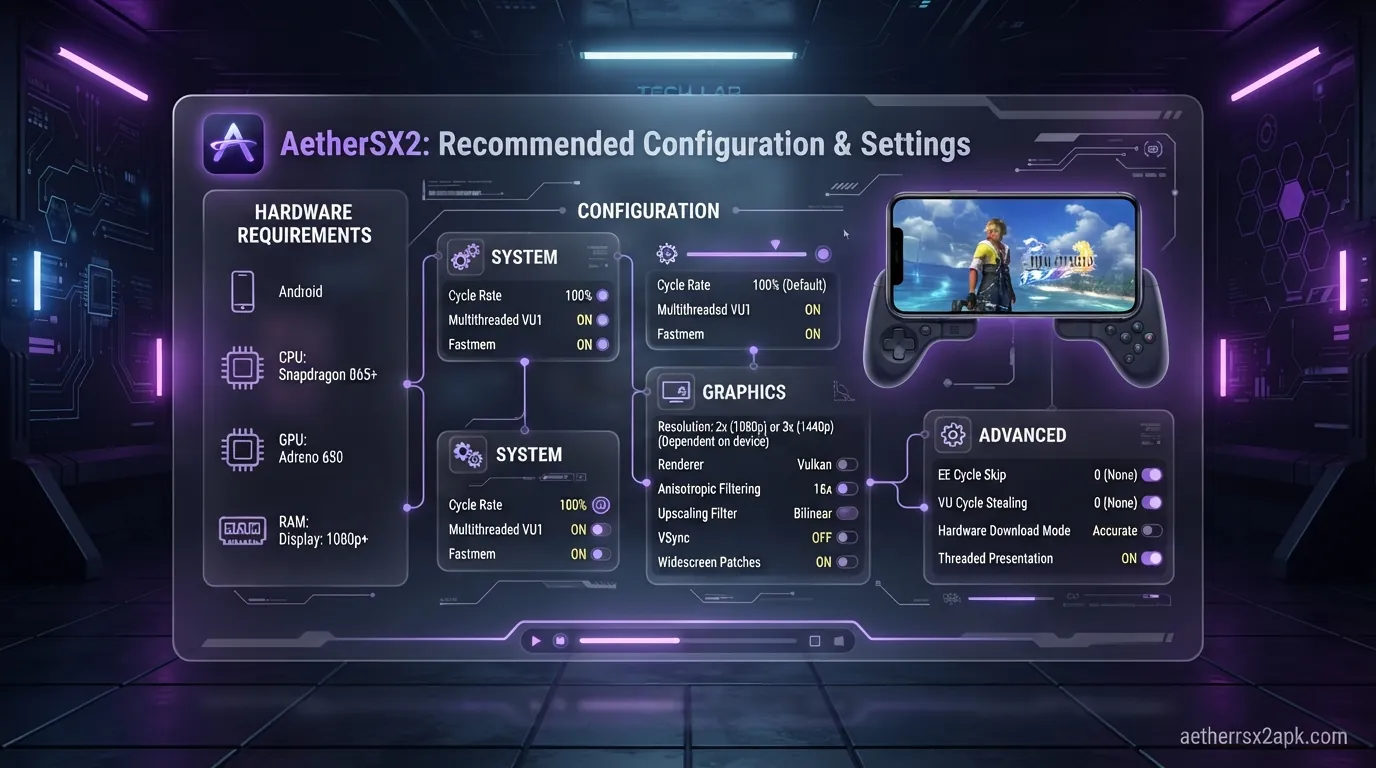
Emulating the PS2 on Android isn't always a "plug and play" experience. While games like Final Fantasy X run perfectly out of the box, demanding titles like God of War 2 or Gran Turismo 4 require tweaking the EE Cycle Rate, Cycle Skip, and choosing the right renderer.
To ensure you get the best performance, check out our comprehensive AetherSX2 best settings guide. We also maintain an extensive, community-updated game compatibility database where you can look up specific configurations for thousands of games.
Playability on desktop is catalogued on the PCSX2 wiki game list. Android-specific FPS still needs a phone overlay. Engine: PCSX2. Community lists: r/EmulationOnAndroid.
Frequently Asked Questions
1. What is the best renderer for AetherSX2? In most cases, Vulkan provides the best performance for modern Snapdragon processors. However, if you experience graphical glitches, switching to OpenGL can often fix them. Software rendering is the most accurate but extremely slow.
2. Why is my game lagging or running in slow motion? Your Android device may not have a powerful enough CPU/GPU. Try lowering the internal resolution to 1x, enabling "Fast Settings," or adjusting the EE Cycle Rate (Underclocking) to help the game run smoother.
3. Can I use a controller with AetherSX2? Absolutely! AetherSX2 supports Bluetooth and USB controllers. Devices like the Razer Kishi, Backbone One, or standard Xbox/PlayStation controllers map perfectly.
4. Where do I get PS2 games for AetherSX2? You must dump your own games from physical PS2 discs that you legally own using a PC and a DVD drive. We do not provide or link to ROMs/ISOs.
5. Do I need a BIOS file? Yes. AetherSX2 requires a PS2 BIOS file to function. Like the games, this must be dumped directly from your own physical PlayStation 2 console.
6. Are save states reliable? Save states are a great feature for quick saving, but they can occasionally corrupt. Always use the standard in-game memory card save system in addition to save states to prevent data loss.
7. Does AetherSX2 drain my battery quickly? Yes, emulating PS2 games requires a lot of processing power, which generates heat and drains the battery fast. It's recommended to play while plugged in or to have a power bank handy.
8. Is NetherSX2 better than AetherSX2? NetherSX2 is a community patch that removes the advertisements introduced in later versions of AetherSX2 and fixes some minor issues. For many users, it is the preferred way to experience the emulator today.
Disclaimer: AetherSX2 requires a legitimate BIOS dumped from your own console. Games must be dumped from your own legally purchased discs. We do not condone piracy.