aethersx2 kingdom hearts
Kingdom Hearts AetherSX2 Settings and Fixes
By HBKPublished Last updated
Tested on: POCO F3 (Snapdragon 870), Android 13, AetherSX2 v1.5-4248, Kingdom Hearts (USA) CHD
Quick summary
Kingdom Hearts on AetherSX2 is the original PS2 disc (SLUS-20370 for NTSC-U), not the 1.5 HD remix. 2x Vulkan, MTVU on, EE 100%. Gummi routes need a 1x override; HD ReMIX files will not boot.
- Disc: PS2 KH1 / Final Mix CRC — not KH2, CoM, or Cloud versions
- Heavy maps: Traverse Town crowds, Hollow Bastion glow, Gummi alpha
- Camera: Analog on in Port 1; hide touch overlay for Lock-On
- Audio fast: PAL disc on an NTSC BIOS — match firmware region
Kingdom Hearts (the PS2 original, not the 1.5 HD remix) spends more GPU time than Final Fantasy X in crowds and Gummi routes. Finish the main setup walkthrough and match BIOS region to your dump before chasing 3x. Final Mix and English NTSC/PAL are different CRCs; widescreen patches are not interchangeable. This page assumes the PS2 disc you dumped, running in AetherSX2 / NetherSX2.
On this page ▾
The dump that belongs here is original PS2 Kingdom Hearts: NTSC-U SLUS-20370, PAL SLES-50878 / similar, or Japanese vanilla / Final Mix. Those are different CRCs. AetherSX2 stores graphics, skip-draw, and .pnach widescreen against that CRC, so a USA shrine on a PAL CHD is a different game row.
Kingdom Hearts II is a second game-list entry. Do not reuse KH1 skip-draw on KH2. Chain of Memories is GBA; it will not appear as a PS2 CHD. HD collections (1.5+2.5 ReMIX) are a different engine and will not boot. Final Mix English fan patches also change CRC: new widescreen file, new shrine. We do not host those patches.
A PAL KH disc on a USA BIOS makes Destiny Islands cutscenes feel fast and pitches the menus; that is firmware timing, not a Gummi bug. Match the dump: BIOS regions.
Combat and world map graphics
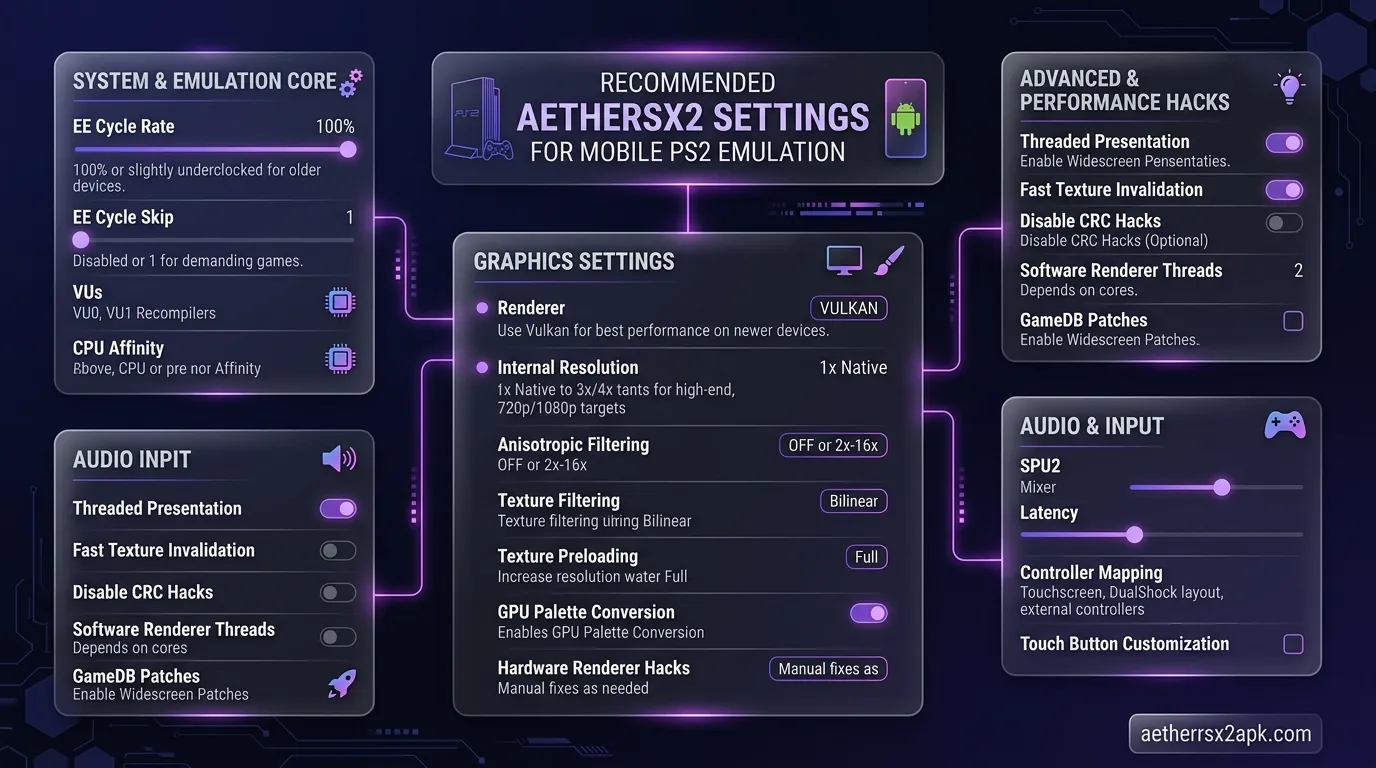
Per-game properties:
| Setting | Recommendation |
|---|---|
| Renderer | Vulkan (Adreno) / OpenGL (Mali) |
| Resolution | 2x mid-range, 3x flagship |
| MTVU | On |
| EE cycle | 100%; −1 only if Traverse Town crowds tank speed |
| Widescreen | Built-in pnach if CRC supported (widescreen) |
Bloom and glow on Hollow Bastion can smear at high internal res. If Sora grows a halo, drop resolution before disabling random GS dumps.
Leave EE Cycle Rate at 100% for combat. Underclocking to −1 can recover Traverse Town crowds on an 870, but it steals Lock-On frames and makes the Keyblade hang behind the stick. Try 1x internal for that CRC first. MTVU stays on; turning it off invents Agrabah slow-motion that was not there at 2x.
Software renderer is a debug tool. If a texture is missing only in Vulkan, swap to OpenGL for this CRC (Vulkan vs OpenGL). Do not copy a God of War EE −2 profile onto KH — you will get a "full speed" overlay with spongy jumps.
Worlds that actually tax the GS
The title screen and Destiny Islands beach are a lie. They sit at 100% on almost any Snapdragon 870. The GS bill shows up in three places:
Traverse Town first visit. Crowds, shop lights, and the world-map transition share one busy frame. If the overlay dips to the low 90s only here, drop this CRC to 2x (or 1x) and leave EE at 100%. That is cheaper than a global skip-draw.
Hollow Bastion / End of the World. Additive glow and long draw distances. Halos around Sora and stained-glass floors are the usual 3x artifacts. Drop internal resolution. Hardware download "Unsafe" can smear more than it helps; leave it Accurate unless a PCSX2 wiki note for this CRC says otherwise.
Halloween Town / Monstro interiors. Tight corridors plus fog. Mali OpenGL is often cleaner here than Vulkan. Adreno usually stays on Vulkan.
If every world is slow, including the beach, you are CPU bound or thermal throttling — that is the slow-motion checklist, not a KH-only GS dump.
Gummi Ship, cutscenes, and strobing
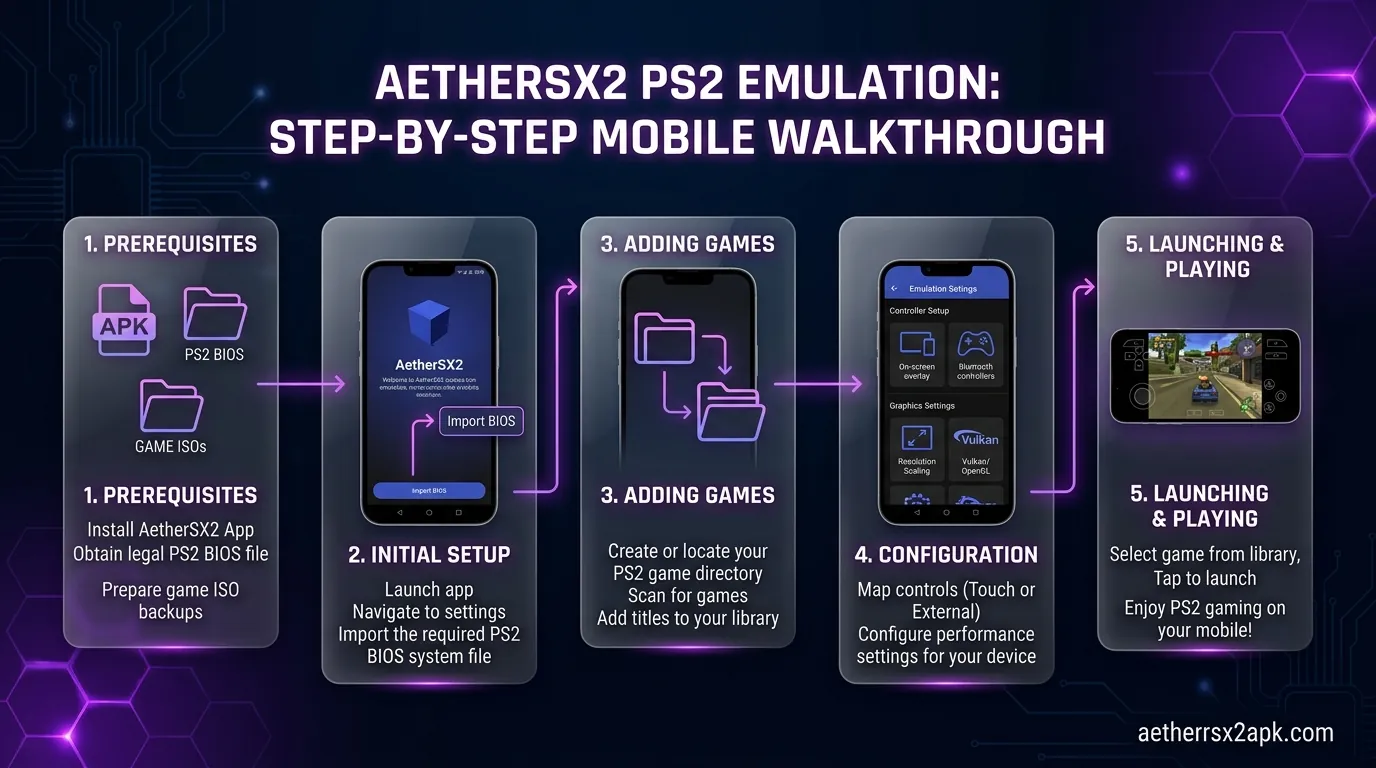
Gummi routes are a different renderer stress (lots of alpha, lots of tiny ships). If world maps are 100% and Gummi Route 1 is 70%, lower internal resolution for this CRC only. Do not change the global default you use for FFX. Later routes add particles, not a new engine, so that 1x override still applies. If Route 3 is unique-slow after that, close Chrome; that is a RAM hitch, not a dump error.
Skip-draw "fixes" that blank a Gummi asteroid field also blank Sora in the next cutscene. Change one GS dump at a time and keep a shrine write. Desktop notes on the PCSX2 wiki Kingdom Hearts page tell you which effect is smearing; they are not Android slider names.
Cutscene strobing: try Disable Interlace Offset or progressive options, one at a time. PAL discs plus NTSC BIOS make cutscenes feel fast; fix region rather than adding skip-draw. Black screens after a world transition: black screen fix before you delete the save. A black Gummi hang that still has audio is often a slow SD seek — copy the CHD to internal UFS.
Camera, analog, and C-stick habits
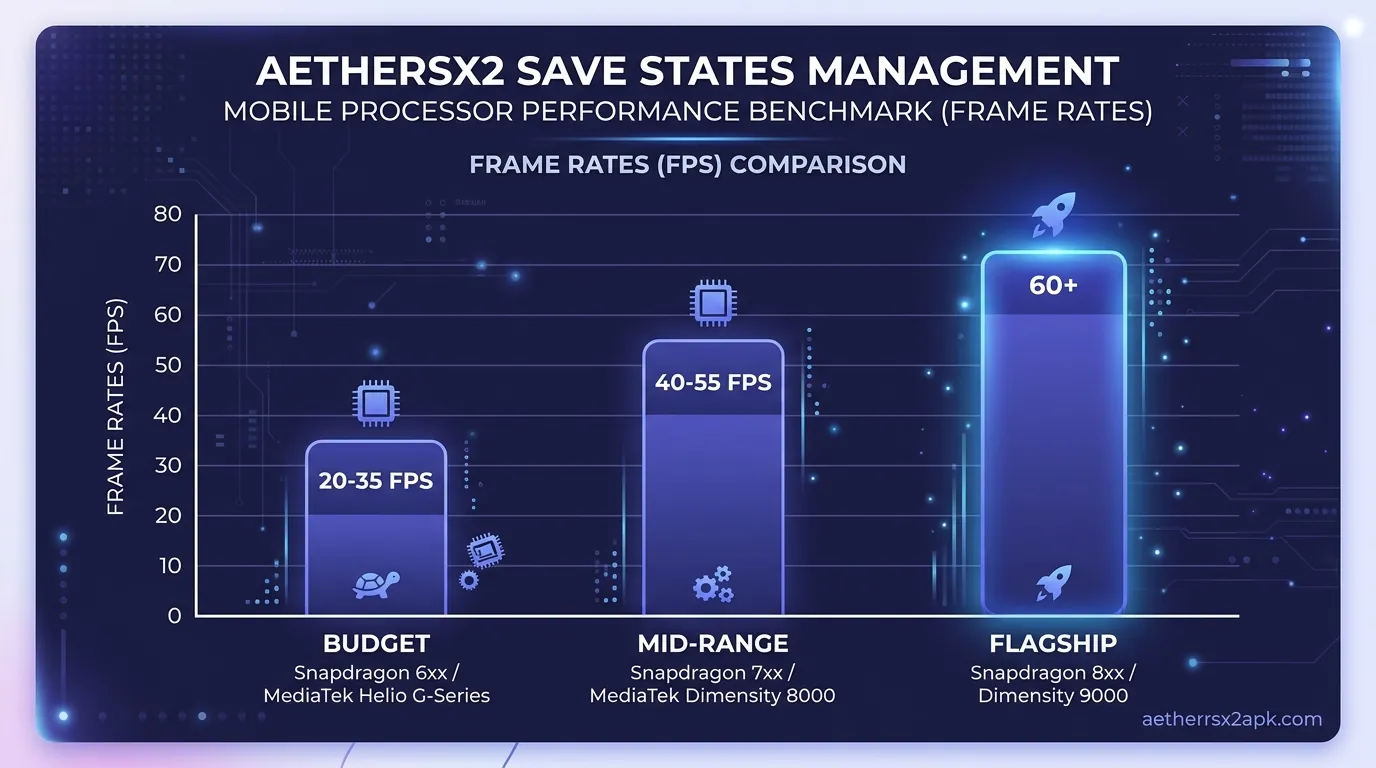
KH expects DualShock analog. Analog on in Port 1; if that is off, the left stick is a D-pad and the right stick does nothing useful. Map R3 / right stick for camera in controller setup. L1 is Lock-On.
Touch controls fight Lock-On. Hide the touch overlay once a pad is connected. If Sora still moonsaults with the overlay gone, raise analog dead zone to 12–18% — stick drift, not a KH bug.
If FPS is 100% and Sora still turns a beat late, that is the pad radio: Bluetooth lag. USB OTG is what you want for Sephiroth.
Saves through Disney worlds
Save points in worlds are memory card writes. Use them before every boss and unfinished Gummi route. Keep save states only for Sephiroth-style retries (saves hub). A PCSX2 Qt state will not load here; a .ps2 card usually will if the BIOS region matches.
A shared 8 MB card with FFX plus KH1 plus KH2 will fill. Switch this CRC to a per-game card. Do not format Slot 1 because Traverse Town "cannot save" — that is often a full card or a PAL save on an NTSC BIOS. Killing the app mid-world-transition can leave a bootable save that forgets a visited world; load the last shrine and write again before you experiment with GS dumps.
Kingdom Hearts II as a second profile
KH2 is heavier crowds, heavier Gummi, and a different CRC. Duplicate the KH1 Game Properties row; do not share skip-draw. Start Twilight Town at 2x even if KH1 Hollow Bastion ran at 3x. Final Mix English patches change CRC: new widescreen file, new shrine, no copied states.
Lab notes (POCO F3, v1.5-4248)
NTSC-U Kingdom Hearts (SLUS-20370 CHD) on a POCO F3, Android 13, Vulkan, 2x, MTVU on, EE 100%: Traverse Town crowds sat at 95–100%. Gummi Route 1 dipped to ~78% until resolution dropped to 1x for that CRC only. PAL strobing was a 50 Hz disc on a USA BIOS — matching BIOS region fixed pitch before any skip-draw.
Desktop GS notes: PCSX2 wiki Kingdom Hearts. Android reports: r/EmulationOnAndroid. Skip-draw is per-CRC: PCSX2 GitHub.
Frequently Asked Questions
Does KH Final Mix English patch work?
Unofficial patches change CRC. Re-apply widescreen and test a new shrine save. We cannot host those patches.
Why is the music fast?
PAL/NTSC mismatch. Align BIOS region with the disc.
Can I play KH2 with this same profile?
Duplicate it, then re-test Gummi and Twilight Town. KH2 is heavier.
Is 60 FPS patched KH safe?
Desktop PCSX2 patches are not guaranteed on the frozen Android core. If a pnach desyncs fights or Lock-On, remove it and stay at native 30/60 as the game shipped.
Why does Sora freeze after a world warp?
Usually a renderer readback or a CHD still copying from USB. Finish the copy, swap Vulkan/OpenGL once, then load a shrine save.
Can I use the same memory card as Final Fantasy X?
Yes, until it fills. Per-game cards are less painful. See the saves hub.